Banking · 3 min read ·
Banking Chatbots for Public Websites: Make Service Information Easier to Find
Bank customers often visit a public website for opening hours, product information, or the route to an account service. A website chatbot can improve that navigation while keeping account activity in the bank’s approved channels.
Discuss your banking website →What a useful chatbot changes for banking
A bank's public website serves people who need very different routes: a branch visit, product research, or help inside their account. The assistant should identify that purpose early and explain the appropriate bank-owned destination. A public product explanation is useful without making the chat an account-servicing channel.
Keep branch information, product terms, and authenticated services distinct. Product fees need a clear reference document.
Find the right service channel
The assistant should make an administrative task easier to navigate without inviting account credentials into a public conversation.
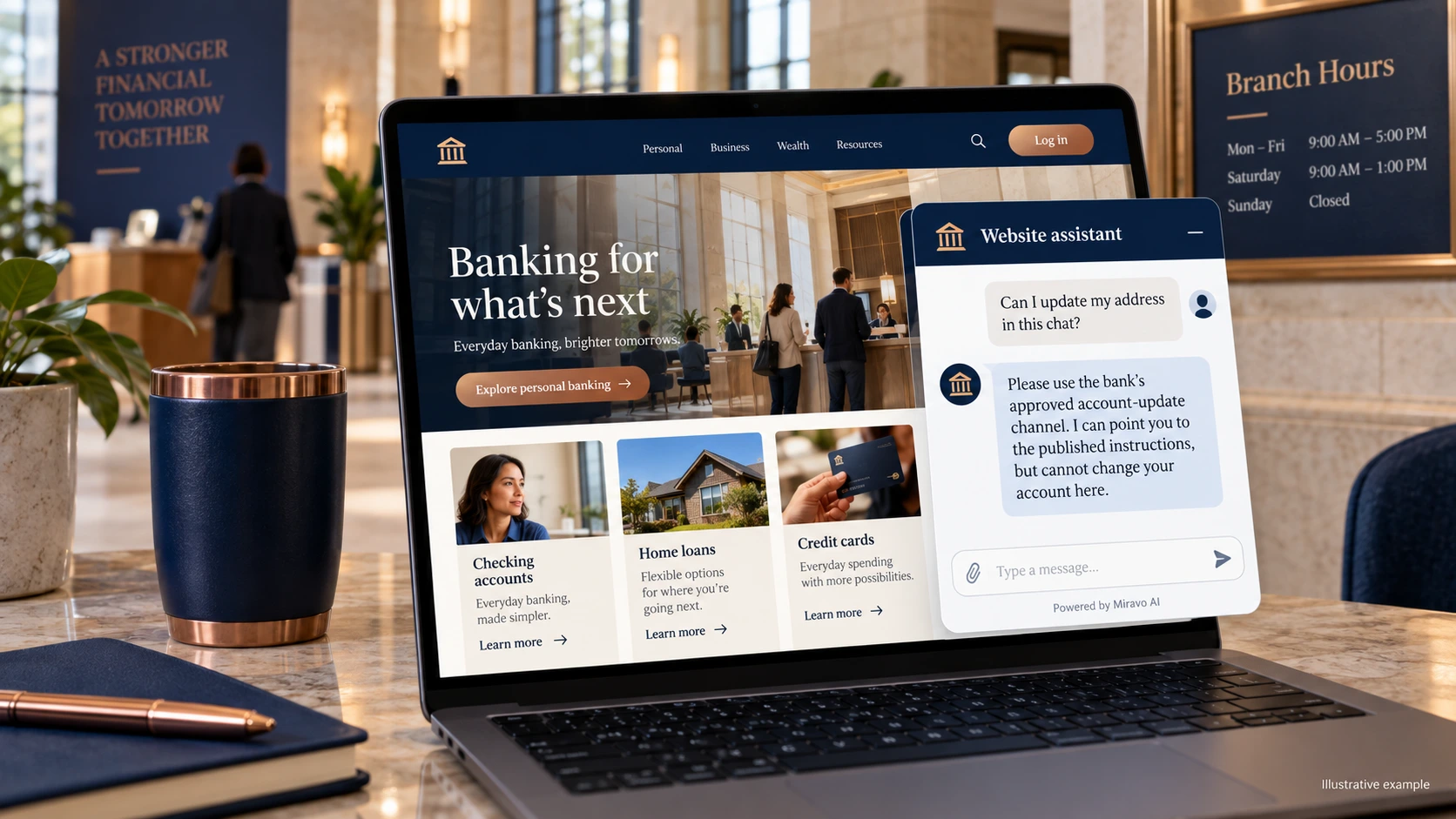
- Visitor
- Can I update my address in this chat?
- Example assistant reply
- Please use the bank’s approved account-update channel. I can point you to the published instructions, but cannot change your account here.
Explain an account product
Link the actual fee document rather than summarising from memory. Fees and conditions need a clear authoritative destination.
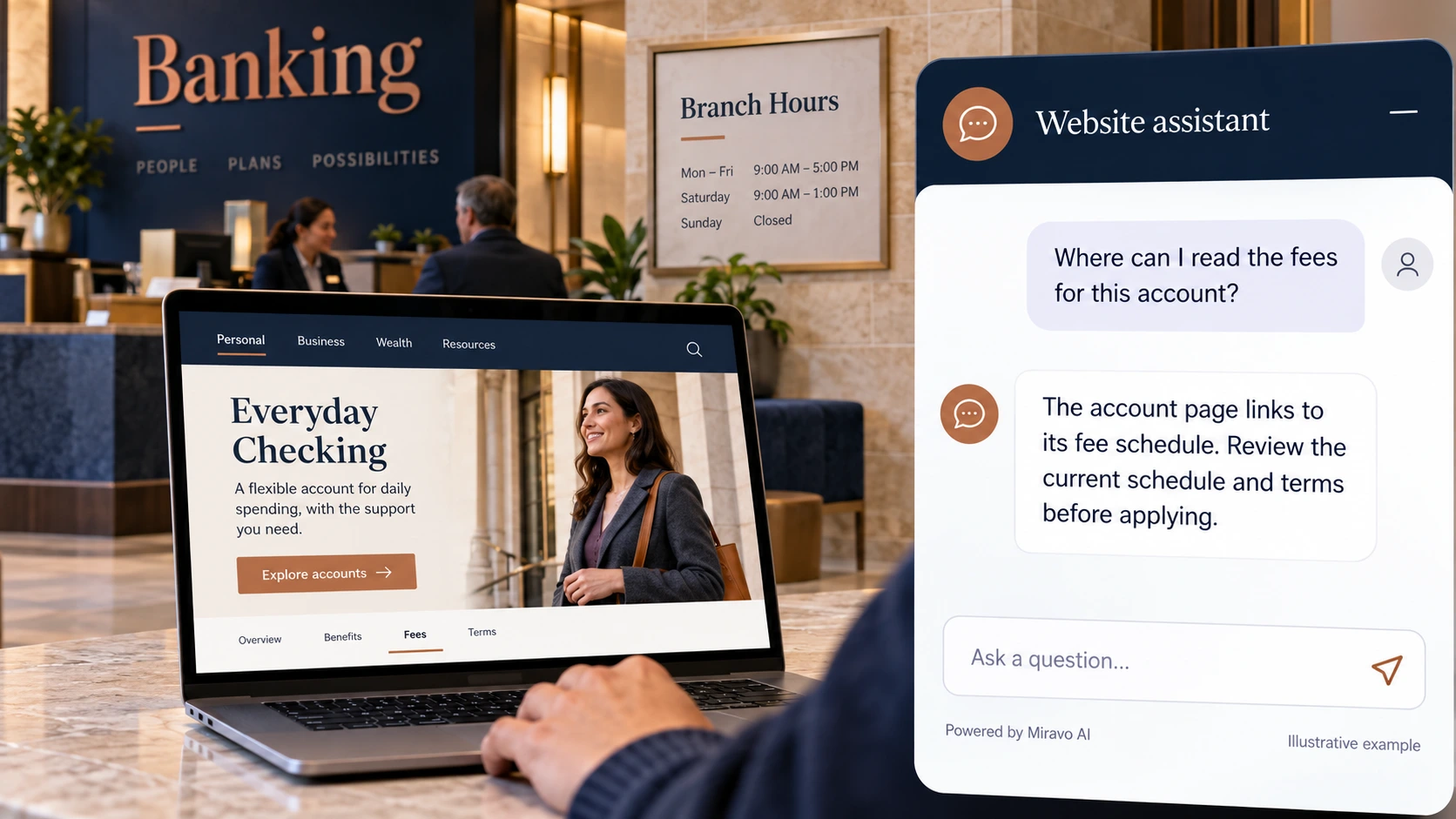
- Visitor
- Where can I read the fees for this account?
- Example assistant reply
- The account page links to its fee schedule. Review the current schedule and terms before applying.
Help with branch planning
Branch enquiries are a practical first use case. Only claim special opening hours when the bank has supplied an up-to-date notice.
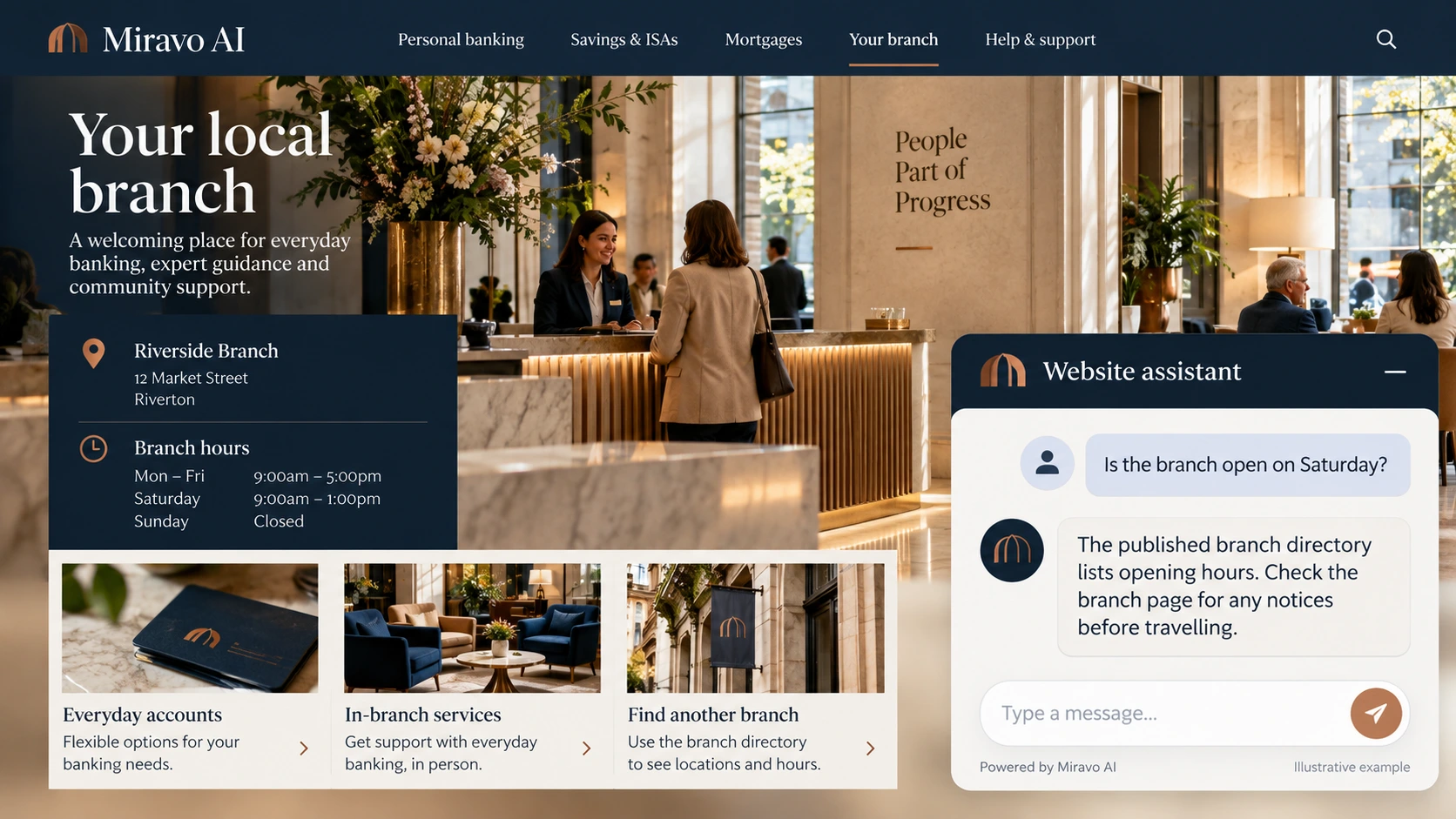
- Visitor
- Is the branch open on Saturday?
- Example assistant reply
- The published branch directory lists opening hours. Check the branch page for any notices before travelling.
Build a knowledge base that answers real buyer questions
| Source to prepare | Question it should answer | Editorial review |
|---|---|---|
| Branch directory | Can I update my address in this chat? | Provide the published update instructions without asking for credentials or identity records in chat. |
| Product terms and fee schedules | Where can I read the fees for this account? | Point to the correct account's fee schedule, preserving conditions and review dates. |
| Authenticated service instructions | Is the branch open on Saturday? | Use the branch directory and any published notices; special hours need a current source. |
For source preparation, read how to train your chatbot on website content.
A review scenario before launch
Ask for opening hours at two branches, including one with a closure notice in its source page. Follow with a balance question. The branch answer should reflect the selected location, while account information should move to the bank’s authenticated channel without requesting login credentials.
- A request for a balance
- A branch closure notice
- A request to send a password
Work through the pre-launch checklist before rolling out more pages.
How to judge whether the chatbot is helping
Measure successful routing to bank-owned service pages and repeat navigation questions. Keep public-site assistance separate from completed account transactions in your reporting.
Questions about a chatbot for banking
Can customers use it without signing in?
They can ask about public services and navigation. Account records and transactions should remain in the bank's approved authenticated channels.