Discount-store retail · 2 min read ·
A Discount Store Chatbot That Helps Shoppers Understand Local Offers
Discount-store shoppers often ask whether an offer applies locally or how store policies work. A chatbot can explain your published promotions and branch information without promising inventory it cannot see.
Discuss your discount-store retail website →What a useful chatbot changes for discount-store retail
A discount promotion can bring interest and still create a wasted visit if its branch or date conditions are unclear. Your assistant should explain the published offer and store policies before the customer travels. Current availability needs the appropriate store confirmation rather than an assumption from the advertisement.
Attach promotion conditions to every offer answer and keep branch differences visible.
Clarify a promotion
A promotion answer should preserve its local restrictions.
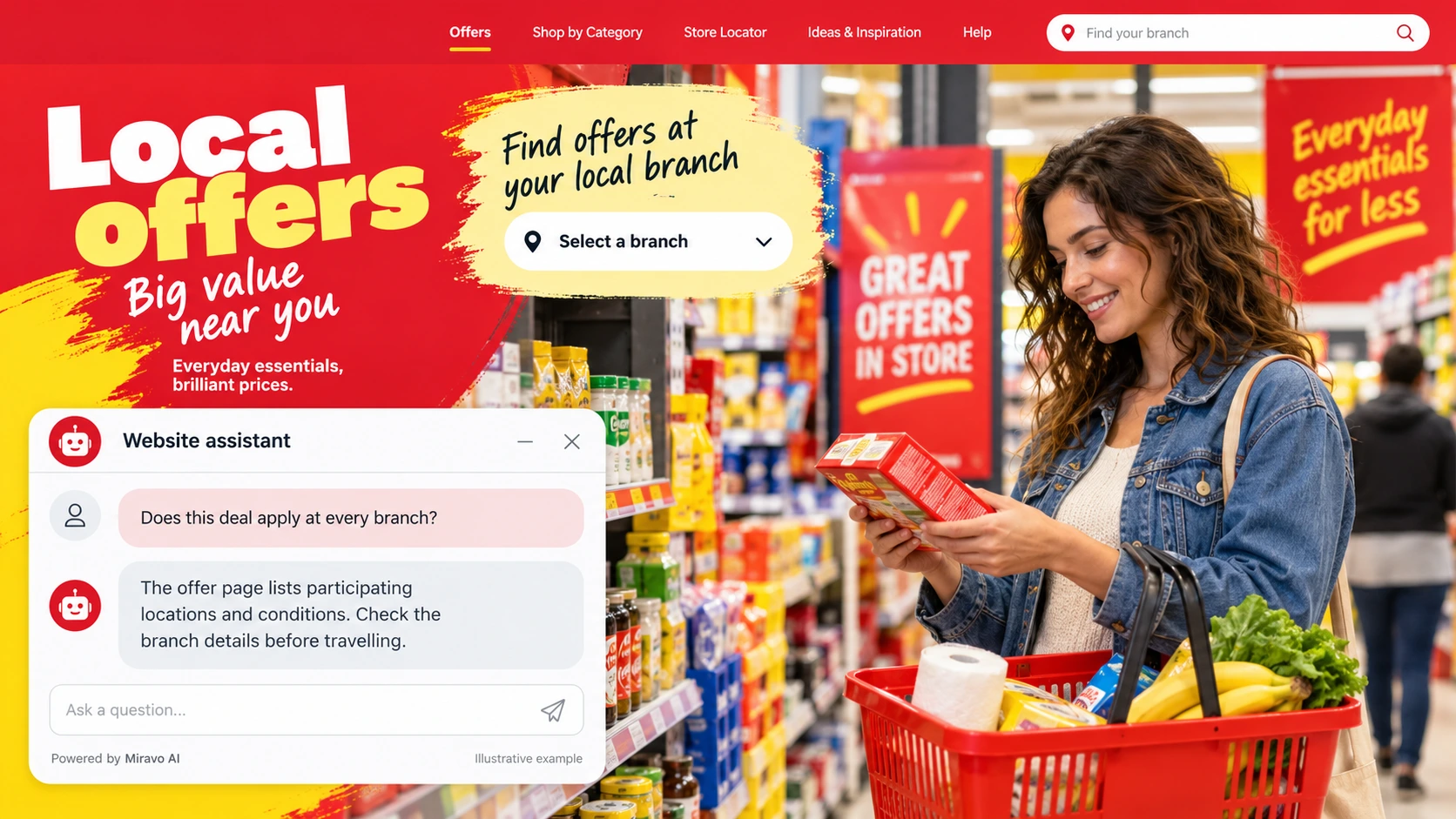
- Visitor
- Does this deal apply at every branch?
- Example assistant reply
- The offer page lists participating locations and conditions. Check the branch details before travelling.
Explain store policy
Simple policy navigation can prevent a wasted return trip.
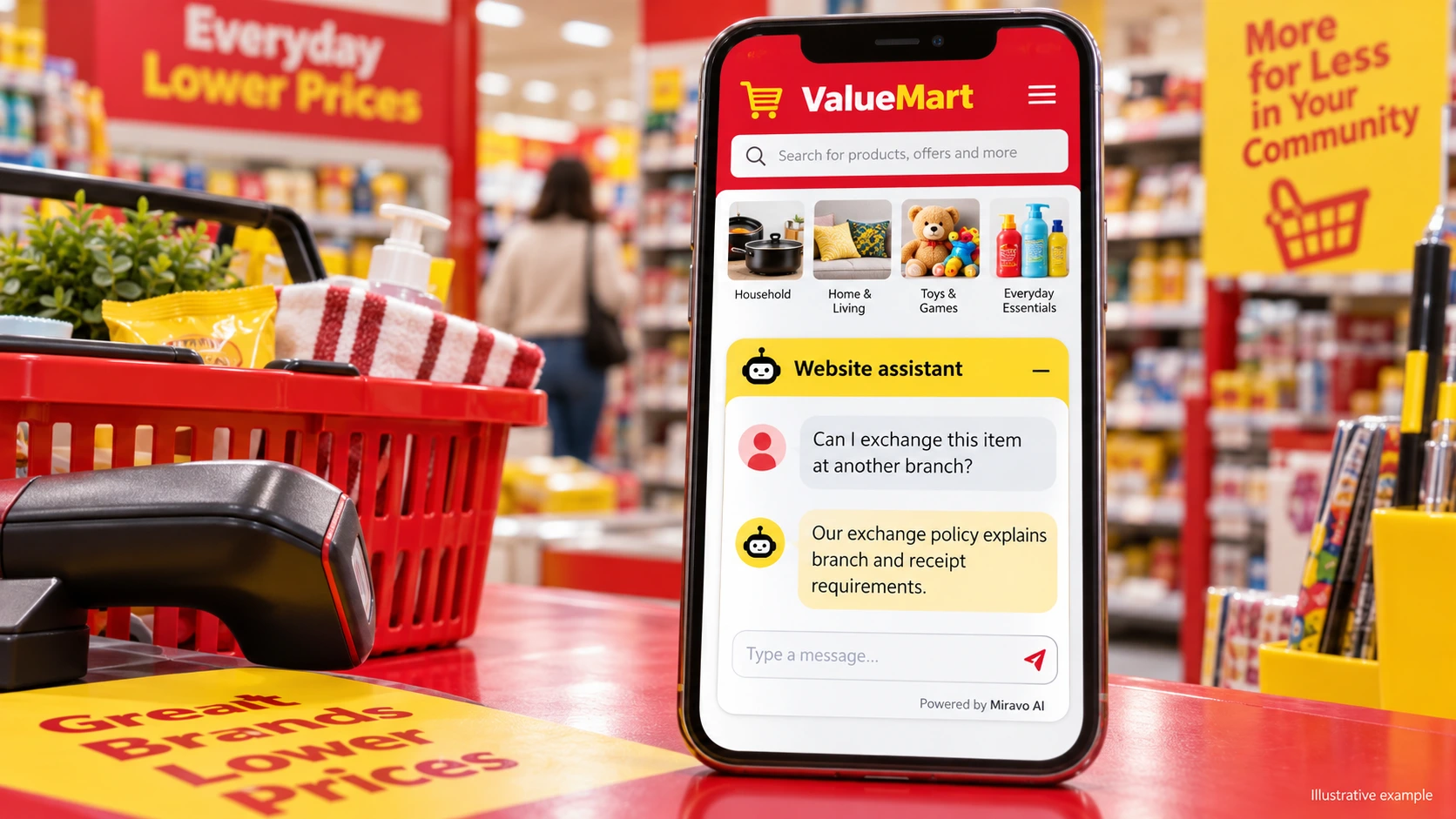
- Visitor
- Can I exchange this item at another branch?
- Example assistant reply
- Our exchange policy explains branch and receipt requirements.
Check stock through the right route
An advertised promotion does not establish live stock.
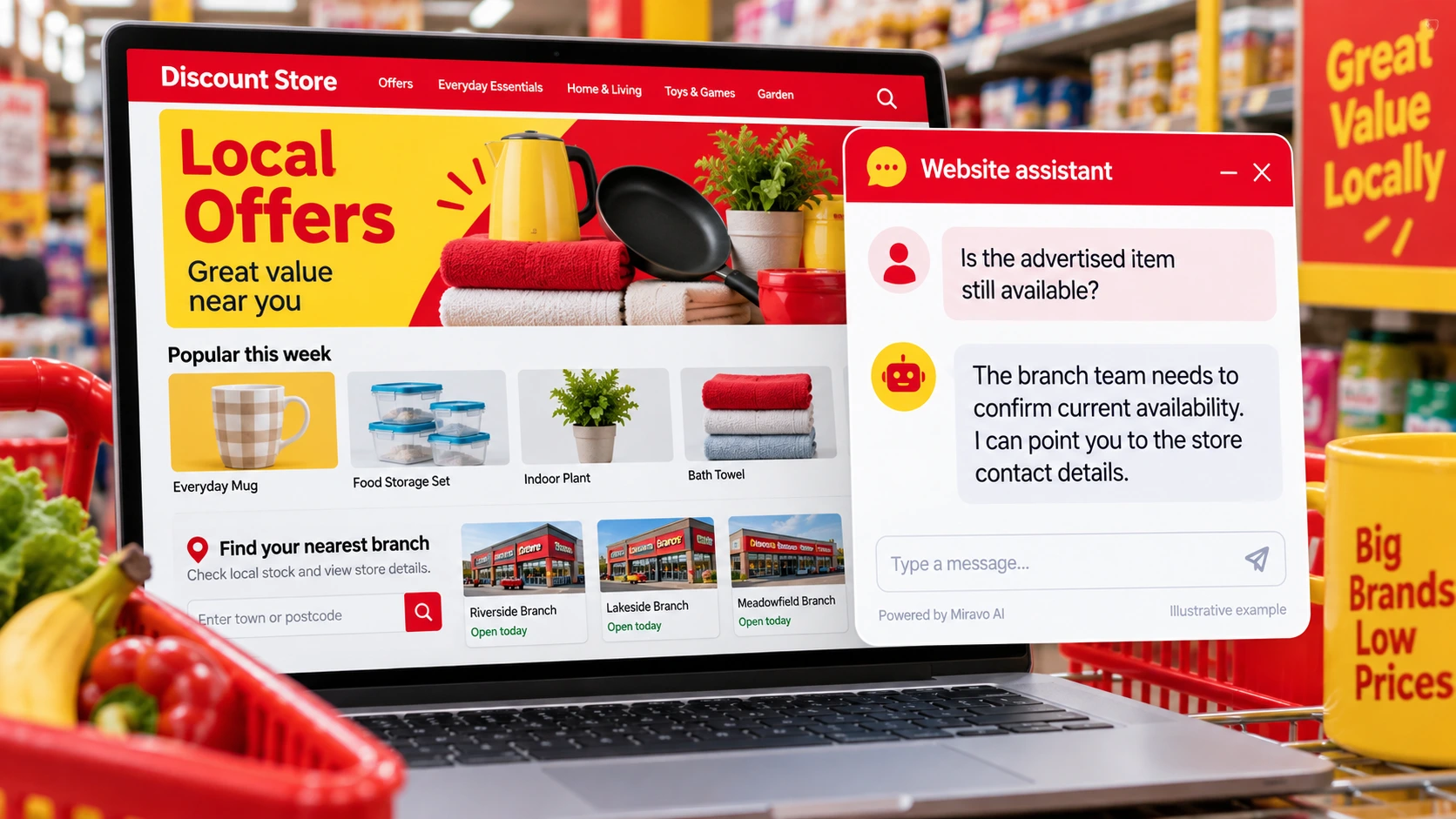
- Visitor
- Is the advertised item still available?
- Example assistant reply
- The branch team needs to confirm current availability. I can point you to the store contact details.
Build a knowledge base that answers real buyer questions
| Source to prepare | Question it should answer | Editorial review |
|---|---|---|
| Offer dates and conditions | Does this deal apply at every branch? | Identify participating locations and any offer exclusions. |
| Branch directory | Can I exchange this item at another branch? | Explain receipt and branch conditions for an exchange. |
| Exchange requirements | Is the advertised item still available? | Provide the store's contact route for current availability. |
For source preparation, read how to train your chatbot on website content.
A review scenario before launch
Compare a current promotion with an expired offer and ask whether both apply at a named branch. Follow with an availability question. The answer should keep offer dates and participating locations explicit while directing stock confirmation to the branch.
- Expired promotion
- Excluded branch
- Unverified availability
Work through the pre-launch checklist before rolling out more pages.
How to judge whether the chatbot is helping
Review branch and promotion enquiries, especially repeat misunderstandings. Use confirmed store outcomes from your own retail records.
Questions about a chatbot for discount-store retail
Can it confirm an advertised item is in stock?
A static offer does not establish current inventory. Direct the shopper to the branch or a verified store availability process.