Ecwid stores · 2 min read ·
An Ecwid Chatbot That Helps Shoppers on the Site Hosting Your Store
An Ecwid store may sit inside a larger website, so product questions and business enquiries can overlap. A chatbot can explain the store’s approved content while keeping the visitor’s next step clear.
Discuss your ecwid stores website →What a useful chatbot changes for ecwid stores
An Ecwid store can sit inside a broader business website, which makes context especially important. Your assistant should distinguish the host site's service information from the embedded store's product and fulfilment terms. Test the pages customers actually use, with the script route appropriate to that host site.
Keep the host website and store offers separate in the knowledge set.
Separate site and store offers
Keep the host website’s offer distinct from the product listing.
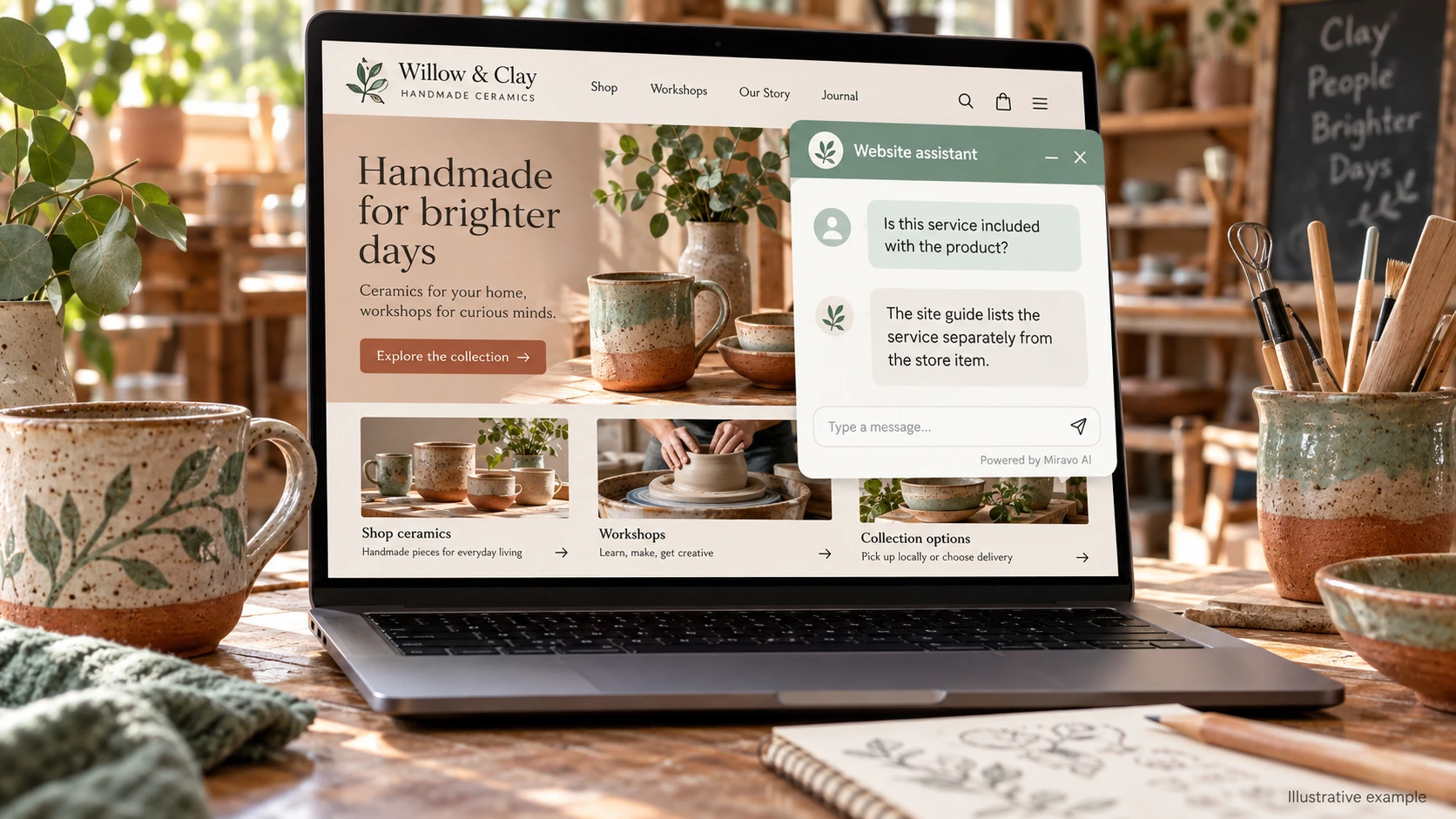
- Visitor
- Is this service included with the product?
- Example assistant reply
- The site guide lists the service separately from the store item.
Explain collection
Use the published store rules rather than infer an option from location.
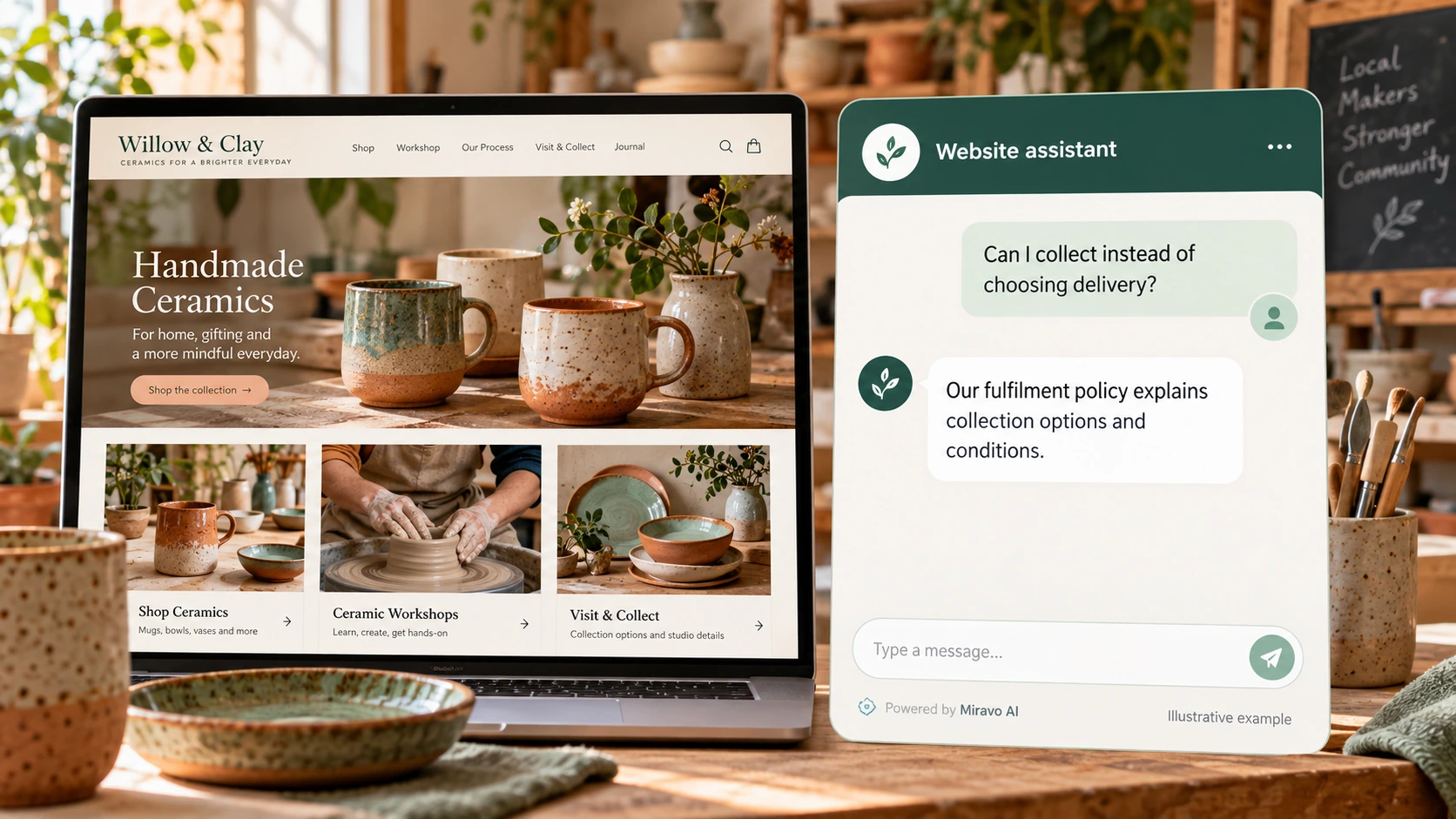
- Visitor
- Can I collect instead of choosing delivery?
- Example assistant reply
- Our fulfilment policy explains collection options and conditions.
Route an order issue
The assistant can explain the process without accessing commerce records.
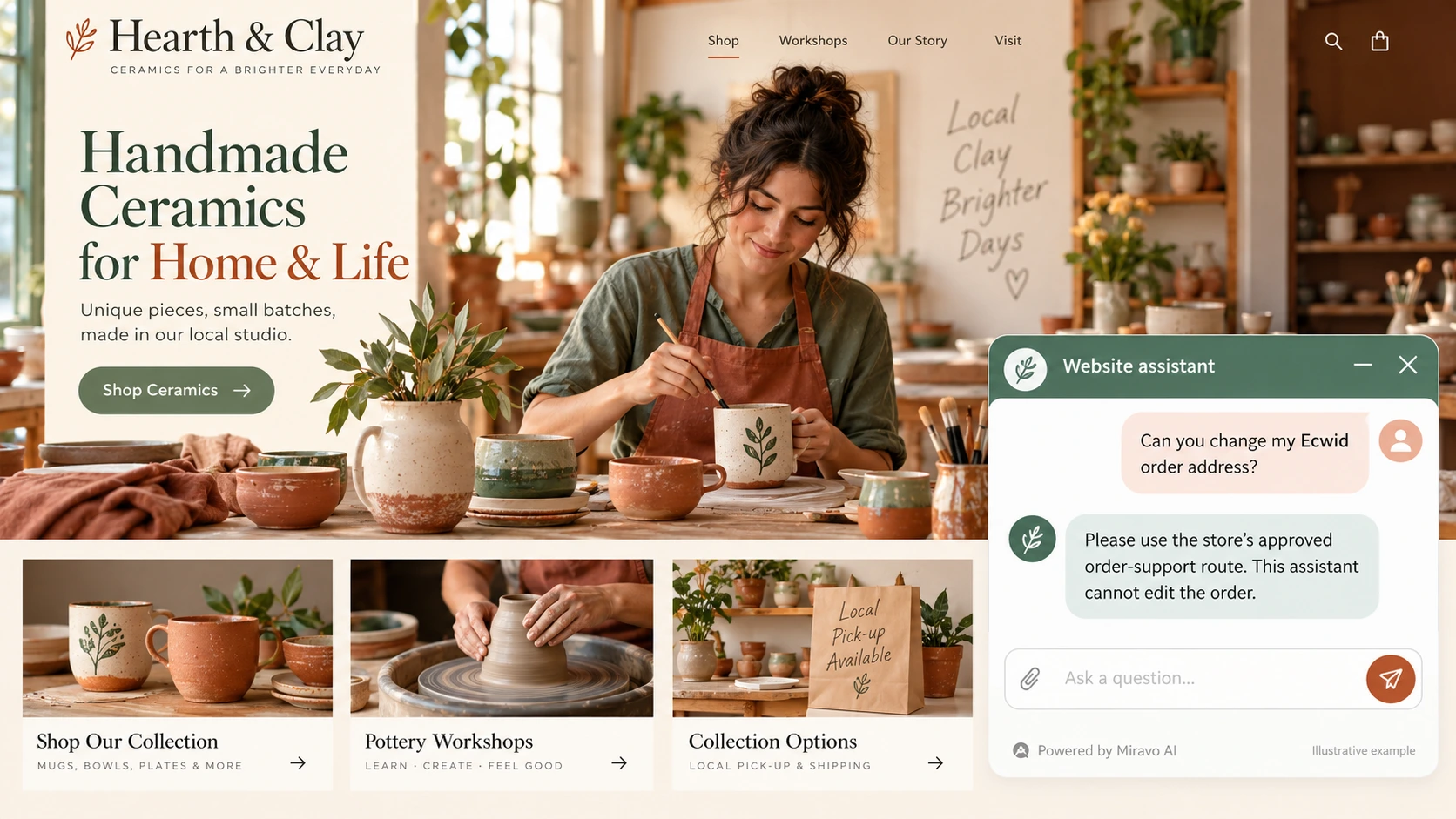
- Visitor
- Can you change my Ecwid order address?
- Example assistant reply
- Please use the store’s approved order-support route. This assistant cannot edit the order.
Build a knowledge base that answers real buyer questions
| Source to prepare | Question it should answer | Editorial review |
|---|---|---|
| Store product descriptions | Is this service included with the product? | Clarify when a service is additional to a product. |
| Host-site service information | Can I collect instead of choosing delivery? | Explain collection options from the store policy. |
| Fulfilment and support rules | Can you change my Ecwid order address? | Send order amendments to approved store support. |
For source preparation, read how to train your chatbot on website content.
A review scenario before launch
Begin on the host site’s service page, then move into the embedded store. Ask one question about each business area and compare the source used. On mobile, check that the launcher remains reachable without covering store controls, and send order amendments through the published fulfilment process.
- Host-site versus store scope
- Mobile embedded-store layout
- Order-editing request
Work through the pre-launch checklist before rolling out more pages.
How to judge whether the chatbot is helping
Track product enquiries and host-site service enquiries separately. Use confirmed Ecwid orders when measuring store outcomes.
Questions about a chatbot for ecwid stores
Should chat appear on the host site or store?
Choose the pages involved in the customer journey and verify script support there. Test navigation between those pages so the assistant remains useful in context.