Education providers · 3 min read ·
AI Chatbots for Education Websites: Give Applicants a Clear Next Step
A prospective student may understand your subject but still struggle to compare entry requirements, study formats, and application steps. An education chatbot can turn scattered admissions information into a coherent conversation.
Discuss your education providers website →What a useful chatbot changes for education providers
Applicants are comparing a commitment, not simply a course description. They need to picture attendance, preparation, and the route into the programme. An education website assistant should help someone decide which course to explore and what to ask admissions, without converting published entry criteria into a promise that they will be accepted.
Organise knowledge by programme and intake. A general institution page cannot settle a question about a particular timetable or qualification pathway.
Compare the study format
Applicants need practical scheduling detail rather than a vague promise of flexibility. Show the actual format and where attendance is required.
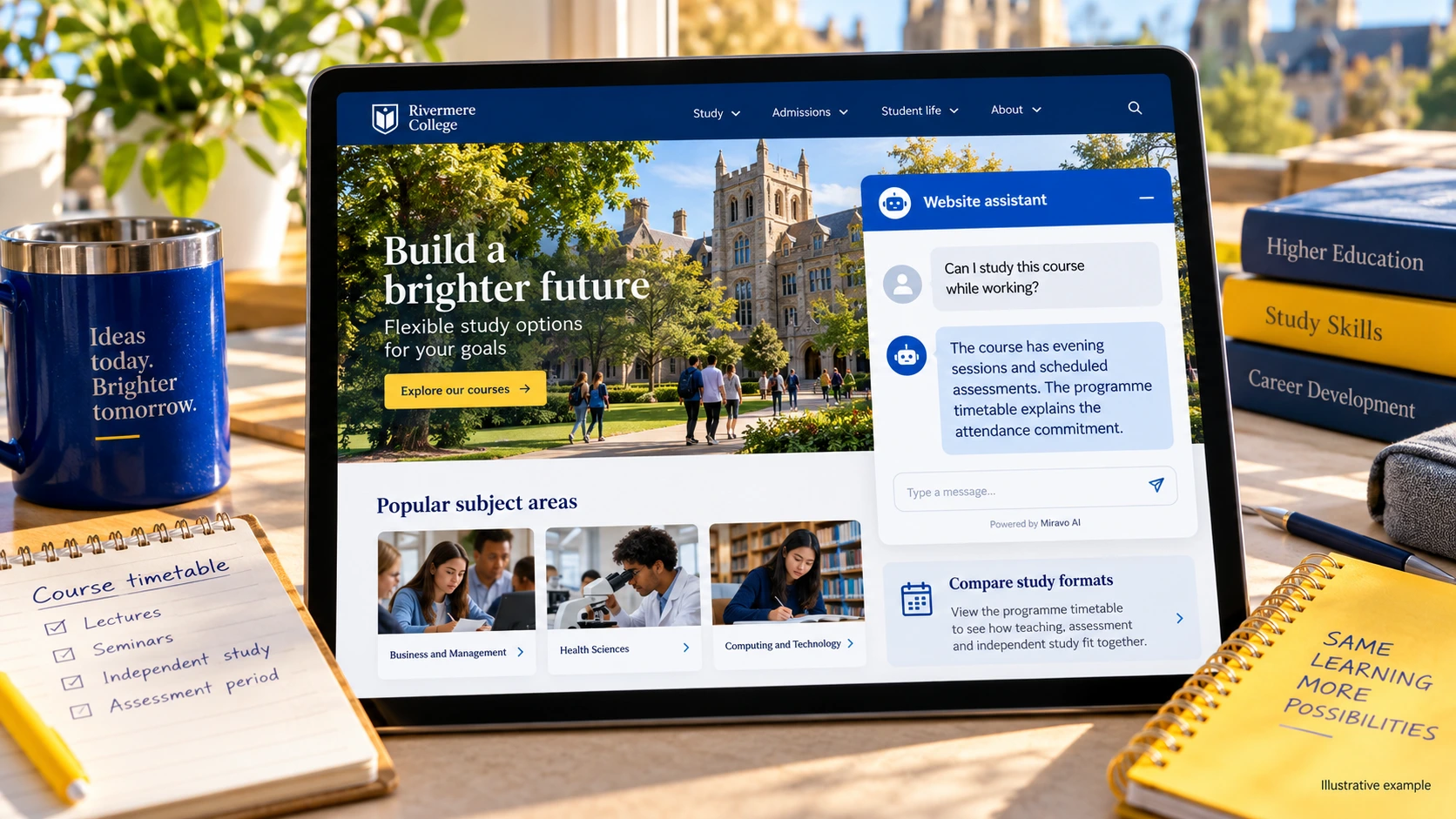
- Visitor
- Can I study this course while working?
- Example assistant reply
- The course has evening sessions and scheduled assessments. The programme timetable explains the attendance commitment.
Explain entry requirements
An assistant can explain the route without admitting a student. Include alternative pathways only when the provider has published them.
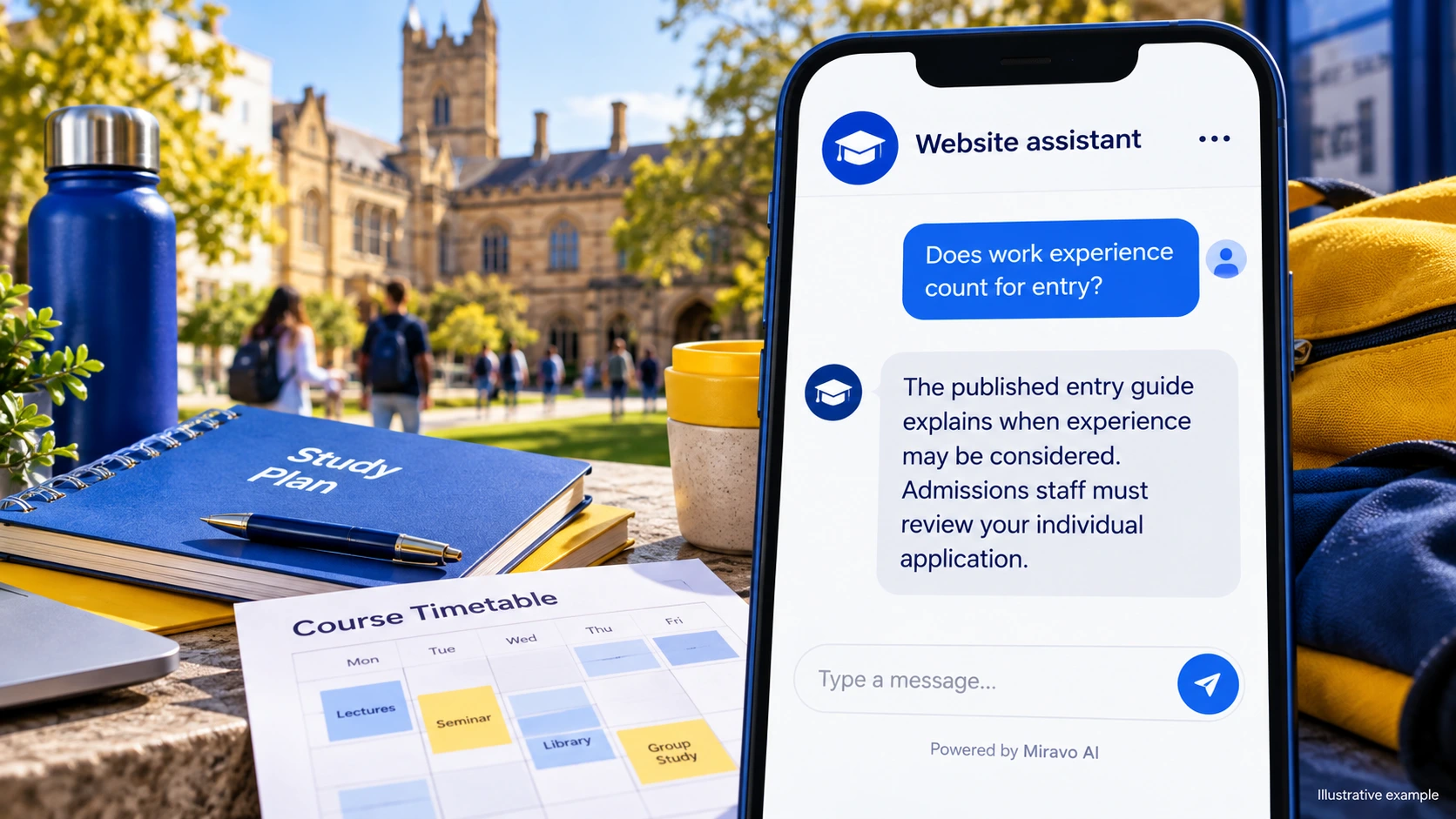
- Visitor
- Does work experience count for entry?
- Example assistant reply
- The published entry guide explains when experience may be considered. Admissions staff must review your individual application.
Make the application sequence visible
A clear sequence reduces uncertainty after submission. Status-specific enquiries should use the institution’s approved applicant channel.
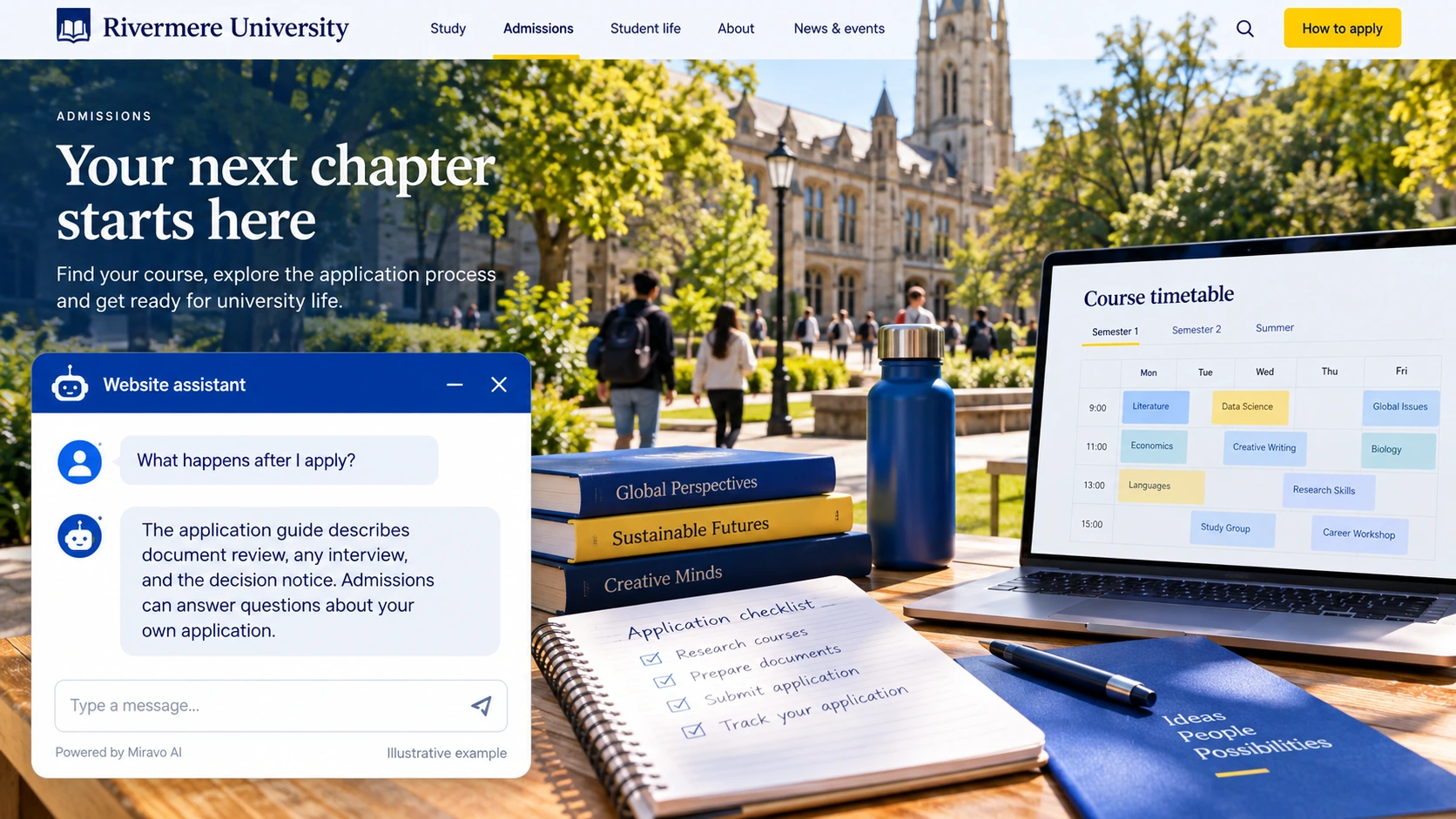
- Visitor
- What happens after I apply?
- Example assistant reply
- The application guide describes document review, any interview, and the decision notice. Admissions can answer questions about your own application.
Build a knowledge base that answers real buyer questions
| Source to prepare | Question it should answer | Editorial review |
|---|---|---|
| Programme schedules | Can I study this course while working? | Show the scheduled commitment, assessment pattern, and attendance requirements. Working applicants need those facts to plan realistically. |
| Published entry criteria | Does work experience count for entry? | Explain documented alternative entry routes and what admissions will review. Do not infer acceptance from a short description of experience. |
| Application stages and dates | What happens after I apply? | Describe the stages after submission and the appropriate applicant contact route. Keep an individual application status out of general information replies. |
For source preparation, read how to train your chatbot on website content.
A review scenario before launch
Compare the same programme across two intakes with different timetables. Add an applicant whose qualification is absent from the published entry list. The assistant should preserve the intake-specific attendance facts and turn the qualification question into an admissions enquiry rather than an acceptance prediction.
- An unusual qualification
- A past application deadline
- An individual admission decision
Work through the pre-launch checklist before rolling out more pages.
How to judge whether the chatbot is helping
Look at programme enquiries that progress to an application through your existing system. Review questions about attendance separately; they may expose unclear course pages.
Questions about a chatbot for education providers
Which programmes should we launch with?
Start with programmes that generate repeated admissions questions and have current, complete information. Extend coverage after the timetable and entry-route answers are dependable.