Game-server hosting, including Minecraft · 2 min read ·
A Game Server Hosting Chatbot That Explains Plans Before Players Commit
Server-hosting shoppers need to understand game support, plan limits, and setup resources. A chatbot can explain your published hosting offer without promising that every mod pack or player count will perform identically.
Discuss your game-server hosting, including minecraft website →What a useful chatbot changes for game-server hosting, including minecraft
Hosting buyers need to match a game version and workload with the published plan. Your assistant should explain support and setup resources before the customer commits. Technical suitability is more specific than a promise that a certain player count will always run well.
Use game and version context before discussing plan fit.
Check game support
Version context matters more than a generic hosting claim.
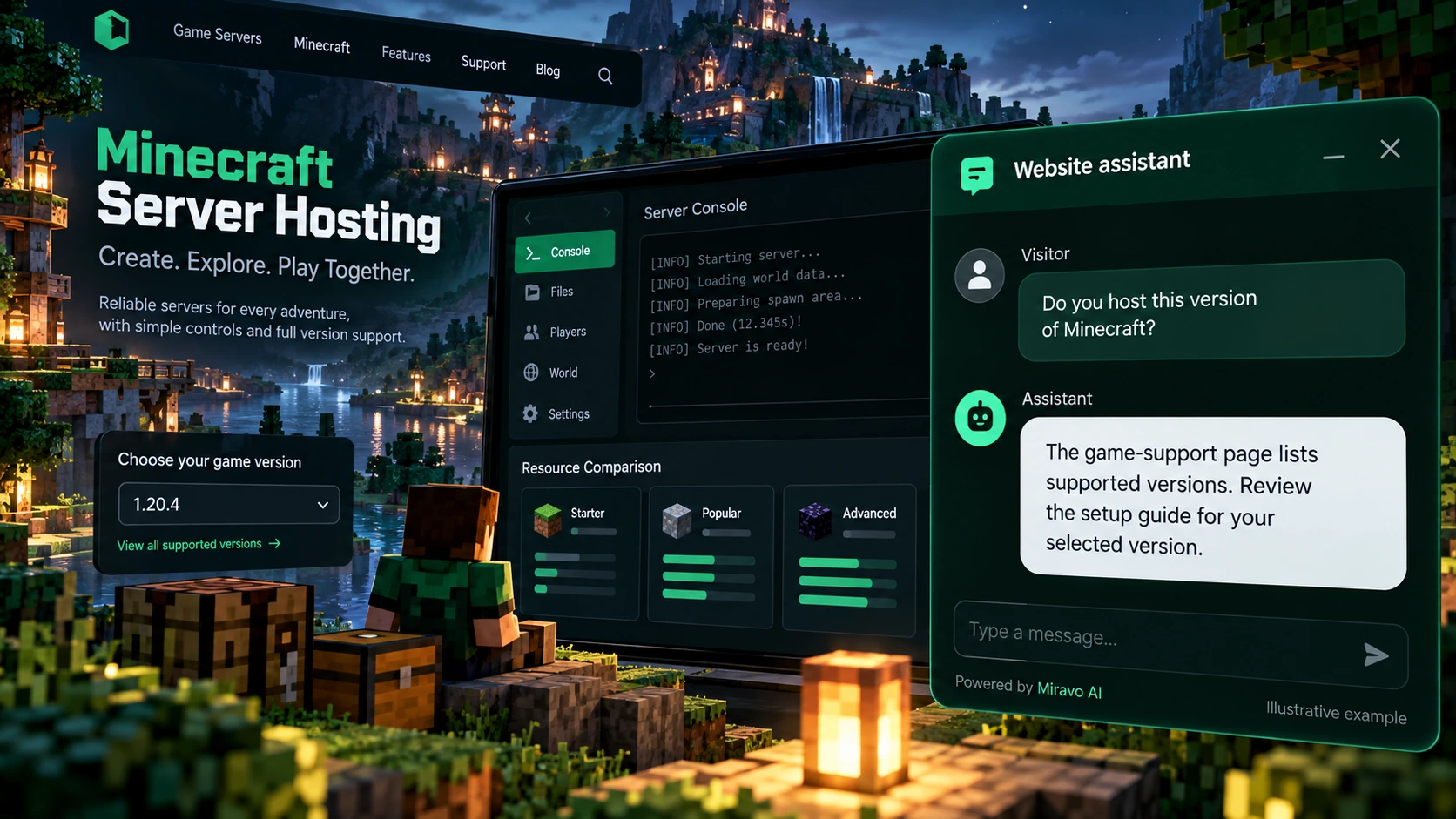
- Visitor
- Do you host this version of Minecraft?
- Example assistant reply
- The game-support page lists supported versions. Review the setup guide for your selected version.
Compare plans
Do not invent a performance guarantee from a player count alone.
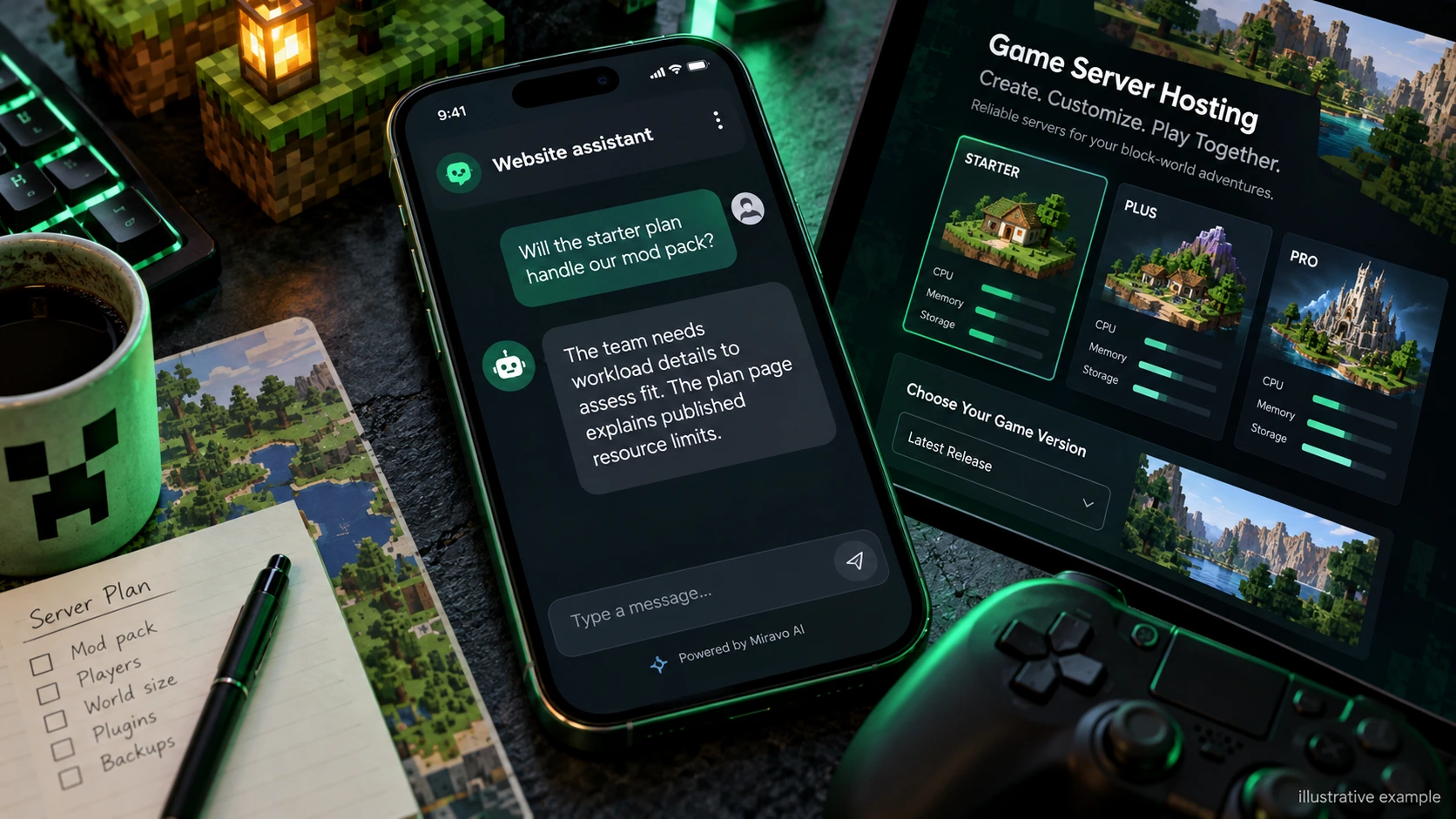
- Visitor
- Will the starter plan handle our mod pack?
- Example assistant reply
- The team needs workload details to assess fit. The plan page explains published resource limits.
Find setup instructions
Public documentation can guide setup without changing a live server.
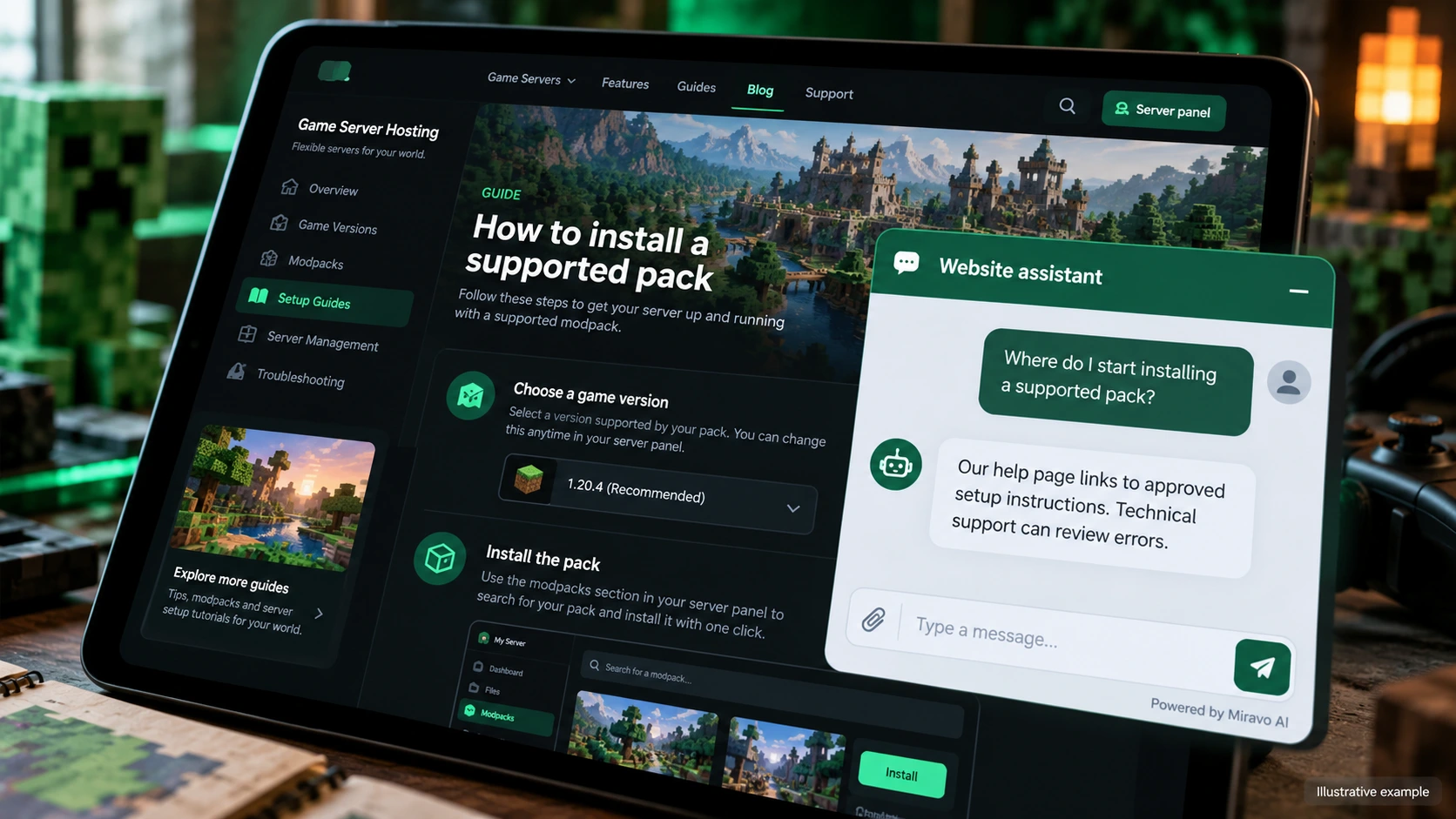
- Visitor
- Where do I start installing a supported pack?
- Example assistant reply
- Our help page links to approved setup instructions. Technical support can review errors.
Build a knowledge base that answers real buyer questions
| Source to prepare | Question it should answer | Editorial review |
|---|---|---|
| Supported game versions | Do you host this version of Minecraft? | Check the supported version against the game documentation. |
| Plan resource limits | Will the starter plan handle our mod pack? | Explain resource limits and route complex mod-pack workloads to technical review. |
| Setup and support guides | Where do I start installing a supported pack? | Point setup questions to the appropriate supported guide. |
For source preparation, read how to train your chatbot on website content.
A review scenario before launch
Use a game version absent from the supported list and a planned mod setup with unclear resource needs. Ask whether a plan guarantees smooth performance. Check version support and plan limits first, with account changes and workload questions prepared for hosting support.
- Unsupported game version
- A performance guarantee
- An account-level server change
Work through the pre-launch checklist before rolling out more pages.
How to judge whether the chatbot is helping
Track game-specific sales enquiries and support referrals. Measure activated hosting accounts through your existing platform records.
Questions about a chatbot for game-server hosting, including minecraft
Can it guarantee server performance?
Explain published resources and requirements. A workload assessment needs the technical team and should preserve its assumptions rather than promise a universal player capacity.