HR and talent-management SaaS · 2 min read ·
An HR SaaS Chatbot That Helps Buyers Compare Workflows
HR software buyers need to understand workflows, permissions, and rollout steps before involving a wider team. A chatbot can explain your public product documentation and prepare a useful demo conversation.
Discuss your hr and talent-management saas website →What a useful chatbot changes for hr and talent-management saas
HR buyers need to compare how a workflow runs, who can see information, and what rollout involves. Your assistant should explain the product's documented behaviour before a demo. Employee records and account-specific access remain in the authenticated product, while the public conversation prepares the buyer's questions.
Choose one workflow and keep plan limits and permission conditions attached to it.
Clarify a workflow
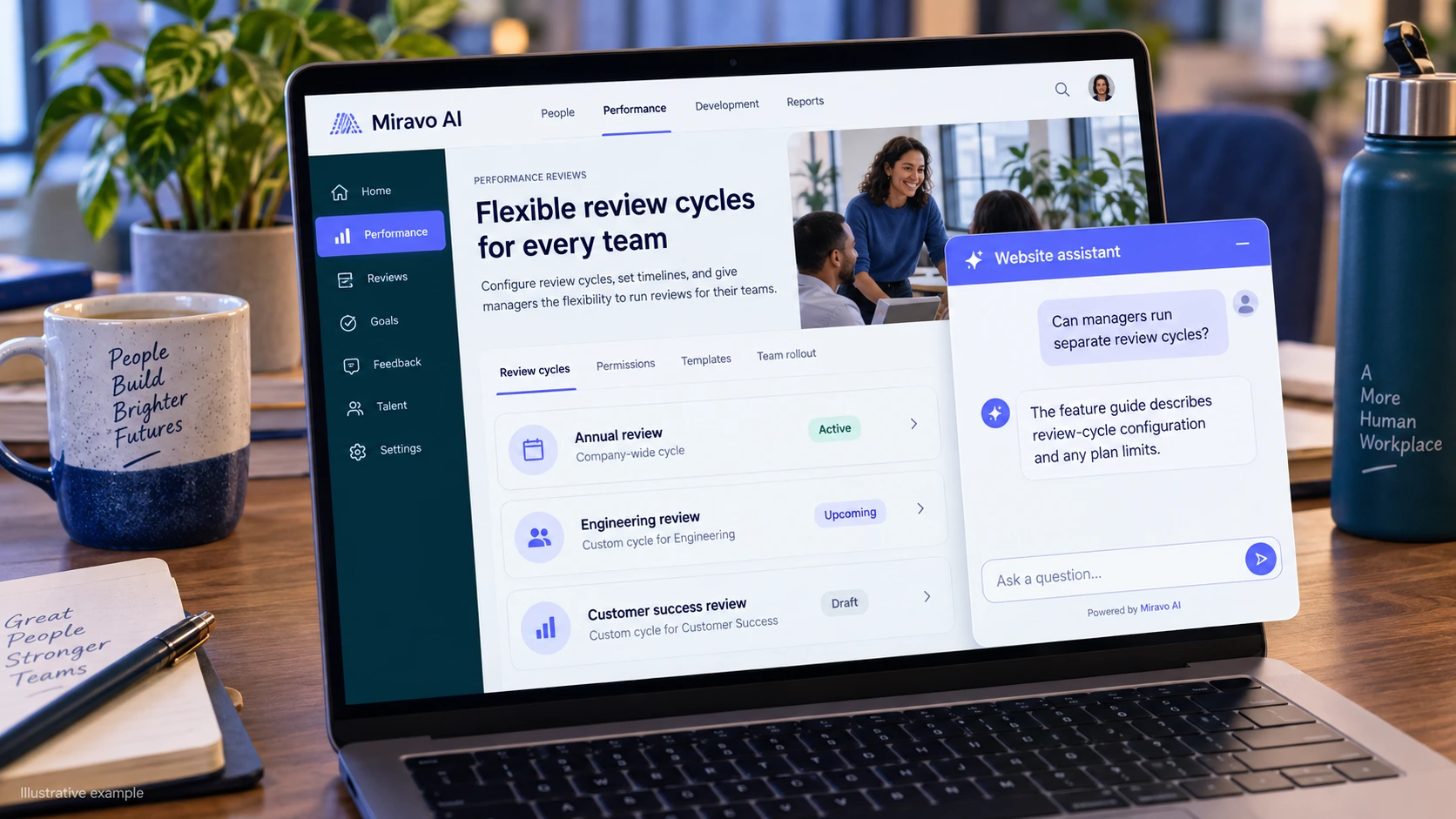
Explain the actual workflow instead of making a broad automation promise.
- Visitor
- Can managers run separate review cycles?
- Example assistant reply
- The feature guide describes review-cycle configuration and any plan limits.
Check access controls
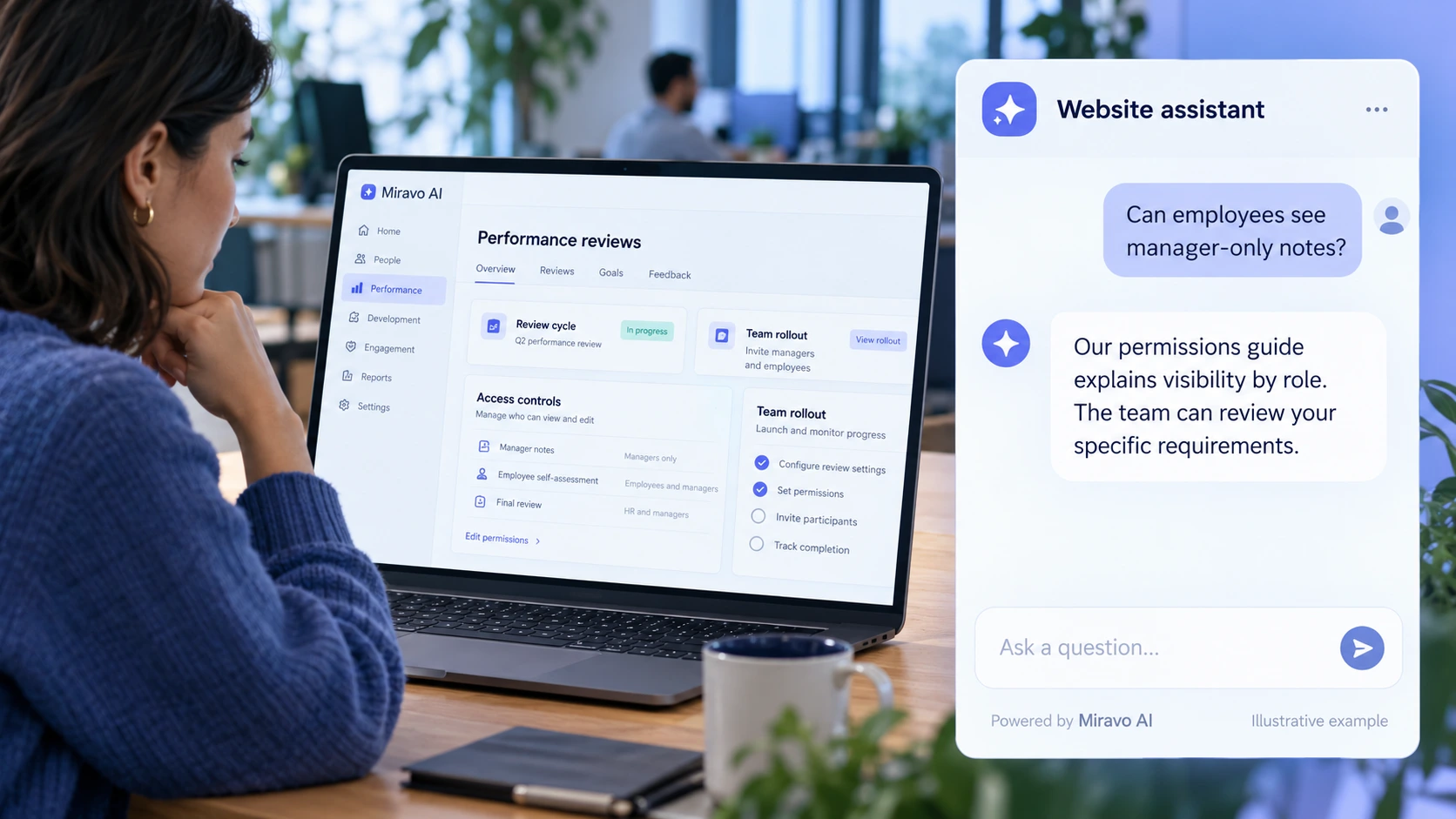
Precise role descriptions matter to a considered software purchase.
- Visitor
- Can employees see manager-only notes?
- Example assistant reply
- Our permissions guide explains visibility by role. The team can review your specific requirements.
Prepare a rollout discussion
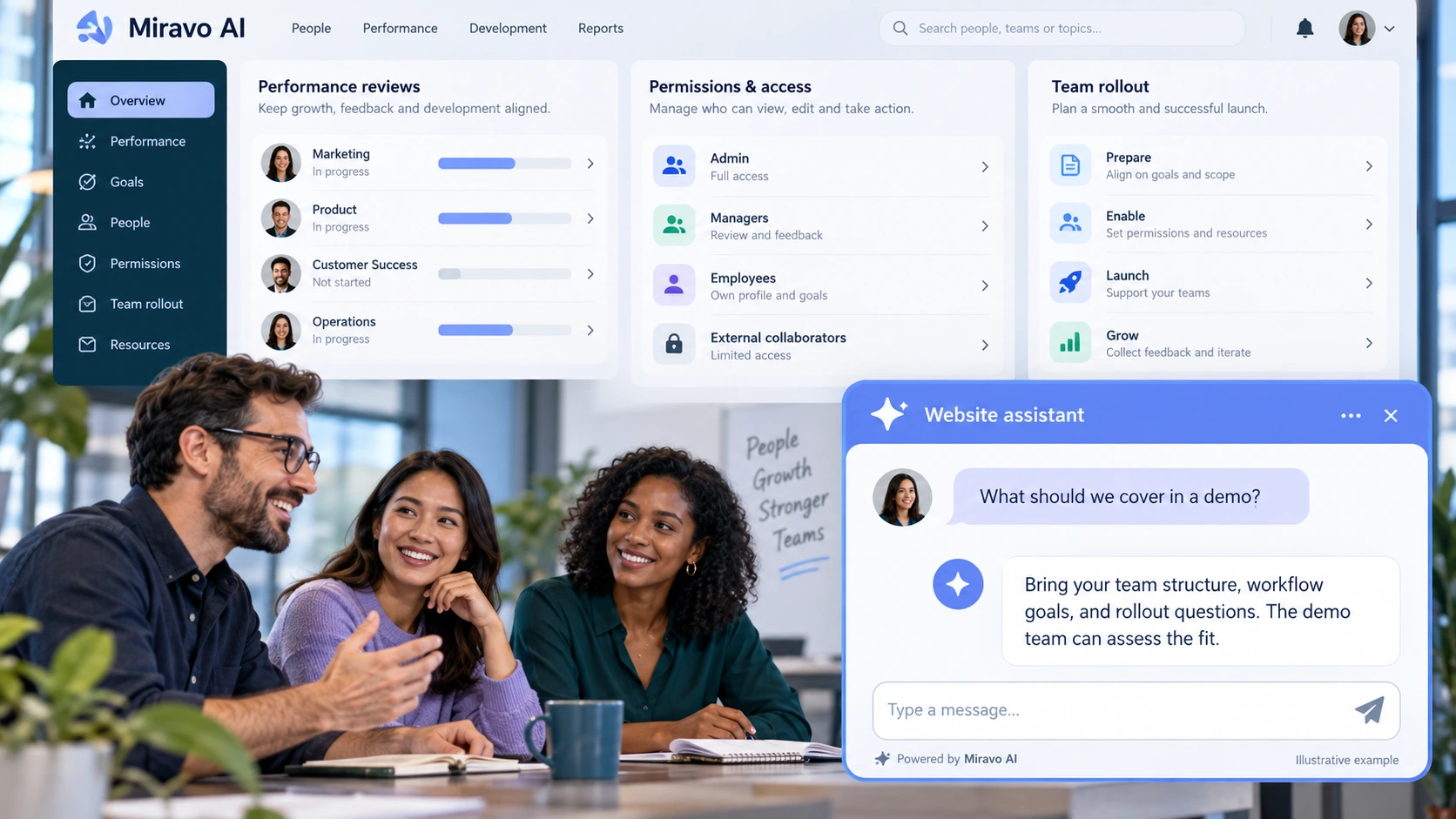
A focused demo request is more useful than a generic email lead.
- Visitor
- What should we cover in a demo?
- Example assistant reply
- Bring your team structure, workflow goals, and rollout questions. The demo team can assess the fit.
Build a knowledge base that answers real buyer questions
| Source to prepare | Question it should answer | Editorial review |
|---|---|---|
| Workflow feature guide | Can managers run separate review cycles? | Explain review-cycle configuration from the feature documentation. |
| Role and permission documentation | Can employees see manager-only notes? | Use the actual role visibility rules rather than a broad privacy assurance. |
| Rollout and demo process | What should we cover in a demo? | Prepare the buyer's workflow and team structure for the demo. |
For source preparation, read how to train your chatbot on website content.
A review scenario before launch
Compare the visibility of a review workflow for a manager and an administrator. Ask about a feature on a different plan, then request employee records. Check role documentation and plan scope while keeping account data requests inside the approved authenticated workflow.
- A restricted feature
- A request for employee records
- An unsupported permission claim
Work through the pre-launch checklist before rolling out more pages.
How to judge whether the chatbot is helping
Measure workflow-specific demo enquiries and trials progressing through your sales process. Review permission questions as product-documentation feedback.
Questions about a chatbot for hr and talent-management saas
Can it access employee data?
A public website assistant should explain product scope. Employee records and account operations need your approved authenticated workflows.