Insurance companies · 3 min read ·
An Insurance Website Chatbot That Explains the Route to a Quote
Insurance visitors can get stuck before they reach a quote form because policy terms and cover descriptions feel unfamiliar. A chatbot can explain your published products and help visitors find the appropriate quotation or claims channel.
Discuss your insurance companies website →What a useful chatbot changes for insurance companies
Insurance visitors often need to understand where a product summary ends and a personalised quote begins. Your website assistant can explain the public offer and its conditions while making the quote or claims route easier to find. The useful outcome is a visitor reaching the right process with realistic expectations about what still needs assessment.
Keep the product, option, and exclusion connected. A concise explanation must not turn optional cover into a standard benefit or a claims guide into a coverage decision.
Clarify an advertised product
An assistant should preserve optional features and exclusions. A short answer must not imply that every policy includes the same cover.
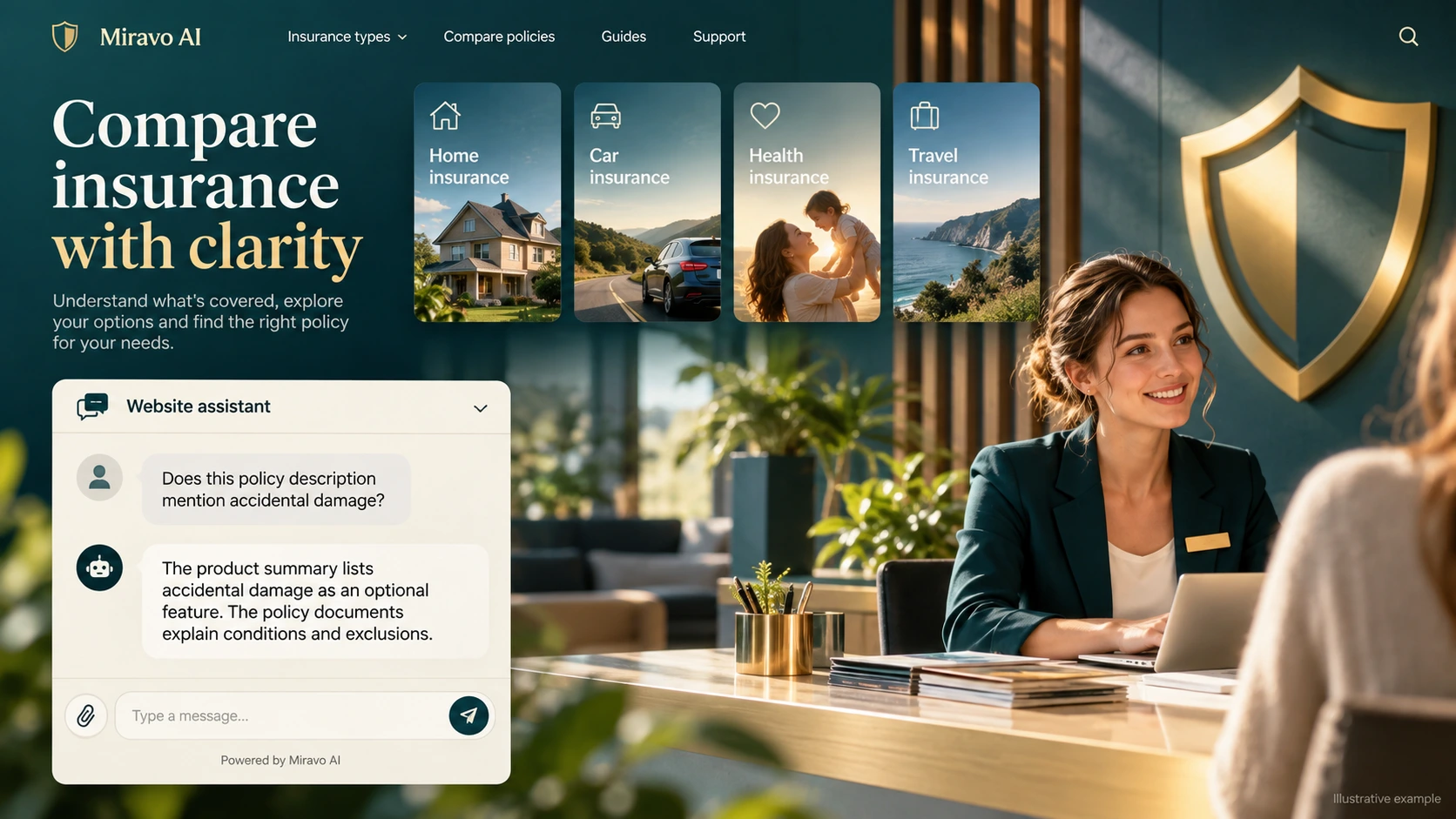
- Visitor
- Does this policy description mention accidental damage?
- Example assistant reply
- The product summary lists accidental damage as an optional feature. The policy documents explain conditions and exclusions.
Route a quotation request
Use chat to explain the journey rather than manufacture an insurance price. Quote inputs belong in the insurer’s designated process.
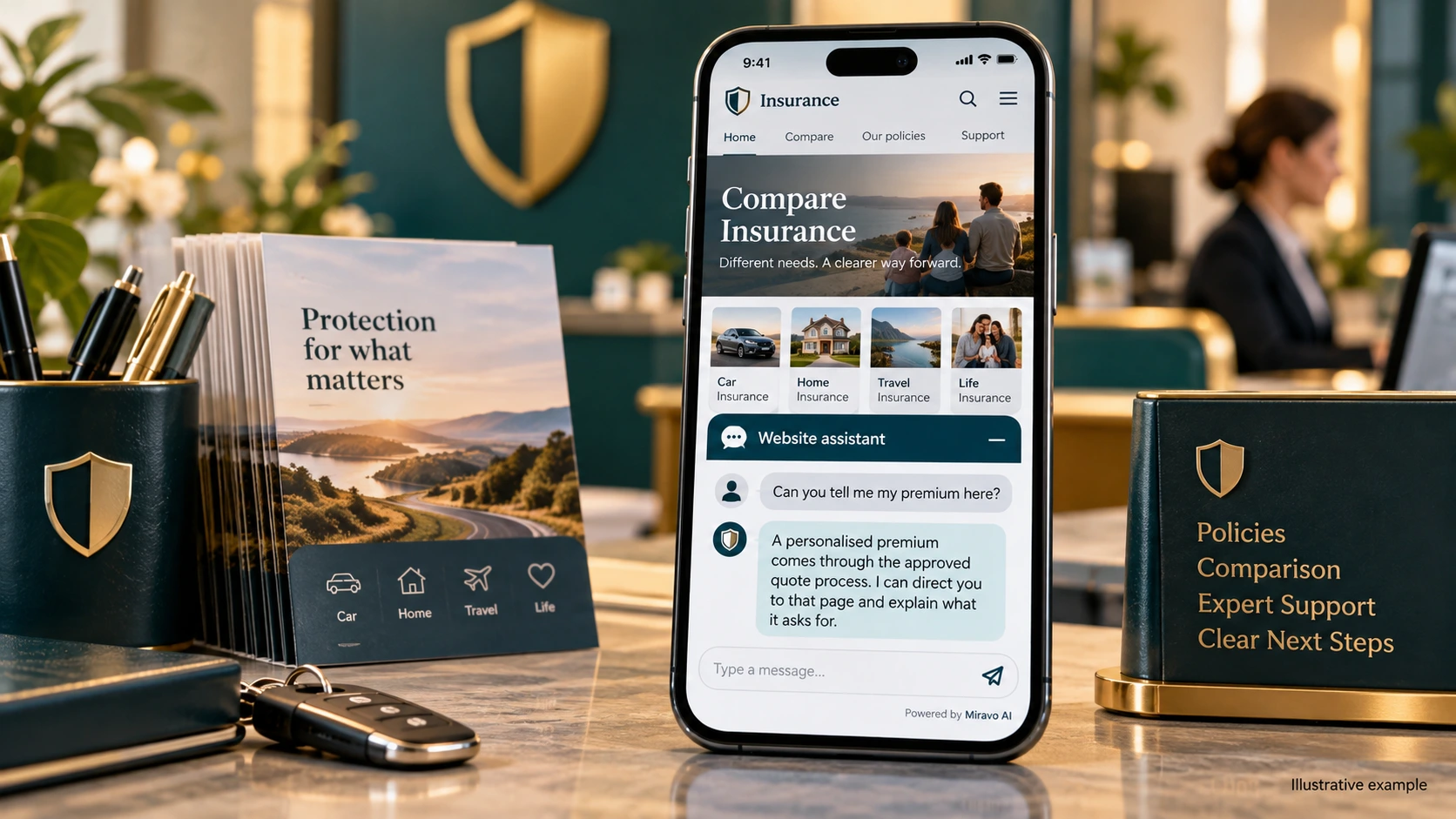
- Visitor
- Can you tell me my premium here?
- Example assistant reply
- A personalised premium comes through the approved quote process. I can direct you to that page and explain what it asks for.
Guide a claims enquiry
Clear reporting instructions are useful immediately. Whether a loss is covered remains a case-specific assessment.
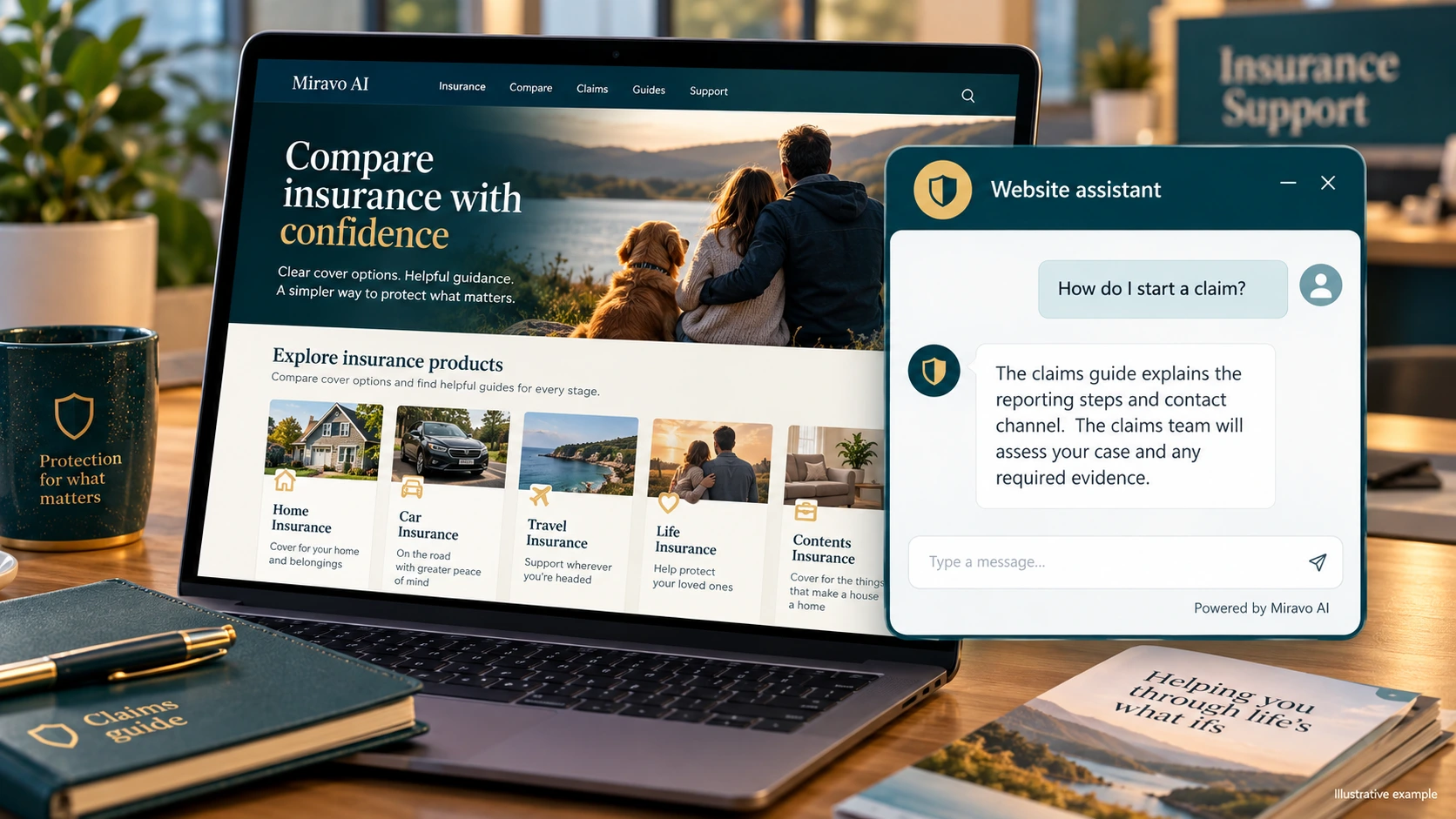
- Visitor
- How do I start a claim?
- Example assistant reply
- The claims guide explains the reporting steps and contact channel. The claims team will assess your case and any required evidence.
Build a knowledge base that answers real buyer questions
| Source to prepare | Question it should answer | Editorial review |
|---|---|---|
| Approved product summaries | Does this policy description mention accidental damage? | Identify the product version and whether the feature is optional. Link to the policy conditions that define its scope. |
| Quotation process | Can you tell me my premium here? | Explain the quotation process and where the required inputs belong. Do not extrapolate a premium from general marketing information. |
| Claims reporting guide | How do I start a claim? | Describe how to report a claim and reach the claims team. The team must review the individual loss and supporting information. |
For source preparation, read how to train your chatbot on website content.
A review scenario before launch
Use a policy summary containing an exclusion, then describe an event close to that exclusion. Check that the assistant preserves the published wording and directs the visitor to the quotation or claims team as appropriate. The exercise tests explanation and routing without treating the scenario as a coverage ruling.
- An excluded event
- A personalised premium
- A coverage decision on a claim
Work through the pre-launch checklist before rolling out more pages.
How to judge whether the chatbot is helping
Look at visitors reaching the correct quote or claims channel. Review whether answers keep exclusions intact, not only whether they appear quick or friendly.
Questions about a chatbot for insurance companies
Can chat say whether a claim is covered?
It can explain published reporting steps and product information. A case-specific coverage determination belongs in the insurer's claims assessment process.