Lawyers and law firms · 3 min read ·
A Law Firm Chatbot That Helps Prospective Clients Find the Right Consultation
A prospective client may know they need help without knowing which practice area to choose or what an initial consultation involves. A law firm chatbot can explain your public services and enquiry process in approachable language.
Discuss your lawyers and law firms website →What a useful chatbot changes for lawyers and law firms
A prospective legal client needs a clear entry point before they can judge whether your firm handles the matter. A public assistant can explain practice areas and consultation arrangements in approachable language. It should prepare a route into the firm's intake process rather than attempting to assess a case from a brief chat.
Use approved practice descriptions and make urgent contact options visible without promising case acceptance.
Match an enquiry to a practice area
Public service descriptions help people find the correct team. They should not imply that the firm has accepted a case.
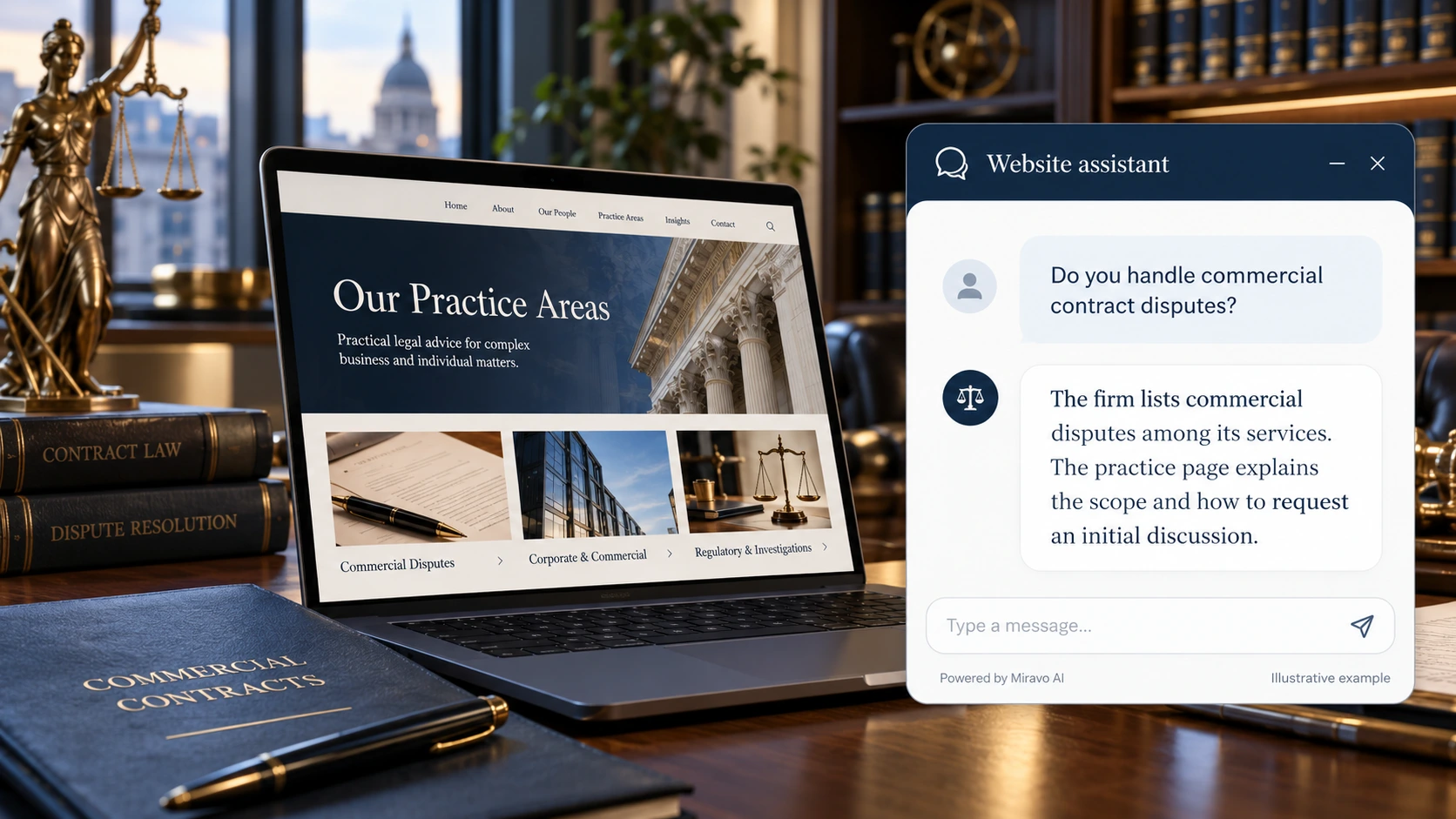
- Visitor
- Do you handle commercial contract disputes?
- Example assistant reply
- The firm lists commercial disputes among its services. The practice page explains the scope and how to request an initial discussion.
Prepare the initial enquiry
The website assistant should clarify intake rather than invite a full case file into a general chat.
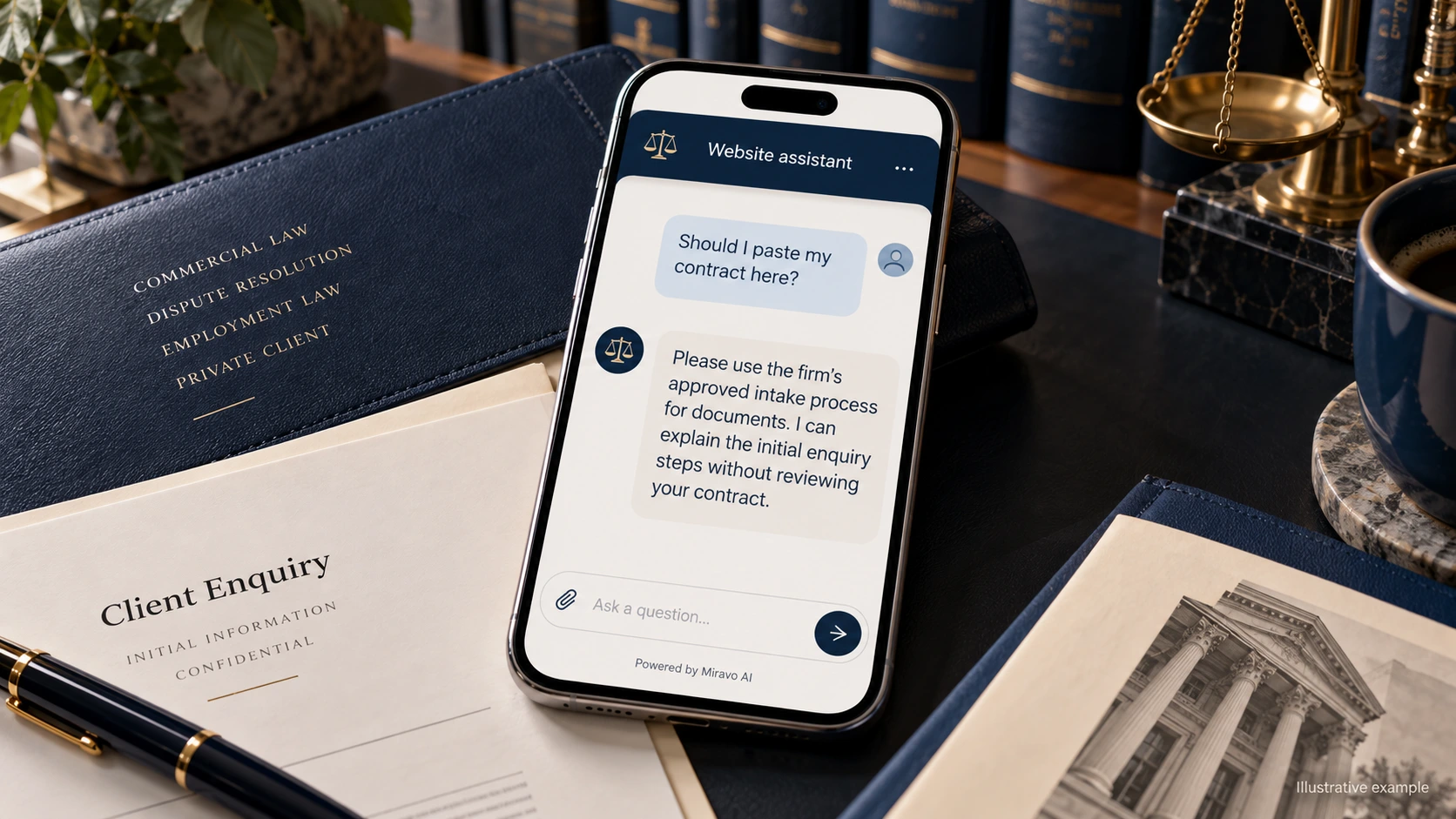
- Visitor
- Should I paste my contract here?
- Example assistant reply
- Please use the firm’s approved intake process for documents. I can explain the initial enquiry steps without reviewing your contract.
Route a time-sensitive question
Deadline questions demand a professional review. The assistant should identify urgency and provide the correct route, not calculate an unsupported date.
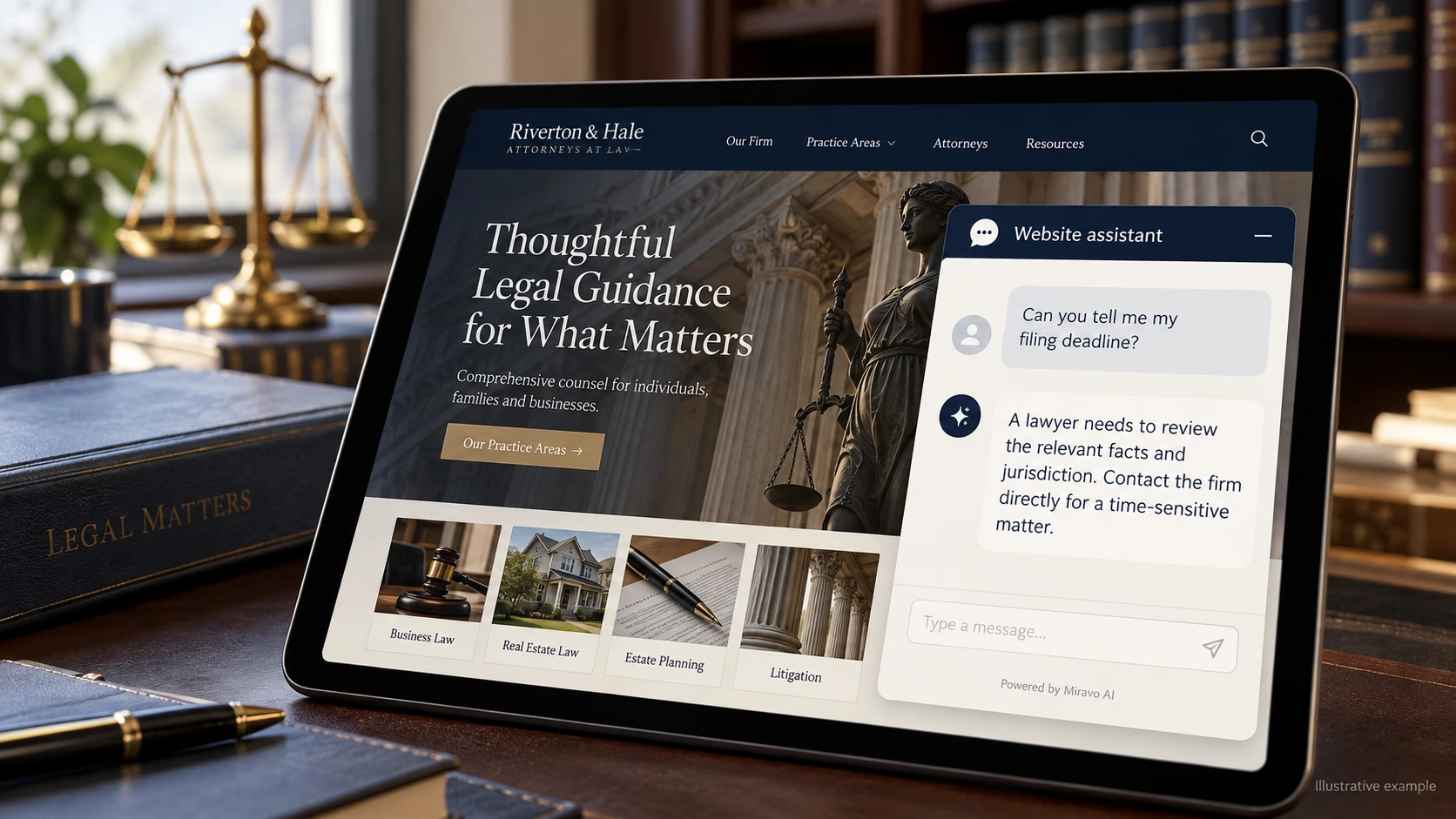
- Visitor
- Can you tell me my filing deadline?
- Example assistant reply
- A lawyer needs to review the relevant facts and jurisdiction. Contact the firm directly for a time-sensitive matter.
Build a knowledge base that answers real buyer questions
| Source to prepare | Question it should answer | Editorial review |
|---|---|---|
| Practice-area scope | Do you handle commercial contract disputes? | Match the enquiry to the stated practice area and its published scope. |
| Approved intake instructions | Should I paste my contract here? | Explain document submission through approved intake, keeping case files out of general chat. |
| Consultation and contact process | Can you tell me my filing deadline? | Treat deadline questions as time-sensitive requests for professional review. |
For source preparation, read how to train your chatbot on website content.
A review scenario before launch
Use a prospective client who names a practice area but asks whether the firm will accept the matter before sharing documents. Check the consultation route and the approved intake instructions. The conversation should help the visitor reach the right team without assessing the case or inviting files into public chat.
- A case acceptance request
- A document-sharing request
- A legal deadline question
Work through the pre-launch checklist before rolling out more pages.
How to judge whether the chatbot is helping
Review enquiries reaching the correct practice team and how often intake must redirect them. Do not equate chatbot activity with retained clients.
Questions about a chatbot for lawyers and law firms
Can we use it for initial intake?
Use it to explain the intake route and collect appropriate follow-up interest. Case assessment and acceptance should follow the firm's established process.