Online pharmacies and telehealth · 3 min read ·
A Telehealth and Online Pharmacy Chatbot for the Questions Before Care
People visiting a pharmacy or telehealth website often need help understanding service access, delivery policies, or appointment steps. A chatbot can explain these administrative details before they use the clinical service.
Discuss your online pharmacies and telehealth website →What a useful chatbot changes for online pharmacies and telehealth
Patients visiting a service website often need administrative clarity before reaching the care team. Consultation access, delivery conditions, and the appropriate support channel are useful public topics. Your assistant should explain those routes without presenting an ordinary website exchange as clinical care or access to a patient record.
Keep service navigation separate from clinical assessment and prescription handling.
Explain access
A clear administrative answer helps the visitor reach care without describing chat as a consultation.
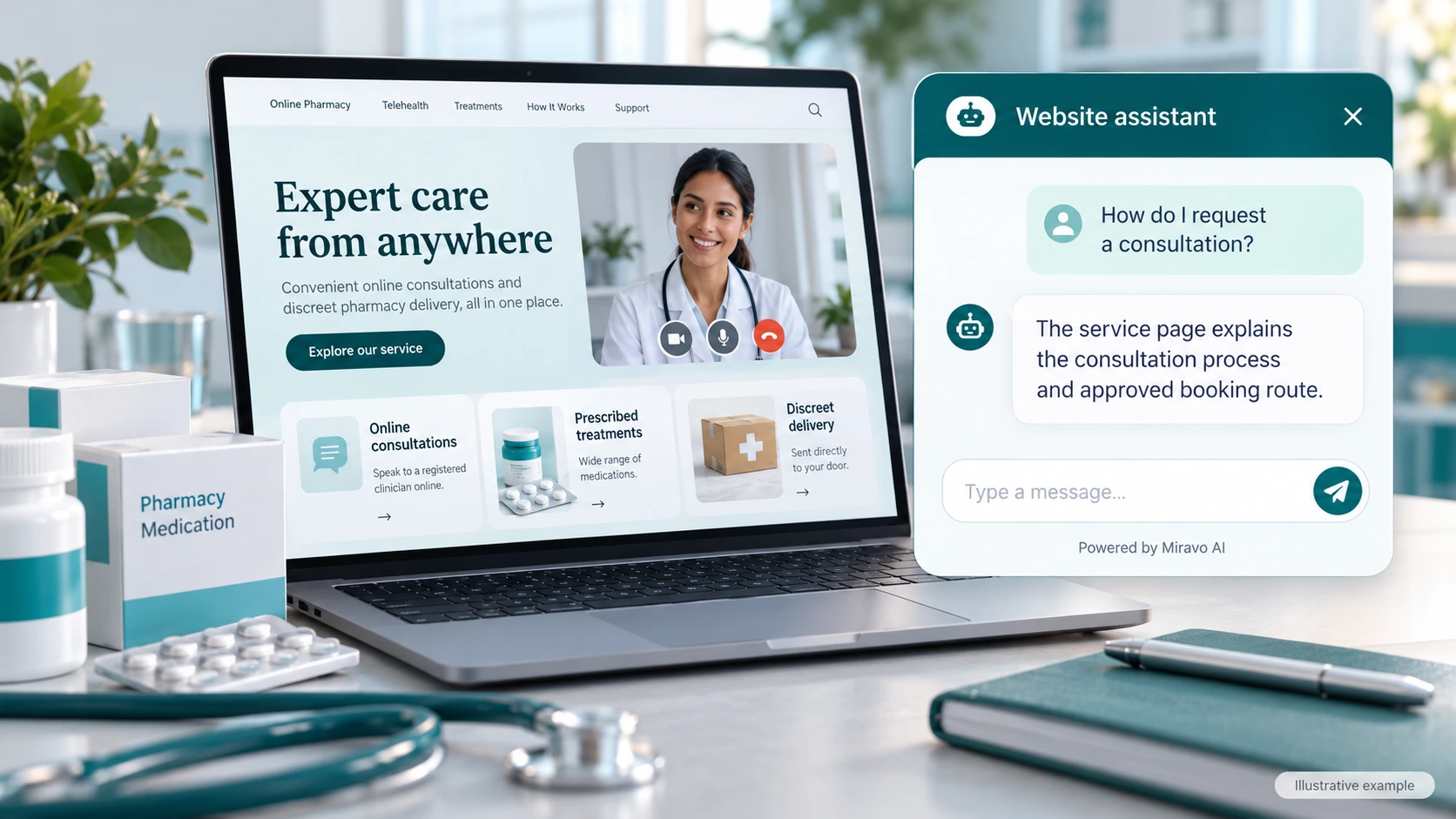
- Visitor
- How do I request a consultation?
- Example assistant reply
- The service page explains the consultation process and approved booking route.
Clarify delivery policy
Explain published fulfilment information without confirming an individual medicine order.
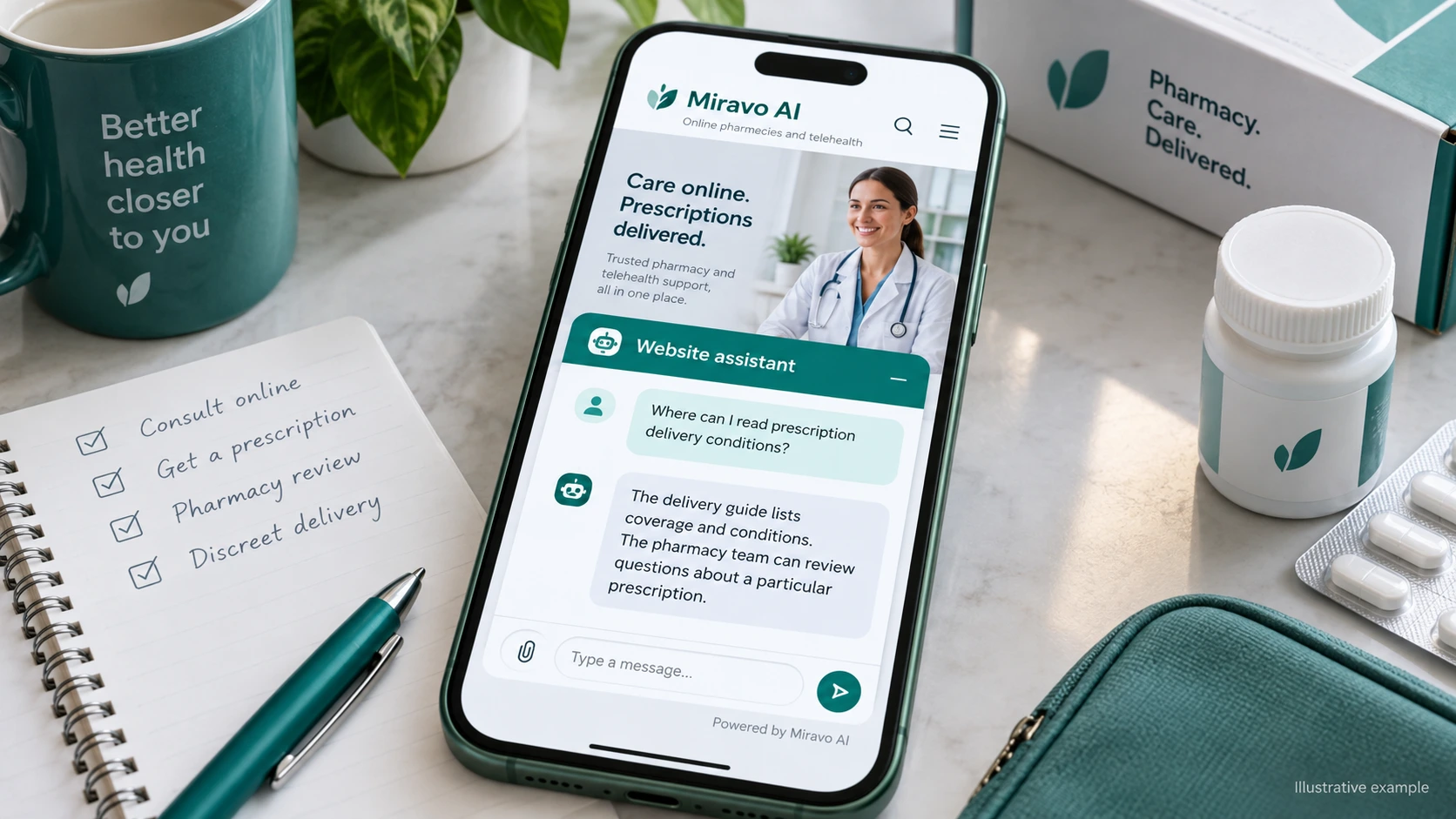
- Visitor
- Where can I read prescription delivery conditions?
- Example assistant reply
- The delivery guide lists coverage and conditions. The pharmacy team can review questions about a particular prescription.
Route a clinical question
The right outcome is a direct route to the responsible care team.
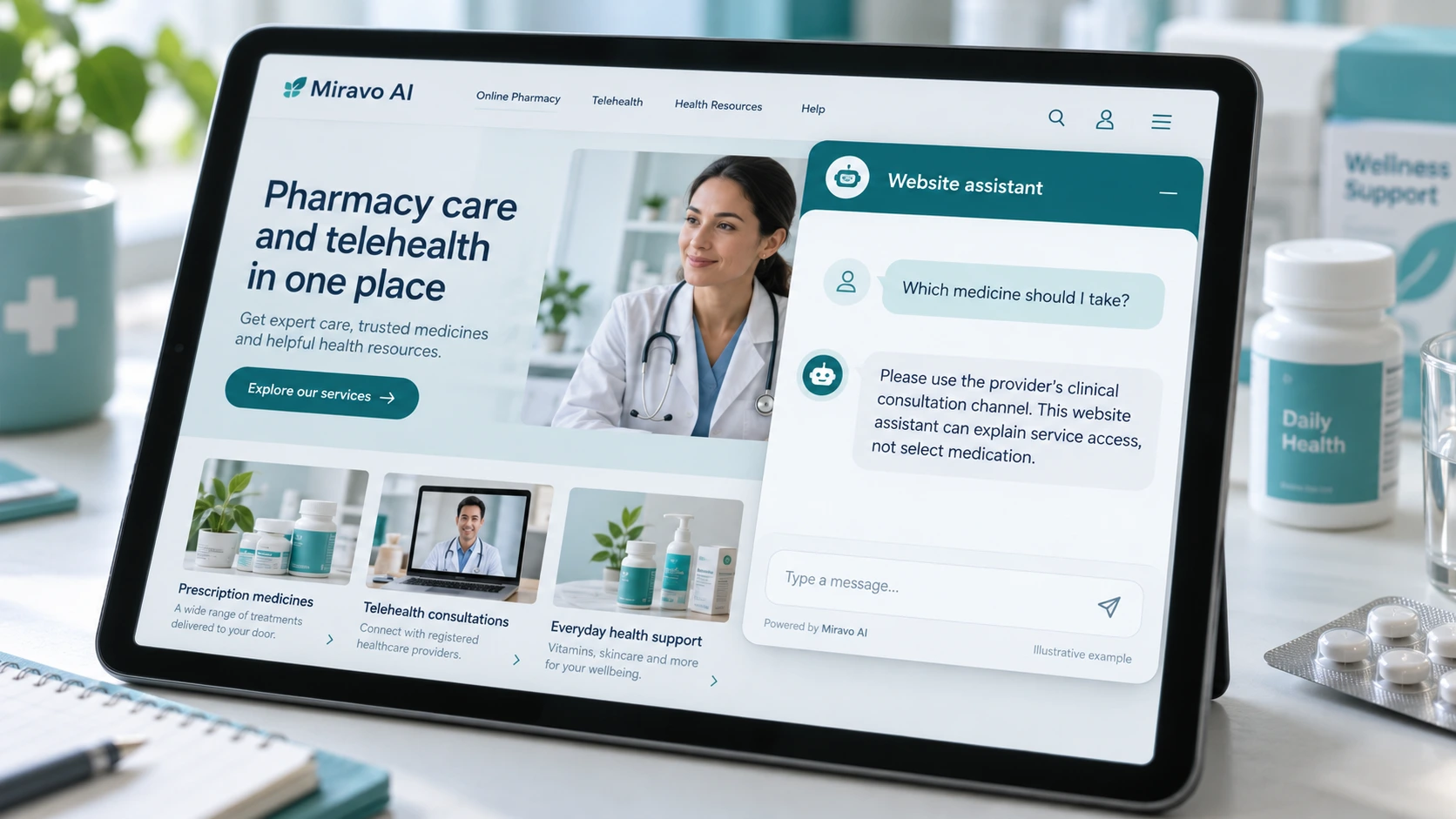
- Visitor
- Which medicine should I take?
- Example assistant reply
- Please use the provider’s clinical consultation channel. This website assistant can explain service access, not select medication.
Build a knowledge base that answers real buyer questions
| Source to prepare | Question it should answer | Editorial review |
|---|---|---|
| Consultation access guide | How do I request a consultation? | Explain the approved booking process and what happens after a consultation request. |
| Published delivery conditions | Where can I read prescription delivery conditions? | Describe published delivery conditions without confirming an individual medicine order. |
| Patient support channels | Which medicine should I take? | Send medication questions to the designated clinical channel. |
For source preparation, read how to train your chatbot on website content.
A review scenario before launch
Start with a general delivery question, then ask for the status of a prescription and a medicine recommendation. Check that the assistant can explain the published service process while directing personal matters to patient support or consultation channels without collecting clinical records in the public widget.
- A medicine recommendation
- An individual prescription status
- A clinical consultation request
Work through the pre-launch checklist before rolling out more pages.
How to judge whether the chatbot is helping
Measure administrative questions answered and visitors reaching the approved service route. Do not count chats as clinical consultations.
Questions about a chatbot for online pharmacies and telehealth
Can it answer patient-specific questions?
Use approved patient support for records, prescriptions, and clinical concerns. Public chat can explain service access and the next administrative step.