PrestaShop stores · 2 min read ·
A PrestaShop Chatbot That Explains Catalogue Variants and Store Policies
PrestaShop merchants with varied catalogues need clear answers about combinations, product details, and returns. A chatbot can explain approved content before shoppers make an avoidable wrong selection.
Discuss your prestashop stores website →What a useful chatbot changes for prestashop stores
A PrestaShop catalogue can contain combinations whose details differ from the parent product description. Your assistant should explain the selected variant and applicable policies rather than flattening the catalogue. That helps buyers make a more accurate selection while stock confirmation remains with a verified store route.
Keep variant-specific information and personalisation exceptions explicit.
Distinguish combinations
A parent product description may not tell the whole story for a variant.
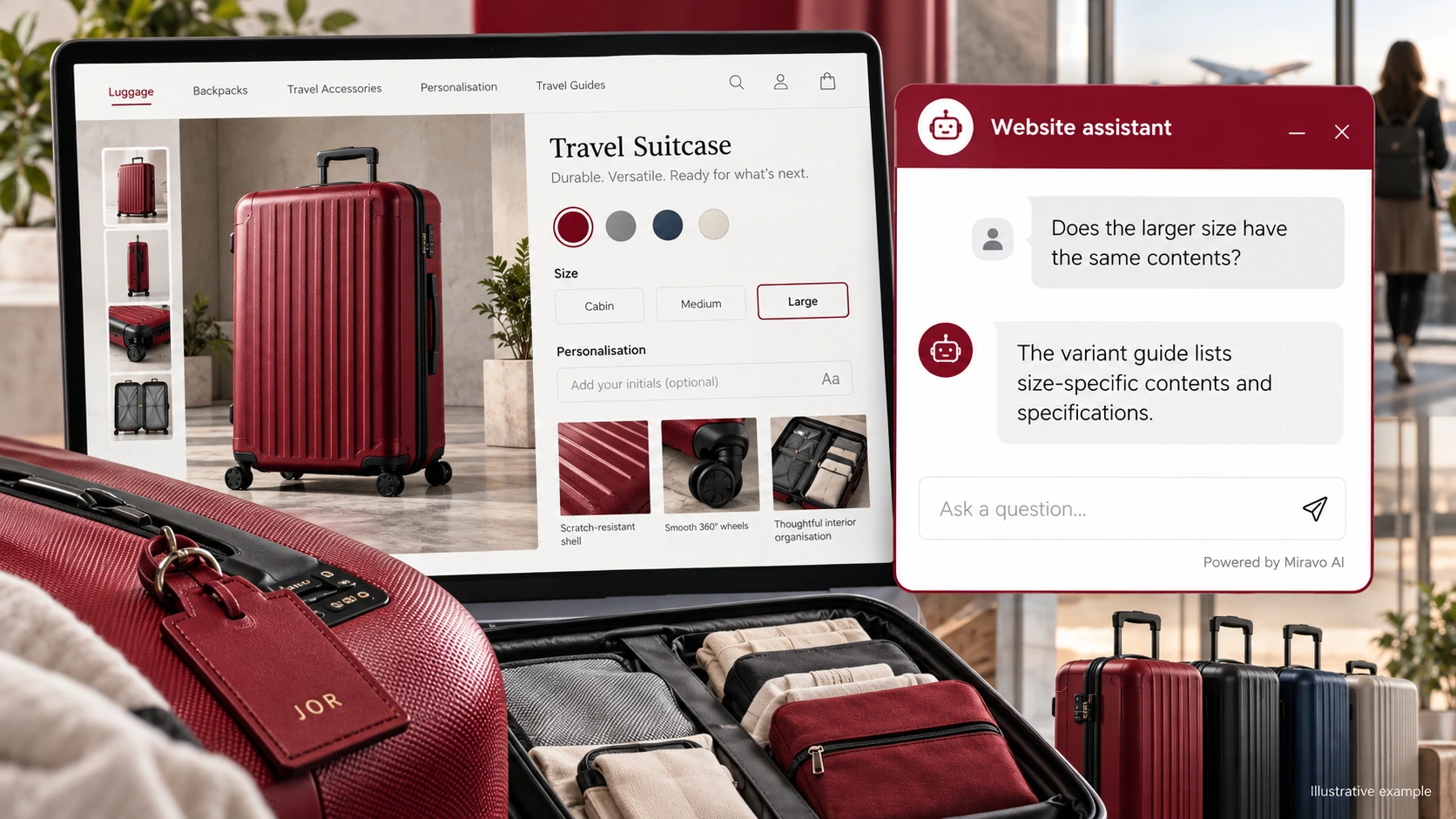
- Visitor
- Does the larger size have the same contents?
- Example assistant reply
- The variant guide lists size-specific contents and specifications.
Clarify store policy
Preserve exceptions at the moment the buyer is considering customisation.
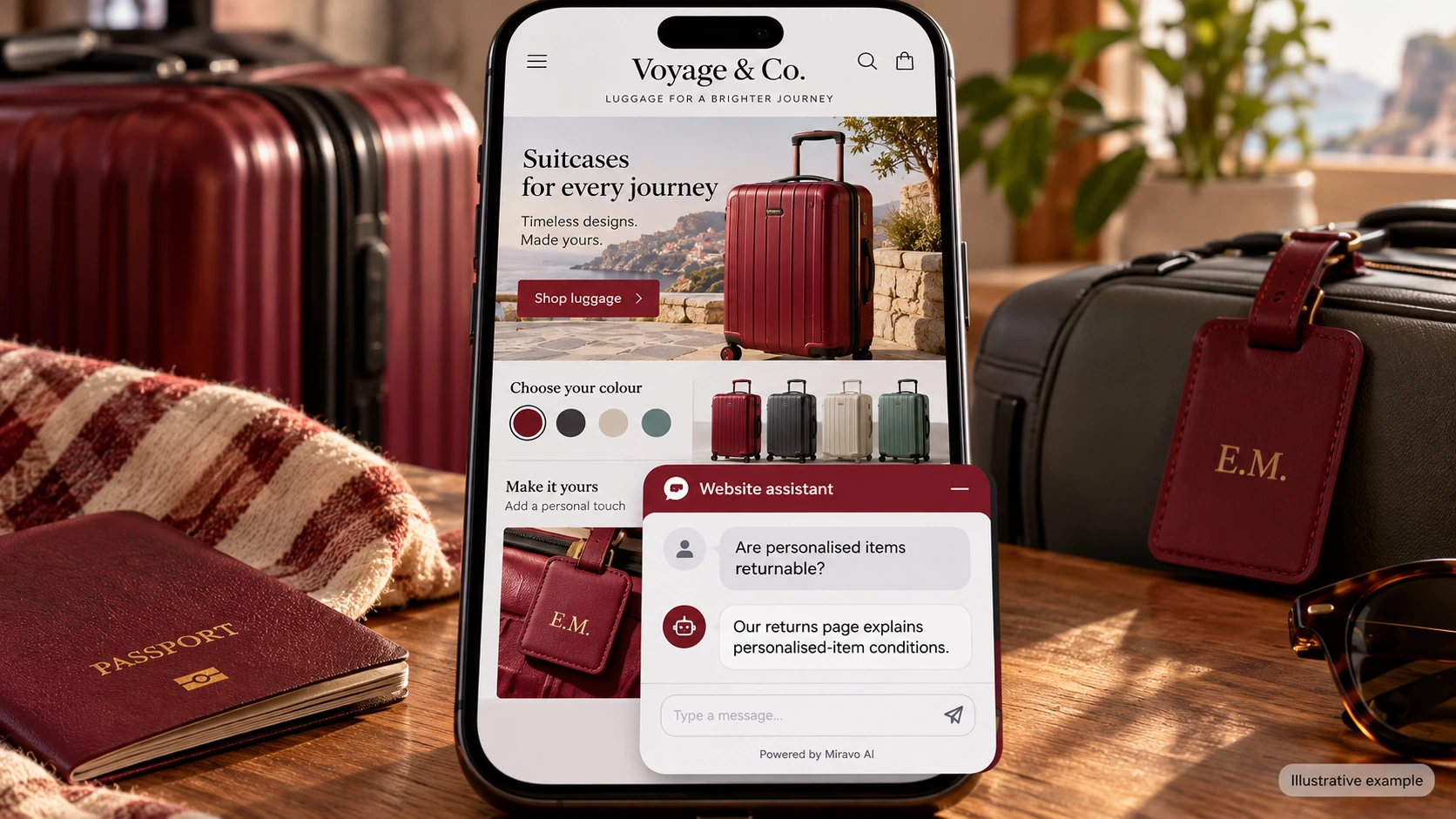
- Visitor
- Are personalised items returnable?
- Example assistant reply
- Our returns page explains personalised-item conditions.
Route a stock question
Avoid turning static catalogue information into inventory certainty.
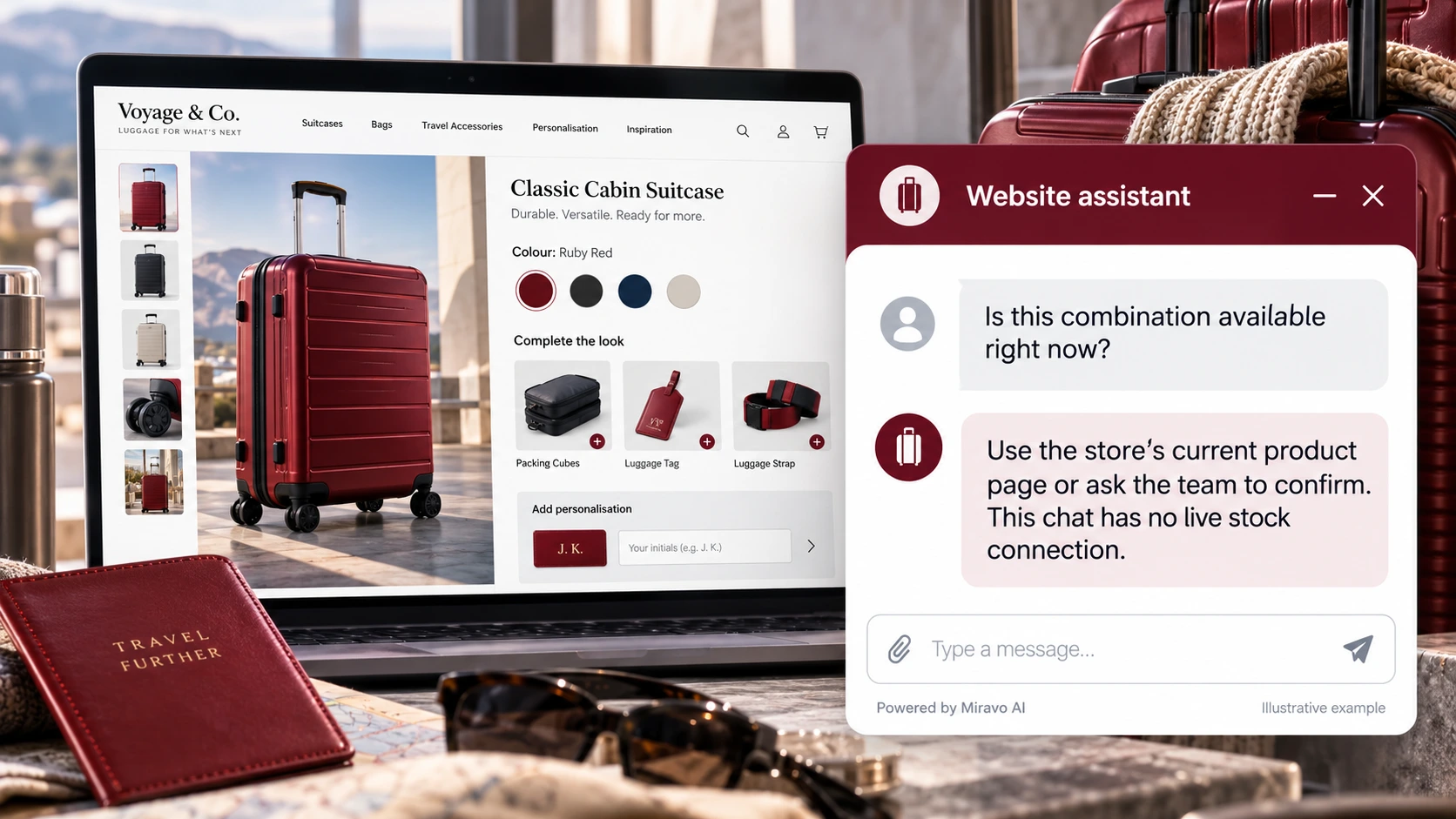
- Visitor
- Is this combination available right now?
- Example assistant reply
- Use the store’s current product page or ask the team to confirm. This chat has no live stock connection.
Build a knowledge base that answers real buyer questions
| Source to prepare | Question it should answer | Editorial review |
|---|---|---|
| Variant-specific product content | Does the larger size have the same contents? | Check the selected combination's contents and measurements. |
| Personalisation policy | Are personalised items returnable? | Explain personalised-item return conditions before customisation. |
| Storefront script configuration | Is this combination available right now? | Use the current product page or team for availability confirmation. |
For source preparation, read how to train your chatbot on website content.
A review scenario before launch
Select two product combinations that differ in dimensions or personalisation terms. Ask whether a displayed option is available now, then change combinations. Check variant-specific answers and the mobile category page while leaving stock confirmation to the store’s approved process.
- Wrong product combination
- Unverified live stock
- Widget on mobile category pages
Work through the pre-launch checklist before rolling out more pages.
How to judge whether the chatbot is helping
Review variant-related enquiries and wrong-selection returns. Use confirmed PrestaShop orders for purchase outcomes.
Questions about a chatbot for prestashop stores
Can it read live stock automatically?
Do not assume that from a script embed. Explain the store's confirmation route unless a separate inventory workflow has been implemented and tested.