Real estate agents and property businesses · 3 min read ·
Real Estate Chatbots: Help Buyers Move from Listing to Viewing Enquiry
A listing visitor usually has a specific question: a floor-plan detail, an advertised condition, or the viewing process. A real estate chatbot can answer those first questions while giving the agent a more focused enquiry.
Discuss your real estate agents and property businesses website →What a useful chatbot changes for real estate agents and property businesses
A property visitor can be genuinely interested while still missing one fact needed to arrange a viewing. The difficulty is keeping that fact tied to the correct listing. Your assistant should make published property information easier to explore and create a focused enquiry for the agent, with a clear distinction between the listing description and current availability.
Use listing identifiers and specific source pages. Keep buyer, tenant, and owner enquiry routes clear instead of asking every visitor the same qualification questions.
Explain the published listing
Keep replies tied to the relevant property. A description of another unit should never become a feature claim for this listing.
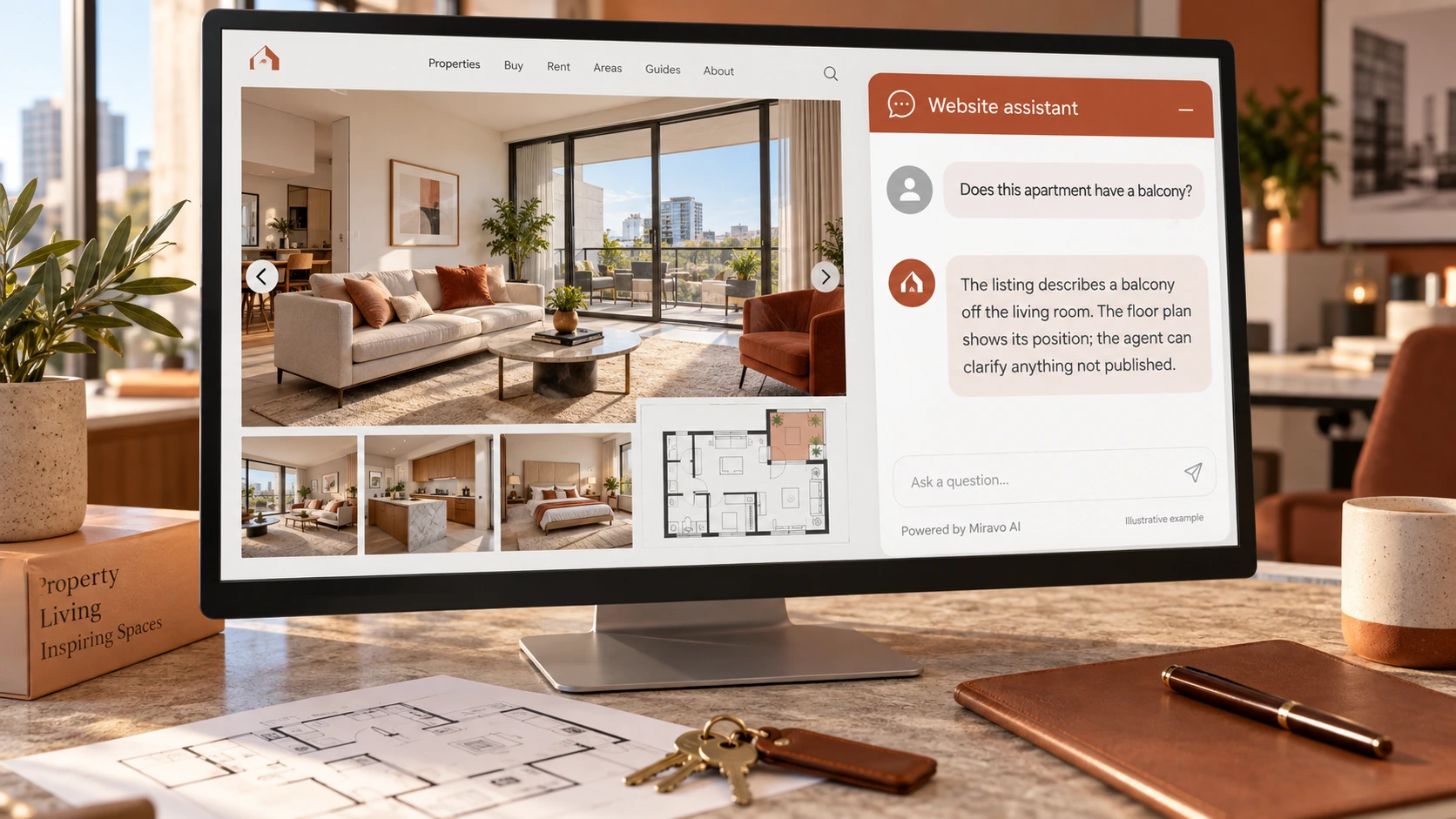
- Visitor
- Does this apartment have a balcony?
- Example assistant reply
- The listing describes a balcony off the living room. The floor plan shows its position; the agent can clarify anything not published.
Prepare a viewing request
A viewing enquiry is a valuable conversion when the visitor understands the next step. Avoid presenting an unconfirmed slot as reserved.
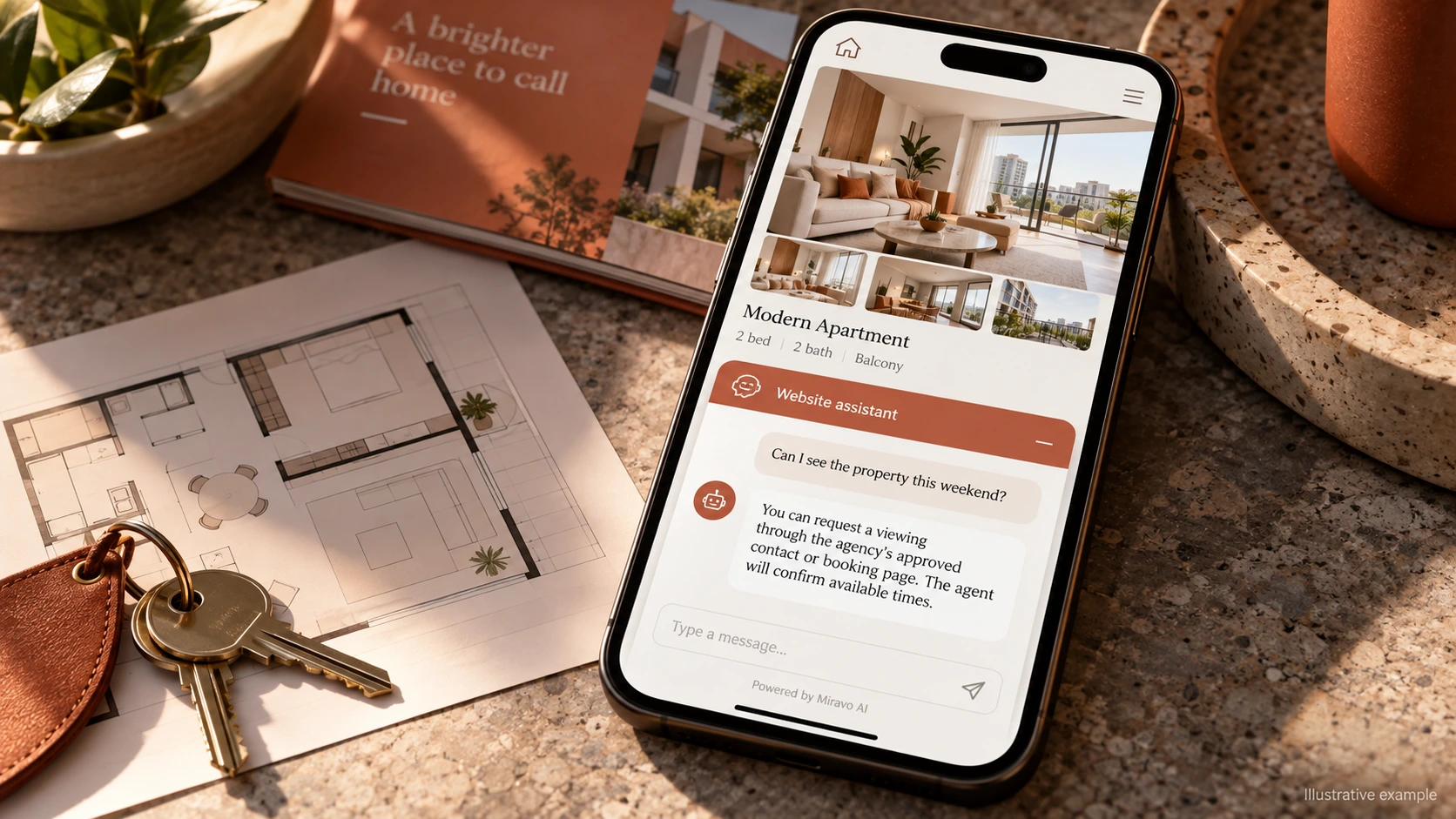
- Visitor
- Can I see the property this weekend?
- Example assistant reply
- You can request a viewing through the agency’s approved contact or booking page. The agent will confirm available times.
Handle a question needing verification
Published listings can lag behind events. The assistant should make the verification route obvious rather than imply live inventory access.
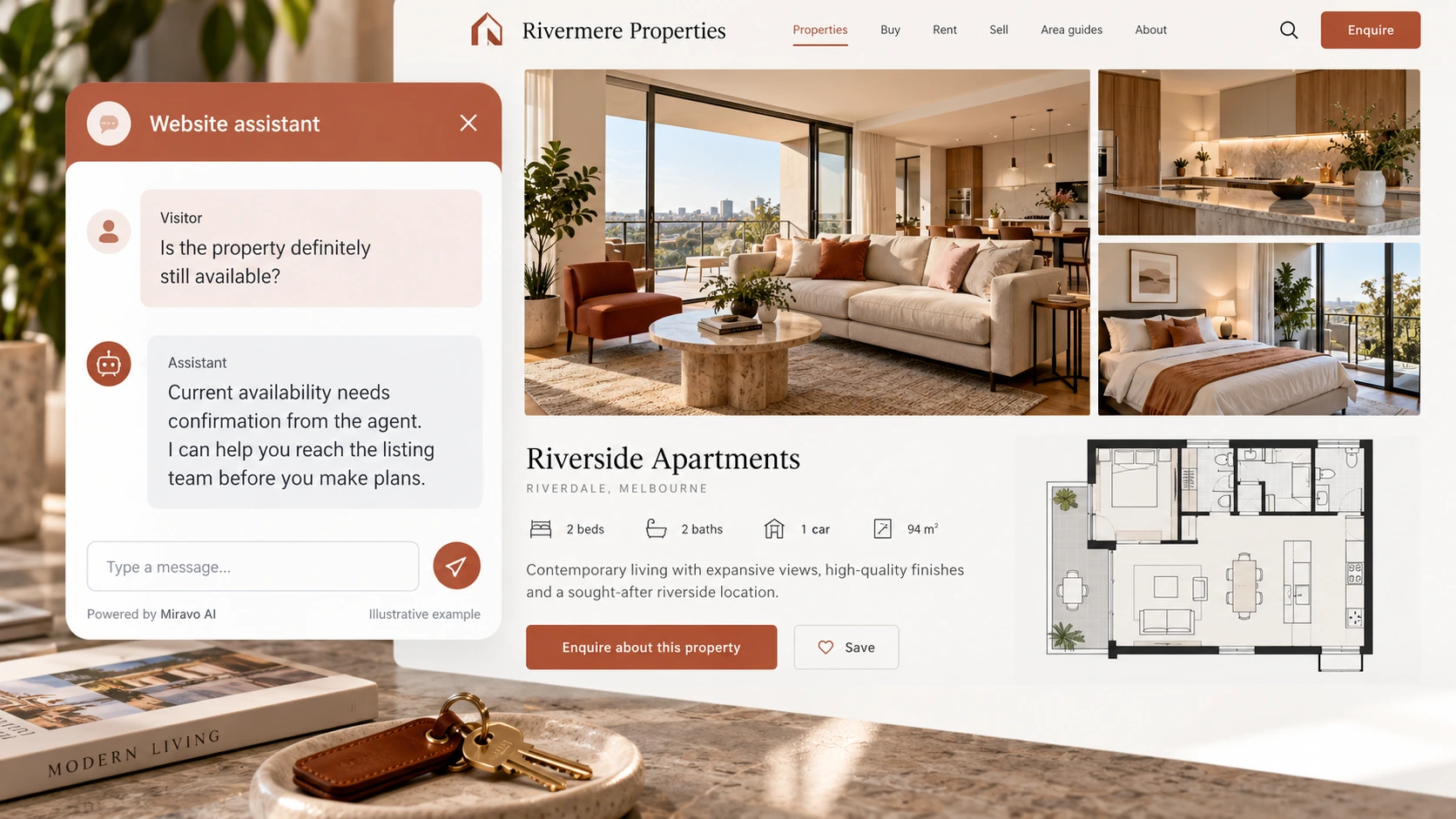
- Visitor
- Is the property definitely still available?
- Example assistant reply
- Current availability needs confirmation from the agent. I can help you reach the listing team before you make plans.
Build a knowledge base that answers real buyer questions
| Source to prepare | Question it should answer | Editorial review |
|---|---|---|
| Property listing facts | Does this apartment have a balcony? | Anchor feature answers to the exact property. If the floor plan does not show a detail, offer agent verification rather than borrowing from another listing. |
| Viewing request process | Can I see the property this weekend? | Explain how viewings are requested and confirmed. A date preference gives the agent context without becoming a reserved slot. |
| Agency contact routes | Is the property definitely still available? | Recognise that listing status can change after publication. The agent's confirmation is the dependable next step for a time-sensitive visitor. |
For source preparation, read how to train your chatbot on website content.
A review scenario before launch
Ask about step-free access on a listing whose floor plan does not establish it. Follow with a viewing request for a specific time. A useful handoff identifies the property and both questions, so the agent can verify the feature and arrange availability without inventing either.
- A missing floor-plan feature
- A sold or withdrawn listing
- An unconfirmed viewing time
Work through the pre-launch checklist before rolling out more pages.
How to judge whether the chatbot is helping
Track listing-specific viewing enquiries your agents can follow up. Compare enquiry quality by property and review conversations that reveal missing listing details.
Questions about a chatbot for real estate agents and property businesses
Can chat qualify viewing interest?
It can explain the property and offer a contact route. Use the listing reference and the visitor's stated interest to prepare follow-up, rather than treating every email as a qualified buyer.