Restaurants · 3 min read ·
A Restaurant Chatbot That Answers the Questions Behind a Table Enquiry
Diners can hesitate over group arrangements, menu options, or how reservations work. A restaurant chatbot can explain your venue’s published information while leaving table confirmation and food-safety questions with the responsible team.
Discuss your restaurants website →What a useful chatbot changes for restaurants
A dining enquiry may begin with a menu question but depend on group size, timing, or a special arrangement. Your assistant should explain the published venue policies and help the diner reach the correct reservation or staff channel. That keeps straightforward planning questions from becoming repeated phone calls.
Build separate answers for ordinary reservations, group dining, and questions requiring kitchen staff.
Explain a group dining policy
Group conditions should be clear before a diner requests a table. This reduces a common source of last-minute disappointment.
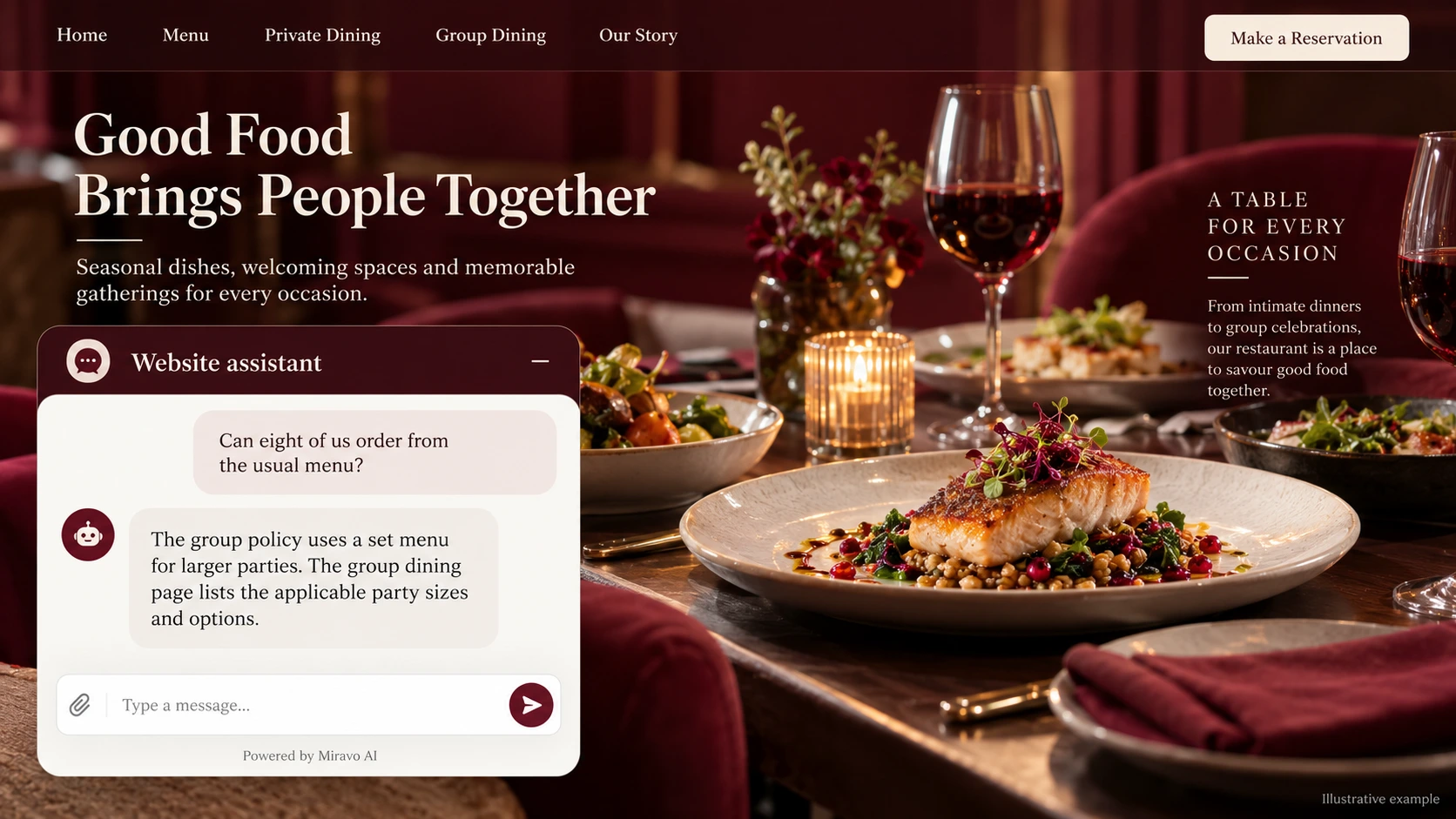
- Visitor
- Can eight of us order from the usual menu?
- Example assistant reply
- The group policy uses a set menu for larger parties. The group dining page lists the applicable party sizes and options.
Handle a dietary enquiry carefully
Menu descriptions are not a preparation guarantee. Route allergy questions to staff who can discuss the actual kitchen process.
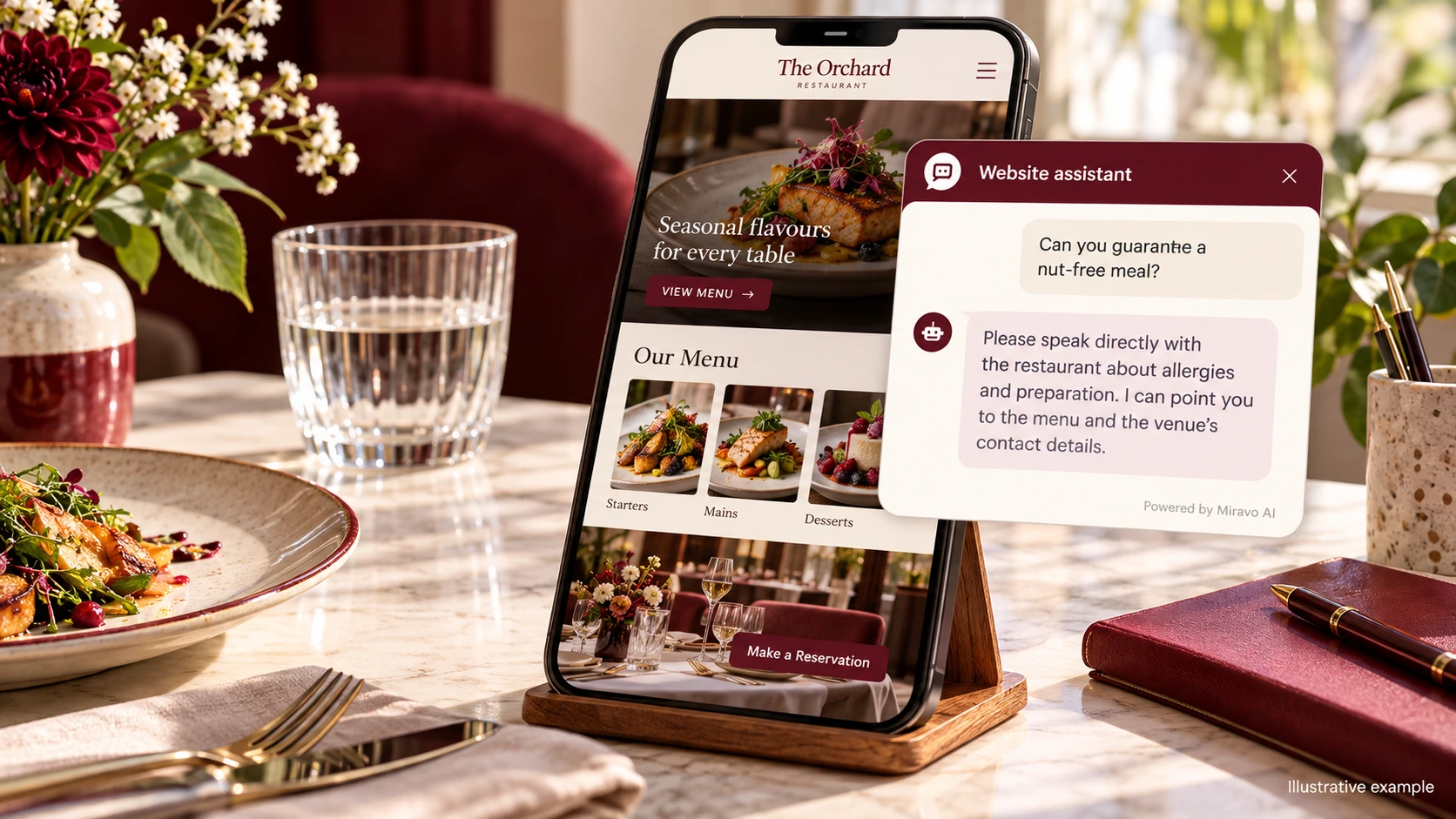
- Visitor
- Can you guarantee a nut-free meal?
- Example assistant reply
- Please speak directly with the restaurant about allergies and preparation. I can point you to the menu and the venue’s contact details.
Show how to reserve
A useful assistant gives the diner a clean route to booking without claiming to access a reservation system.
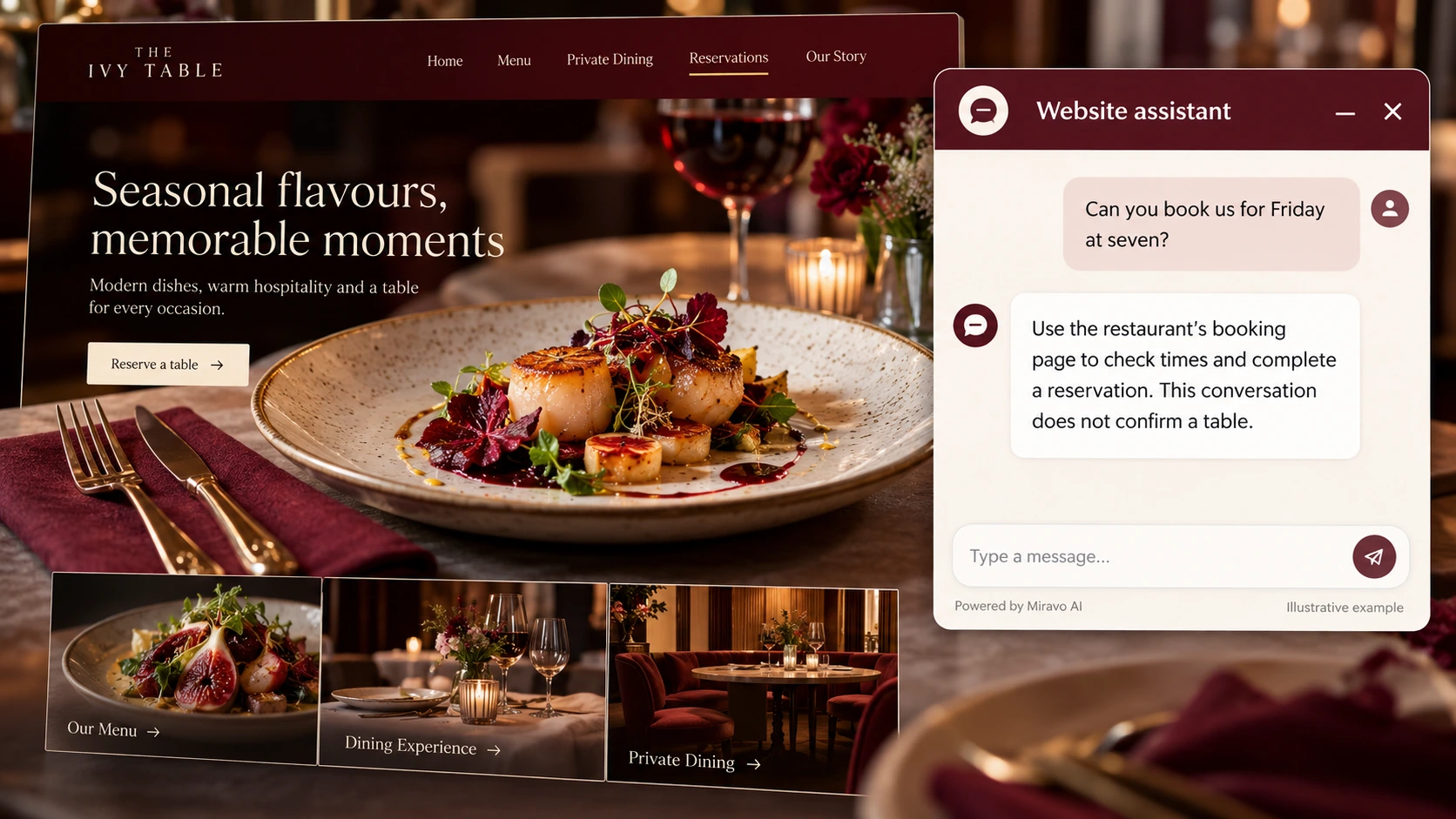
- Visitor
- Can you book us for Friday at seven?
- Example assistant reply
- Use the restaurant’s booking page to check times and complete a reservation. This conversation does not confirm a table.
Build a knowledge base that answers real buyer questions
| Source to prepare | Question it should answer | Editorial review |
|---|---|---|
| Current menu descriptions | Can eight of us order from the usual menu? | Explain the party-size threshold and menu conditions before suggesting a group enquiry. |
| Group dining conditions | Can you guarantee a nut-free meal? | Route allergy and preparation questions to staff who can discuss the actual kitchen process. |
| Reservation and contact links | Can you book us for Friday at seven? | Provide the correct booking page without describing a preferred time as reserved. |
For source preparation, read how to train your chatbot on website content.
A review scenario before launch
Test a group just above the restaurant’s published private-dining threshold. Add a dietary question and a preferred evening. The assistant should explain the group-booking route and direct ingredient questions to the restaurant, leaving table availability and any individual arrangements for staff to confirm.
- An allergy guarantee
- A party above the group threshold
- An unavailable reservation time
Work through the pre-launch checklist before rolling out more pages.
How to judge whether the chatbot is helping
Compare group enquiries and reservations confirmed in your existing booking system. Review unanswered menu questions when updating the restaurant website.
Questions about a chatbot for restaurants
Can chat handle group enquiries?
It can explain group conditions and offer the team contact route. Staff should confirm the arrangement and any menu or timing exceptions.