SaaS companies · 3 min read ·
An AI Chatbot for SaaS: Help Buyers Reach the First Useful Answer
SaaS prospects and new users often ask different questions on the same website. One wants to know whether a feature fits; another needs a setup step. A website assistant can address both without blurring sales claims and support documentation.
Discuss your saas companies website →What a useful chatbot changes for saas companies
A SaaS buyer wants to know whether your product solves their problem; a new user wants to reach the first useful result. They may ask almost identical questions but need different next steps. Your website assistant should distinguish plan fit, documented setup, and account-specific support so the conversation keeps moving toward the visitor's actual goal.
Pick one feature area and include both its commercial limits and setup documentation. Version and plan context should travel with every relevant answer.
Explain plan fit
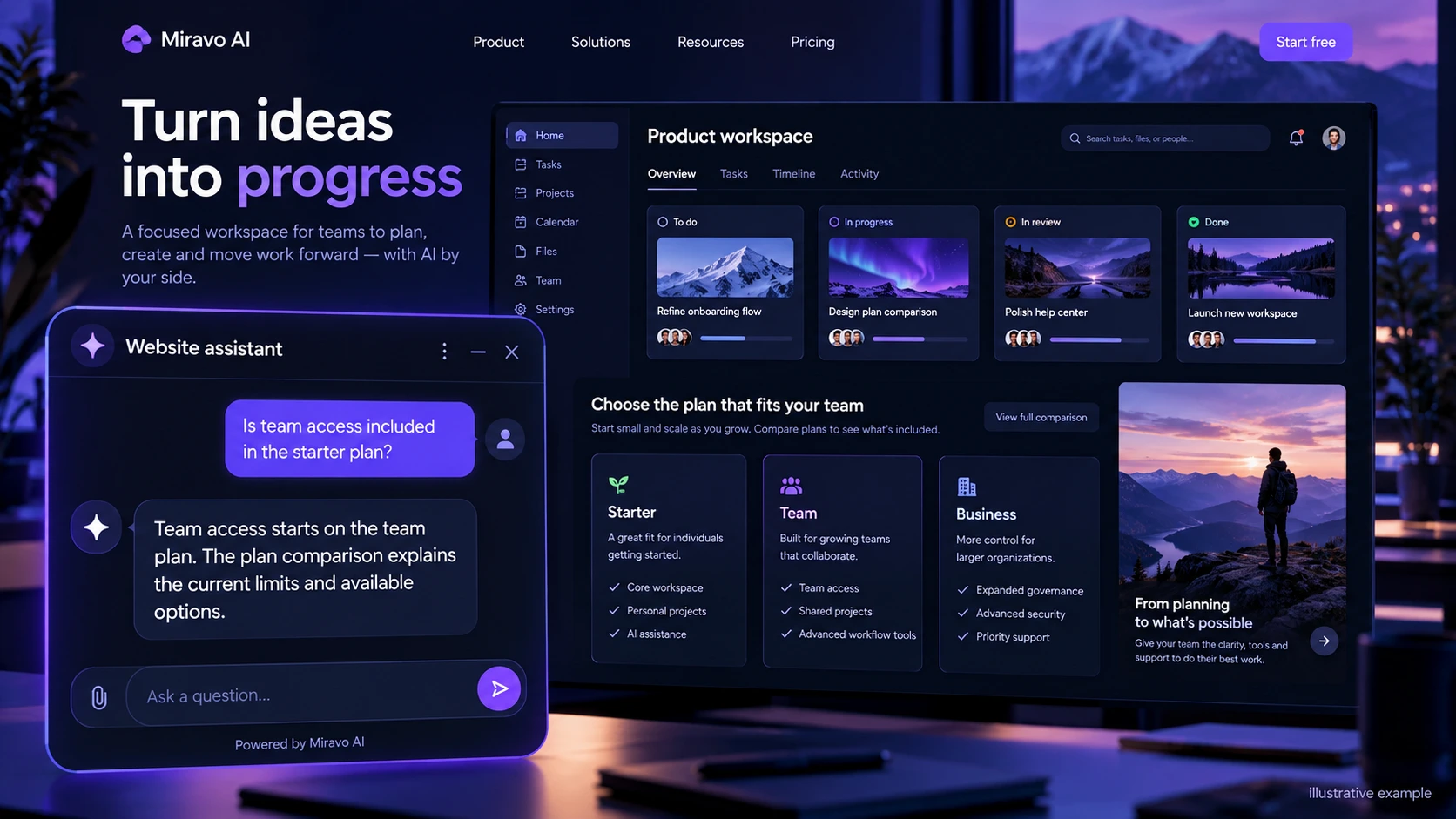
A precise plan answer helps buyers qualify themselves. Avoid vague feature claims that omit a tier restriction.
- Visitor
- Is team access included in the starter plan?
- Example assistant reply
- Team access starts on the team plan. The plan comparison explains the current limits and available options.
Help with the first setup task
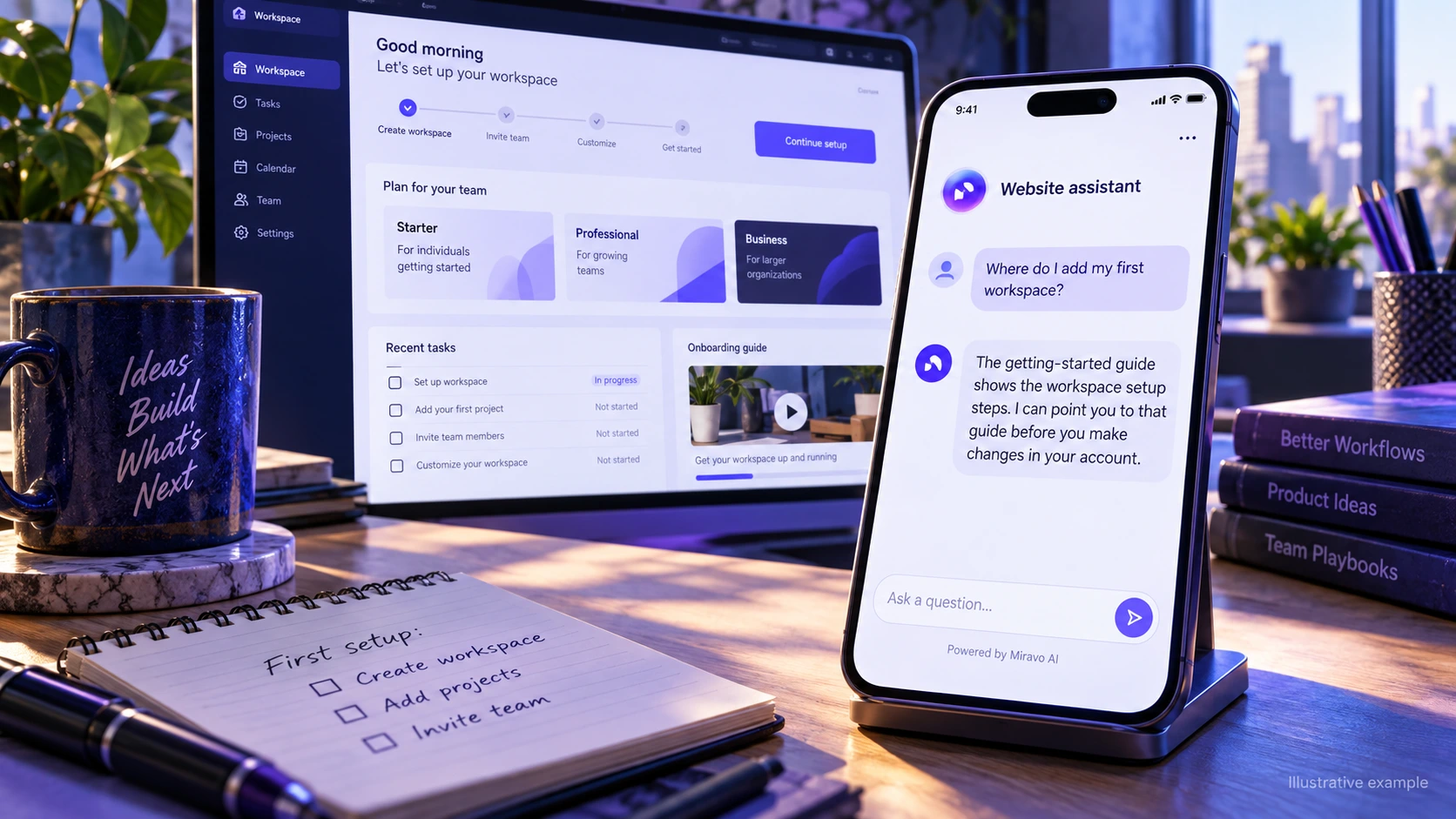
Public documentation can guide onboarding without giving the website chat authority to edit an account. Keep the next step specific.
- Visitor
- Where do I add my first workspace?
- Example assistant reply
- The getting-started guide shows the workspace setup steps. I can point you to that guide before you make changes in your account.
Identify a support case
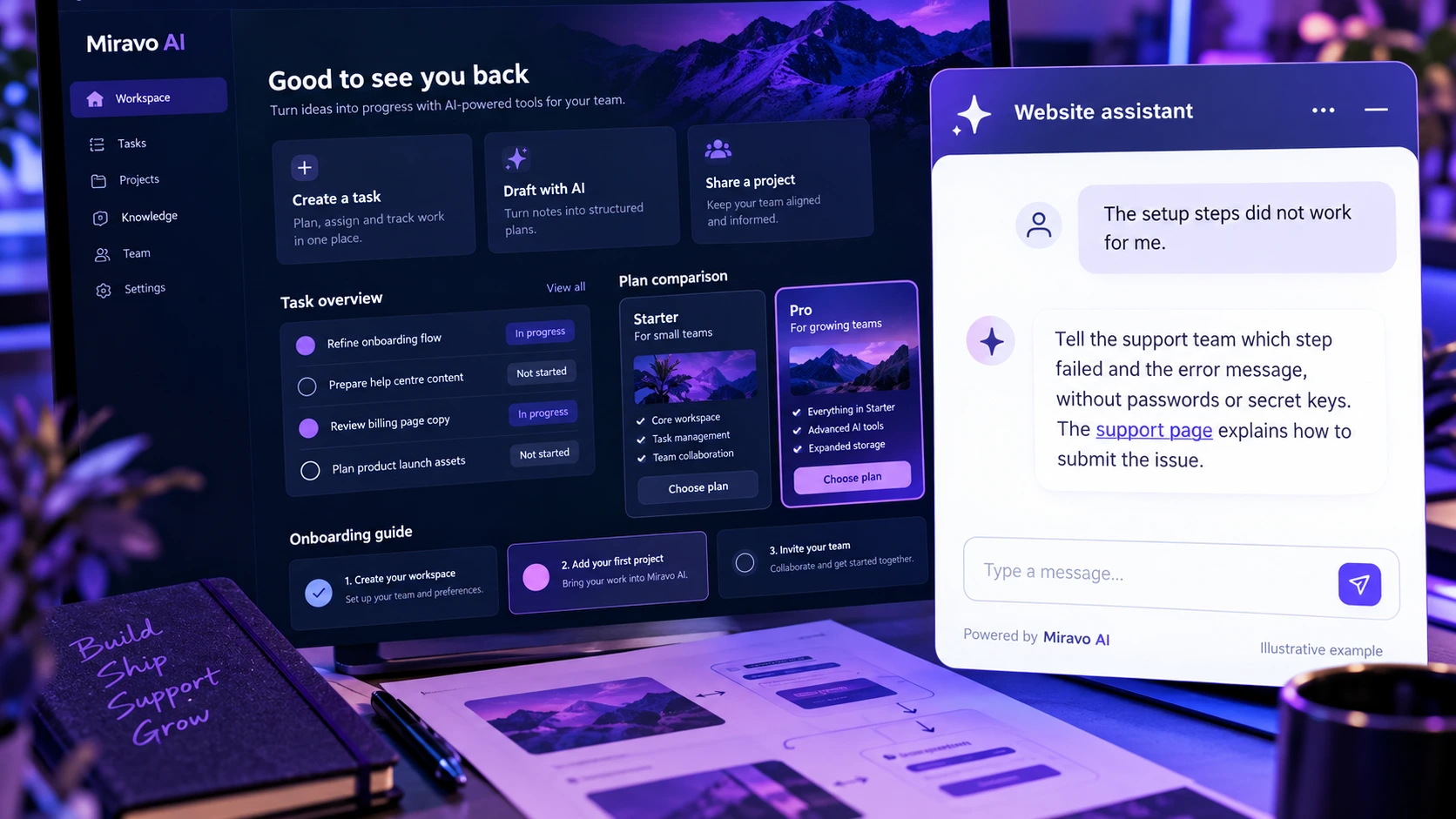
Useful escalation preserves context. A concise issue description beats a repeated loop through the same generic instructions.
- Visitor
- The setup steps did not work for me.
- Example assistant reply
- Tell the support team which step failed and the error message, without passwords or secret keys. The support page explains how to submit the issue.
Build a knowledge base that answers real buyer questions
| Source to prepare | Question it should answer | Editorial review |
|---|---|---|
| Current plan limits | Is team access included in the starter plan? | Explain whether a feature is included, restricted, or available on another plan. Preserve usage conditions instead of giving an unqualified yes. |
| Versioned setup guides | Where do I add my first workspace? | Point to the setup path for the user's product context. A documented instruction should not imply that chat has changed the account. |
| Support submission process | The setup steps did not work for me. | Gather a concise issue description and route it to support. The failed step matters more than making the user repeat the whole onboarding story. |
For source preparation, read how to train your chatbot on website content.
A review scenario before launch
Choose a feature available on one plan but absent from another. Ask for setup instructions before specifying the plan, then reveal that the customer uses an older version. Check whether the assistant requests the missing context and selects documentation that matches both constraints.
- A restricted feature
- An outdated setup step
- A request to change an account
Work through the pre-launch checklist before rolling out more pages.
How to judge whether the chatbot is helping
Compare pre-sale fit questions and setup issues separately. Use trial activation and resolved support cases from your product records rather than treating every answer as adoption.
Questions about a chatbot for saas companies
Should we launch sales and support together?
You can cover both if their sources and destinations are clearly separated. Test a buyer's plan question and a user's failed setup task as different journeys.