Service businesses · 3 min read ·
A Chatbot for Service Businesses That Turns Vague Requests into Useful Enquiries
“How much will it cost?” often arrives before a service business knows enough to answer. Your website can help visitors understand scope, coverage, and the next step without making your team repeat the same discovery conversation.
Discuss your service businesses website →What a useful chatbot changes for service businesses
A service enquiry becomes expensive when every conversation starts again with location, scope, and urgency. The website can explain those basics before someone calls. Your assistant should help a visitor describe the job well enough for the team to decide whether to assess it, rather than trying to replace that assessment with an instant price.
Choose a service where incomplete enquiries repeatedly require follow-up. Define the coverage boundary and the information needed for an estimate, then make the next step explicit.
Check the service area first
Location is a useful early filter. Publishing clear coverage boundaries saves both visitors and staff from pursuing a service you cannot deliver.
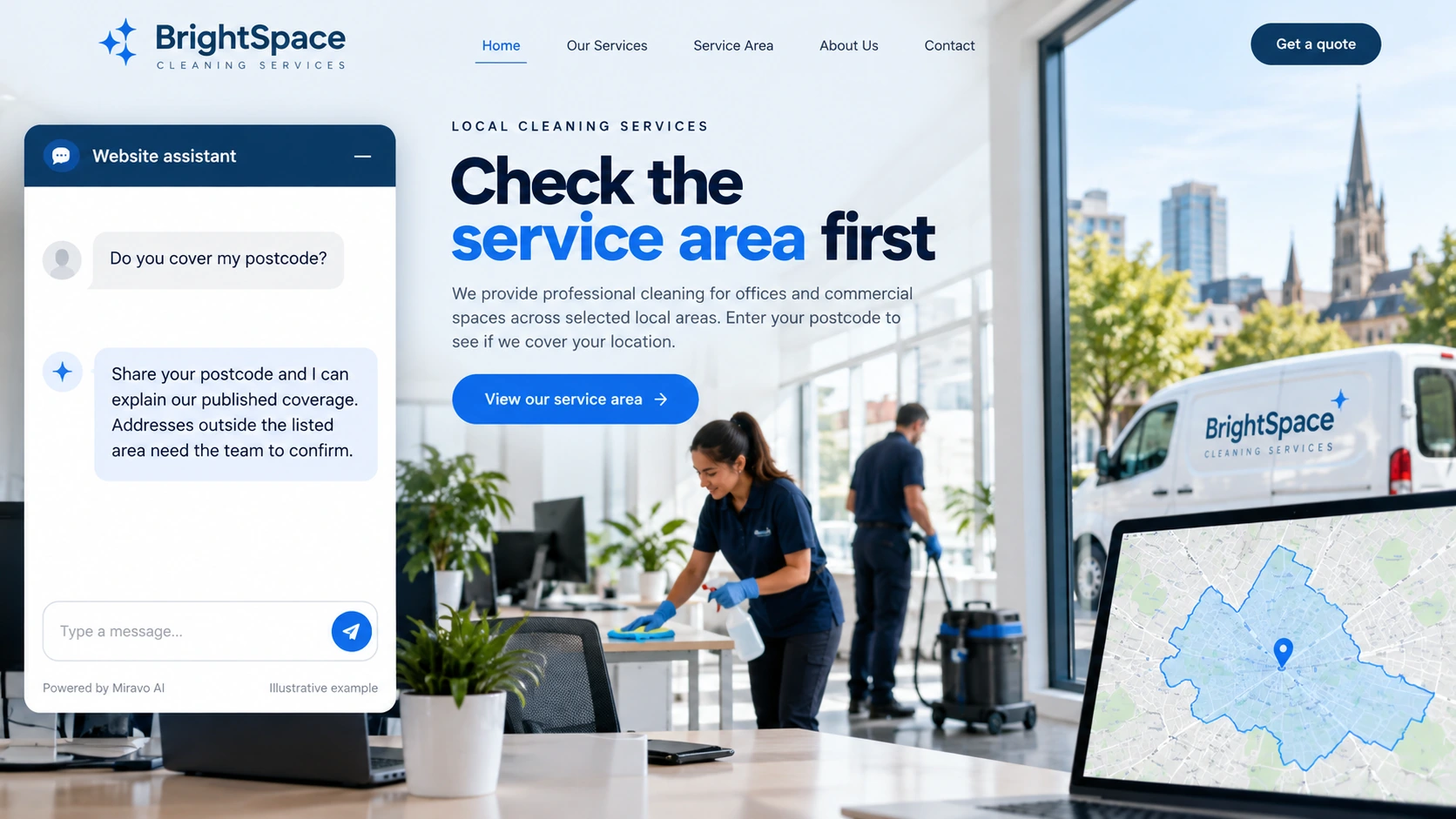
- Visitor
- Do you cover my postcode?
- Example assistant reply
- Share your postcode and I can explain our published coverage. Addresses outside the listed area need the team to confirm.
Explain why a quote needs context
Answer the pricing process rather than inventing a price. Buyers become better prepared when they understand which details change the estimate.
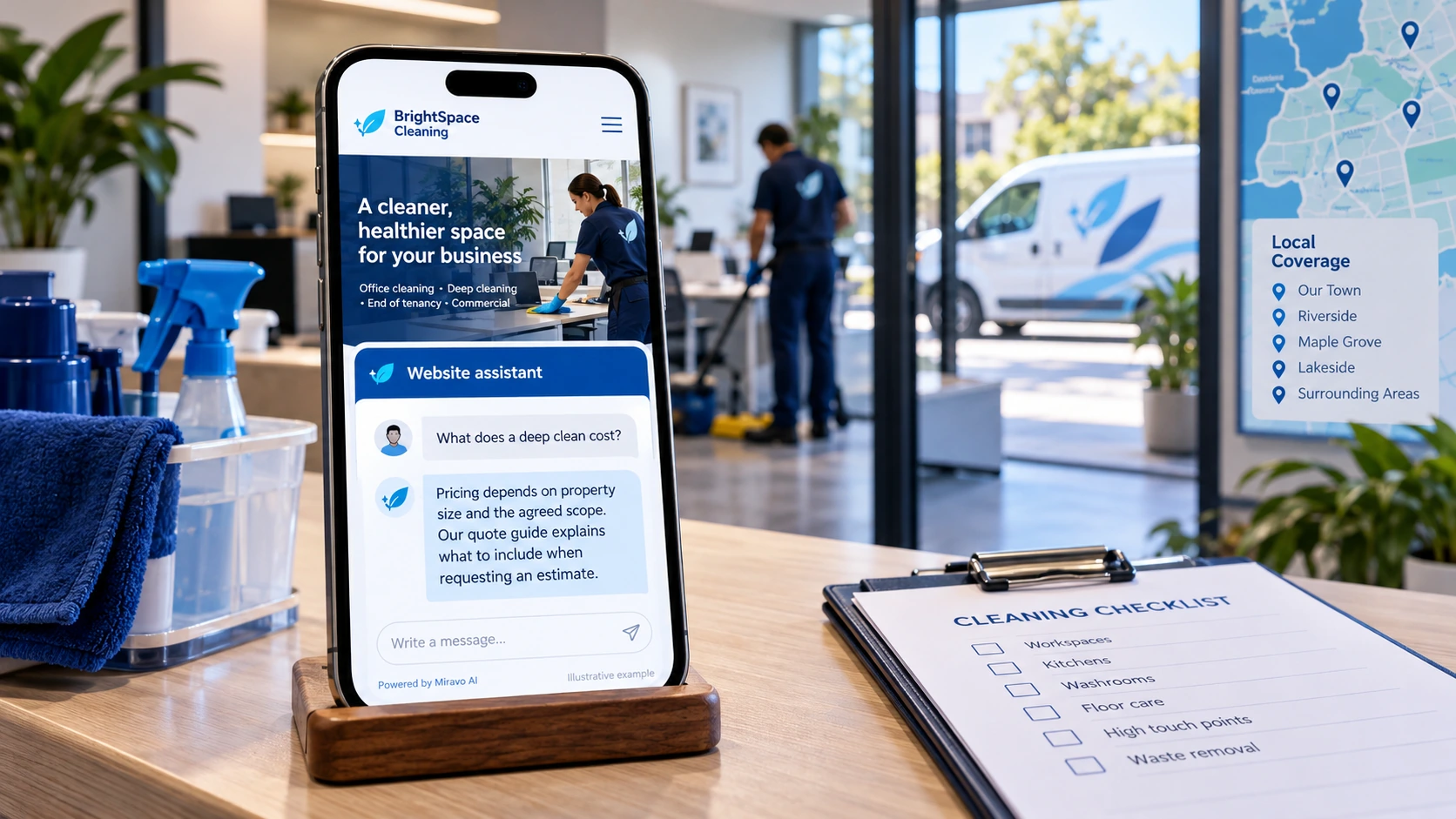
- Visitor
- What does a deep clean cost?
- Example assistant reply
- Pricing depends on property size and the agreed scope. Our quote guide explains what to include when requesting an estimate.
Move the right enquiry forward
A useful enquiry includes the required work and a realistic route to assessment. Keep the distinction between requesting a visit and securing a time.
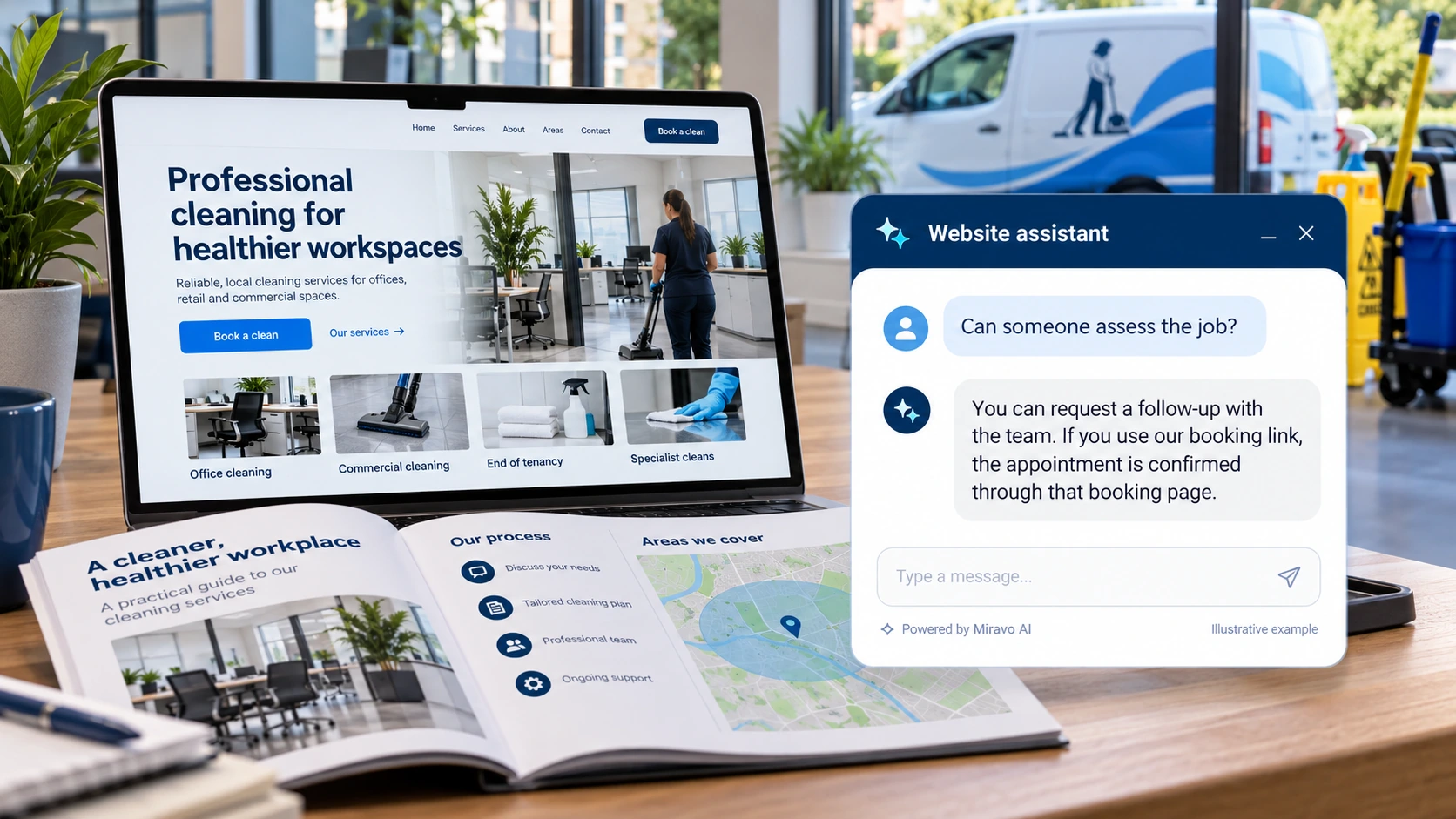
- Visitor
- Can someone assess the job?
- Example assistant reply
- You can request a follow-up with the team. If you use our booking link, the appointment is confirmed through that booking page.
Build a knowledge base that answers real buyer questions
| Source to prepare | Question it should answer | Editorial review |
|---|---|---|
| Coverage areas | Do you cover my postcode? | Use the postcode to explain published coverage. An address near the boundary still needs the team to confirm travel and access arrangements. |
| Service inclusions and exclusions | What does a deep clean cost? | Distinguish the standard service from extras. Explain which scope details change the estimate so the visitor can prepare them. |
| Quote and assessment process | Can someone assess the job? | Describe the assessment sequence and who confirms the appointment. An enquiry should remain useful even when the team cannot offer the requested date. |
For source preparation, read how to train your chatbot on website content.
A review scenario before launch
Use two nearby postcodes on opposite sides of the service boundary. Describe the same job at both addresses, then add a same-day deadline. Check that the assistant explains coverage before inviting a quote and leaves appointment acceptance with the scheduling team.
- An address outside coverage
- A request without a scope
- A same-day appointment
Work through the pre-launch checklist before rolling out more pages.
How to judge whether the chatbot is helping
Track enquiries your team can actually quote. Note missing scope details and how often the first follow-up still has to ask basic coverage questions.
Questions about a chatbot for service businesses
Should we show prices in chat?
Use your published prices and their stated conditions. Where the work needs assessment, explain the pricing variables and quote route instead of manufacturing a fixed amount.