Shopify stores · 2 min read ·
A Shopify Chatbot That Answers Store Questions in Your Brand’s Voice
Shopify merchants can offer another way to ask about products and policies without rewriting their storefront. A Miravo AI website assistant can explain approved store content and direct shoppers to the appropriate page.
Discuss your shopify stores website →What a useful chatbot changes for shopify stores
A Shopify merchant can use a website assistant to explain product and policy content while the shopper is deciding. The useful starting point is a real storefront journey, not a promise of automated order administration. Installation, knowledge preparation, and commerce-system access are separate tasks that should be tested separately.
Start on a product collection with recurring questions, and verify the installed widget on the published theme.
Explain a collection
Use store-owned information rather than an invented catalogue feed.
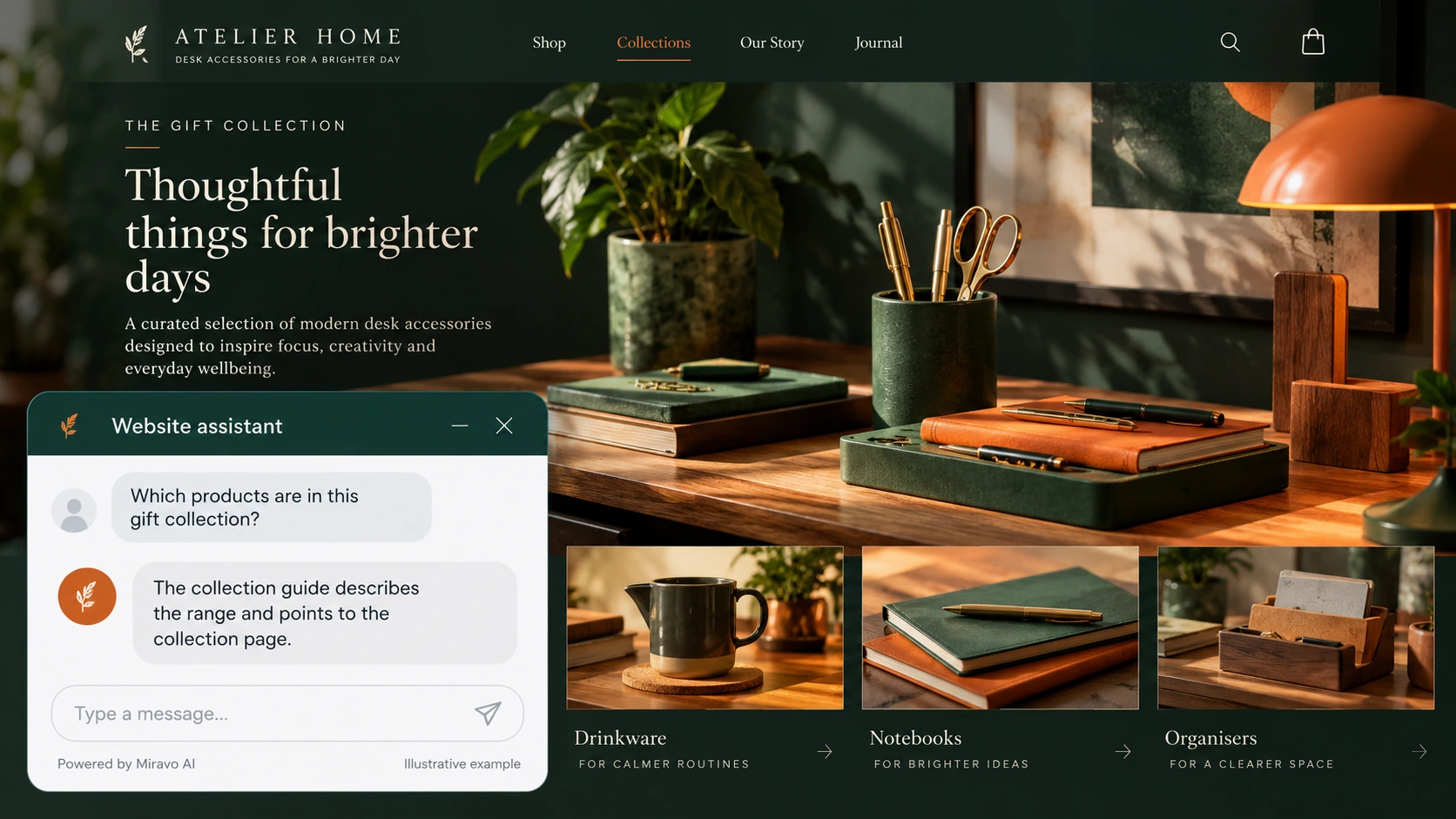
- Visitor
- Which products are in this gift collection?
- Example assistant reply
- The collection guide describes the range and points to the collection page.
Clarify a policy
Keep the answer consistent with the storefront’s published terms.

- Visitor
- What is your exchange window?
- Example assistant reply
- The store policy states the exchange conditions and exceptions.
Route an account action
An embedded chat should not imply administrative access.
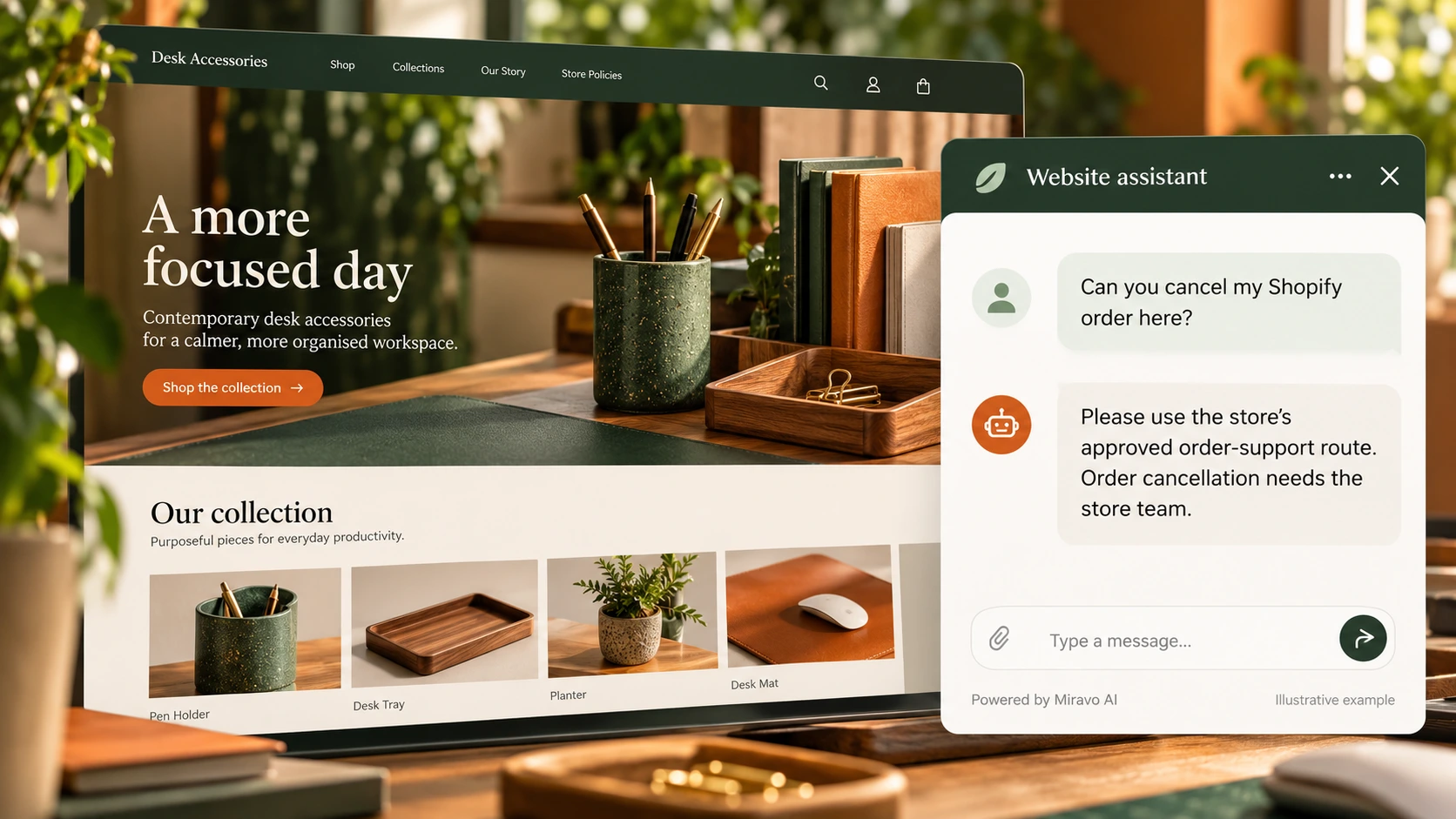
- Visitor
- Can you cancel my Shopify order here?
- Example assistant reply
- Please use the store’s approved order-support route. Order cancellation needs the store team.
Build a knowledge base that answers real buyer questions
| Source to prepare | Question it should answer | Editorial review |
|---|---|---|
| Store product pages | Which products are in this gift collection? | Explain collection contents from approved store pages. |
| Shipping and exchange policy | What is your exchange window? | Keep exchange answers consistent with published purchase conditions. |
| Theme installation instructions | Can you cancel my Shopify order here? | Route cancellations and account actions to the store's established support process. |
For source preparation, read how to train your chatbot on website content.
A review scenario before launch
After installation, open a product page and follow the route into the cart on desktop and mobile. Check that the launcher stays usable around theme controls. Then ask for an order change: the reply should follow store policy and the support route rather than imply that chat edited the order.
- Theme preview and mobile layout
- Order-change request
- Conflicting store policy
Work through the pre-launch checklist before rolling out more pages.
How to judge whether the chatbot is helping
Track product and policy enquiries alongside Shopify order records. Confirm the widget works on the pages where shoppers actually need it.
Questions about a chatbot for shopify stores
Is an embedded script an order integration?
No. It displays the website widget. Any workflow involving order records or changes needs a separately verified connection and appropriate permissions.