Shopware stores · 2 min read ·
A Shopware Chatbot That Helps Buyers Understand Your Storefront Offer
Shopware merchants can use chat to explain product specifications and purchasing conditions that are difficult to scan across a catalogue. A website assistant makes that information conversational without assuming commerce-system access.
Discuss your shopware stores website →What a useful chatbot changes for shopware stores
A Shopware store may present different purchasing conditions for different customer contexts. Your assistant should explain the public offer without treating private account terms as a universal policy. Clear configuration and enquiry guidance can prepare a sales conversation before any account-specific review.
Define the public source scope and test the storefront context where the widget is installed.
Explain the configuration
A clear configuration answer supports a considered product choice.
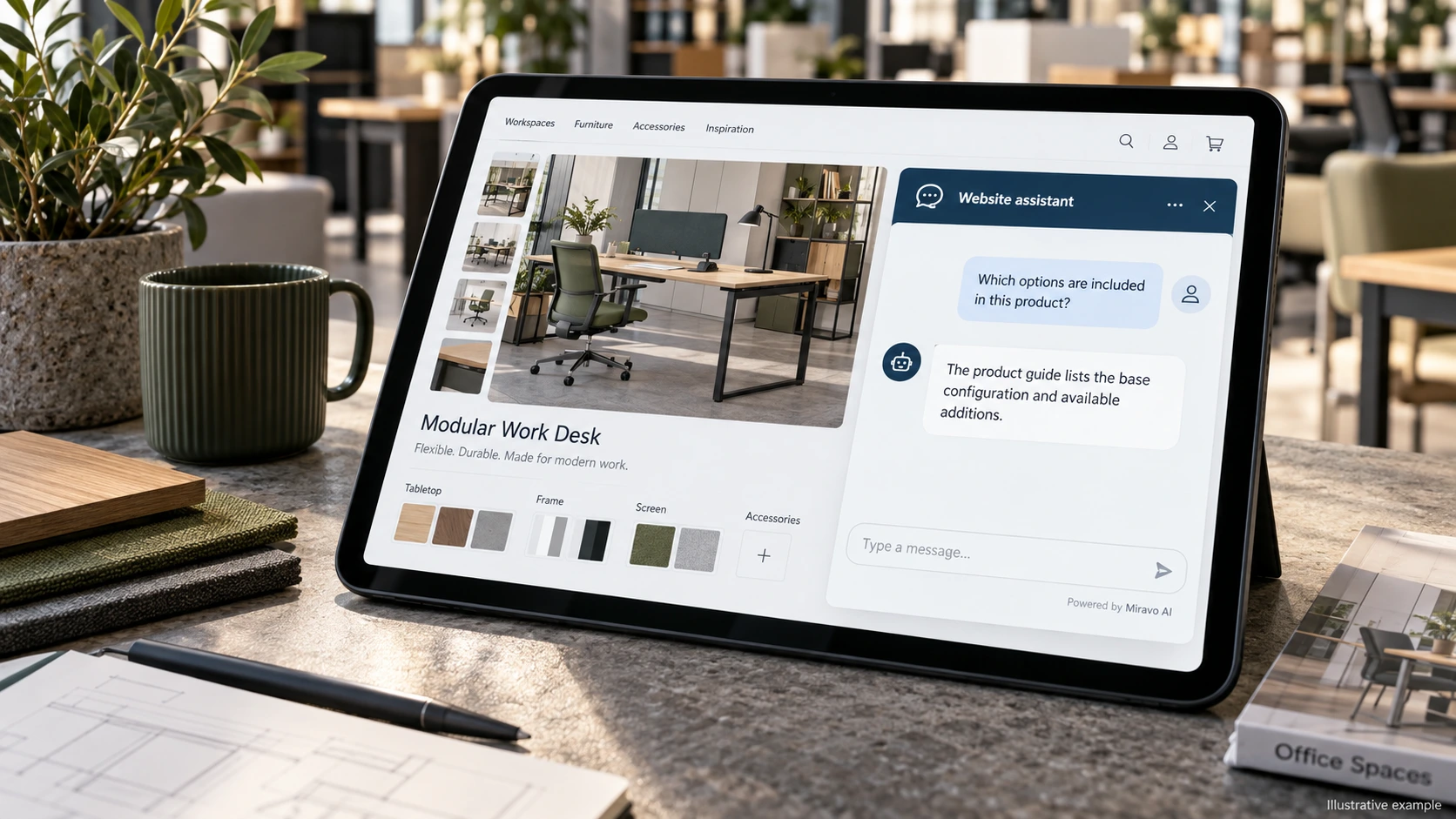
- Visitor
- Which options are included in this product?
- Example assistant reply
- The product guide lists the base configuration and available additions.
Clarify purchasing terms
Do not expose private account terms as a general policy.
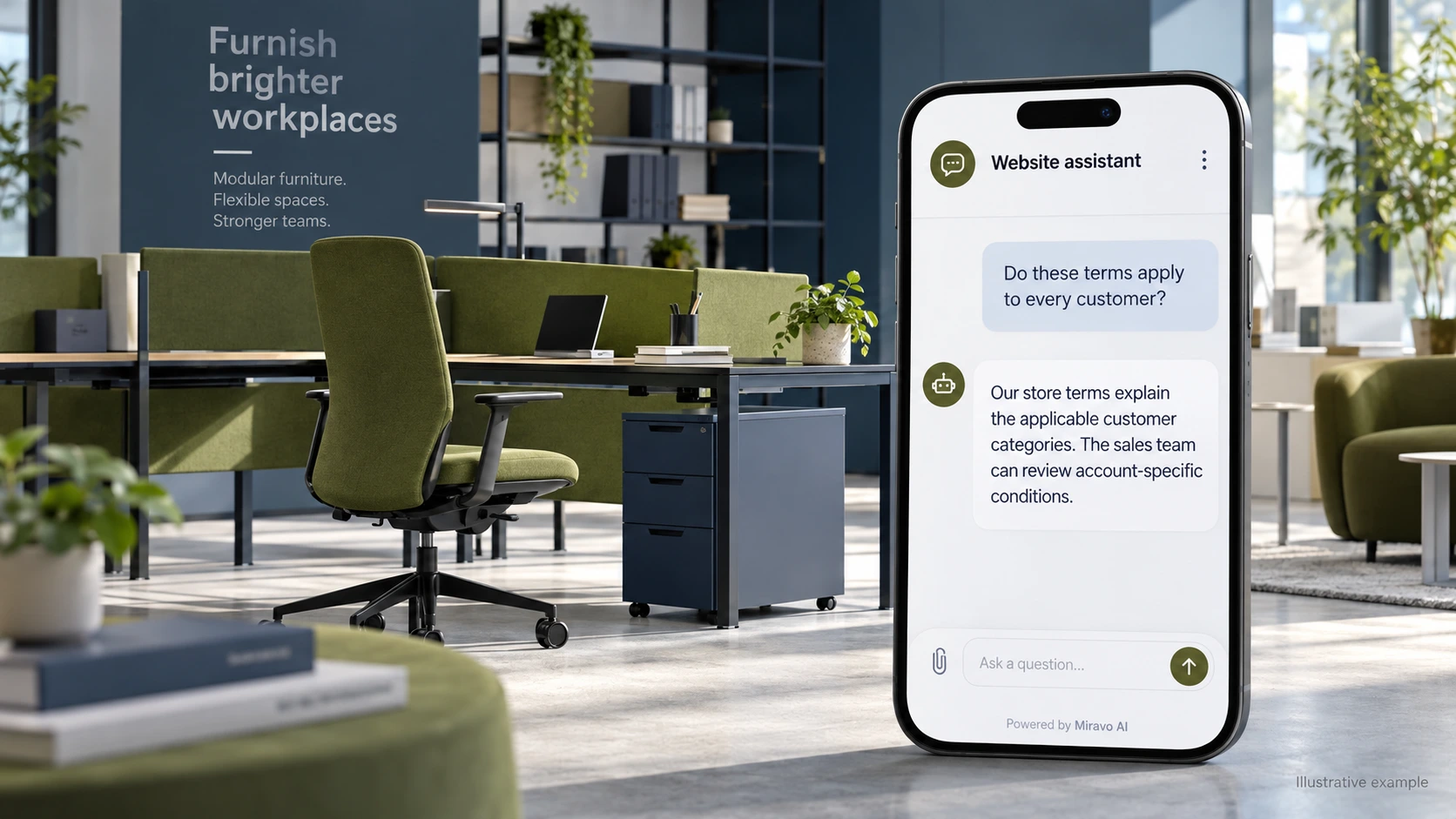
- Visitor
- Do these terms apply to every customer?
- Example assistant reply
- Our store terms explain the applicable customer categories. The sales team can review account-specific conditions.
Prepare a sales question
A quote-ready brief is useful without a live pricing integration.
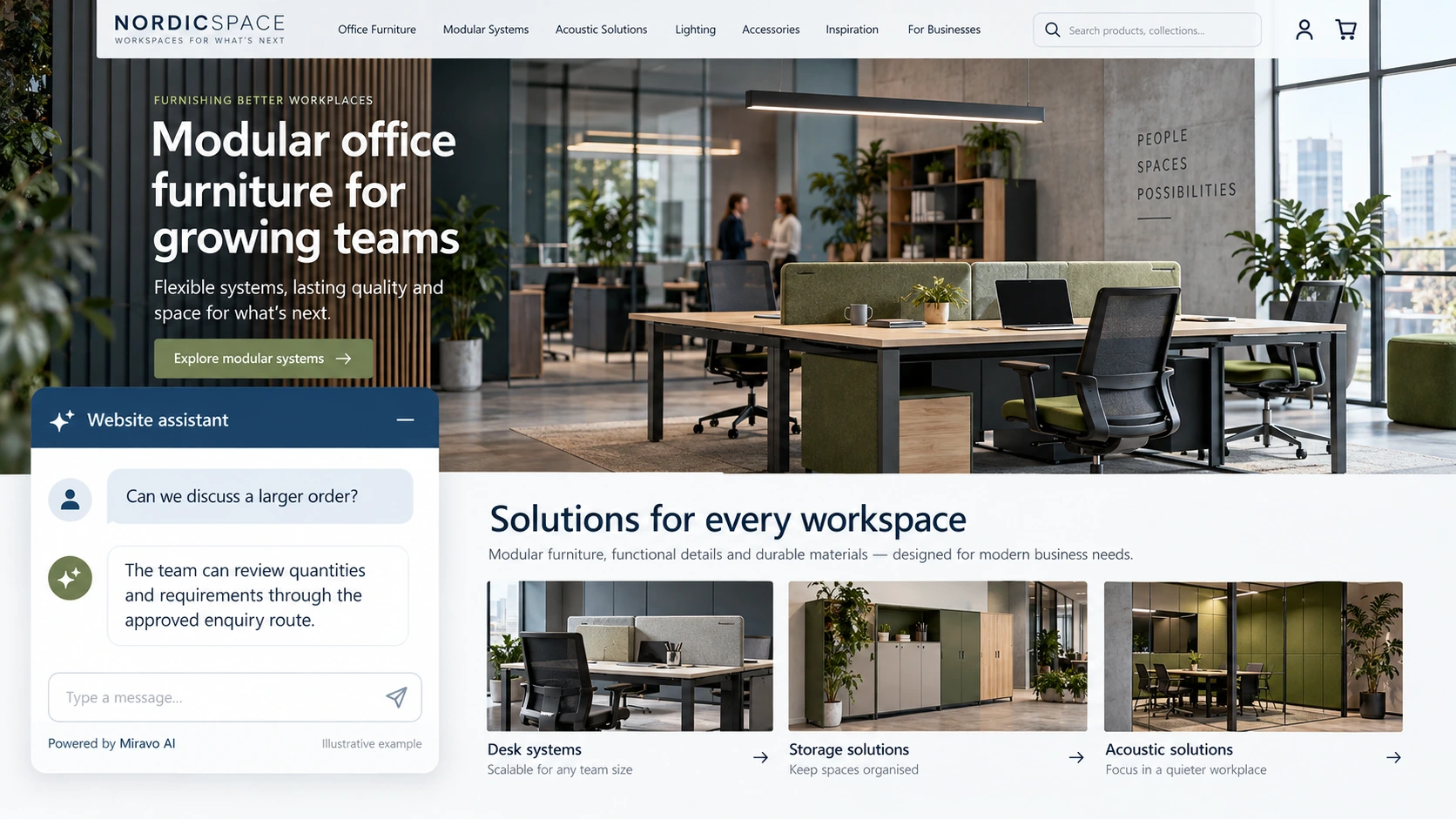
- Visitor
- Can we discuss a larger order?
- Example assistant reply
- The team can review quantities and requirements through the approved enquiry route.
Build a knowledge base that answers real buyer questions
| Source to prepare | Question it should answer | Editorial review |
|---|---|---|
| Public product configuration | Which options are included in this product? | Explain base configuration and listed additions. |
| Published purchasing conditions | Do these terms apply to every customer? | Preserve the applicable customer category in purchasing terms. |
| Approved sales enquiry route | Can we discuss a larger order? | Prepare quantities and requirements for a larger-order enquiry. |
For source preparation, read how to train your chatbot on website content.
A review scenario before launch
Compare a public configuration question with a request for a customer-specific price. Check the published storefront on mobile and verify that the widget appears through the chosen script route. The response should use public purchasing terms and direct private commercial questions to sales.
- Account-specific price request
- Storefront script placement
- Unlisted configuration
Work through the pre-launch checklist before rolling out more pages.
How to judge whether the chatbot is helping
Track specification-complete sales enquiries and confirmed store orders. Review whether customer-category conditions remain clear in answers.
Questions about a chatbot for shopware stores
Can it expose private customer terms?
Public chat should use approved public information. Account-specific conditions require the appropriate authenticated or sales review process.