Squarespace websites · 2 min read ·
A Squarespace Chatbot That Helps Portfolio Visitors Become Enquiries
A Squarespace portfolio can inspire visitors while leaving practical questions unanswered. A chatbot can explain your process, service scope, and enquiry requirements so an interested visitor knows how to begin.
Discuss your squarespace websites website →What a useful chatbot changes for squarespace websites
A Squarespace portfolio can demonstrate the quality of your work without explaining how a new project begins. Your assistant should connect inspiration to service scope and briefing requirements. The visitor can then reach the team with a clearer request while scheduling and project acceptance remain in your existing process.
Pilot a service or portfolio page and verify the site's available script placement.
Explain the service
A clear scope answer helps visitors decide which enquiry to make.
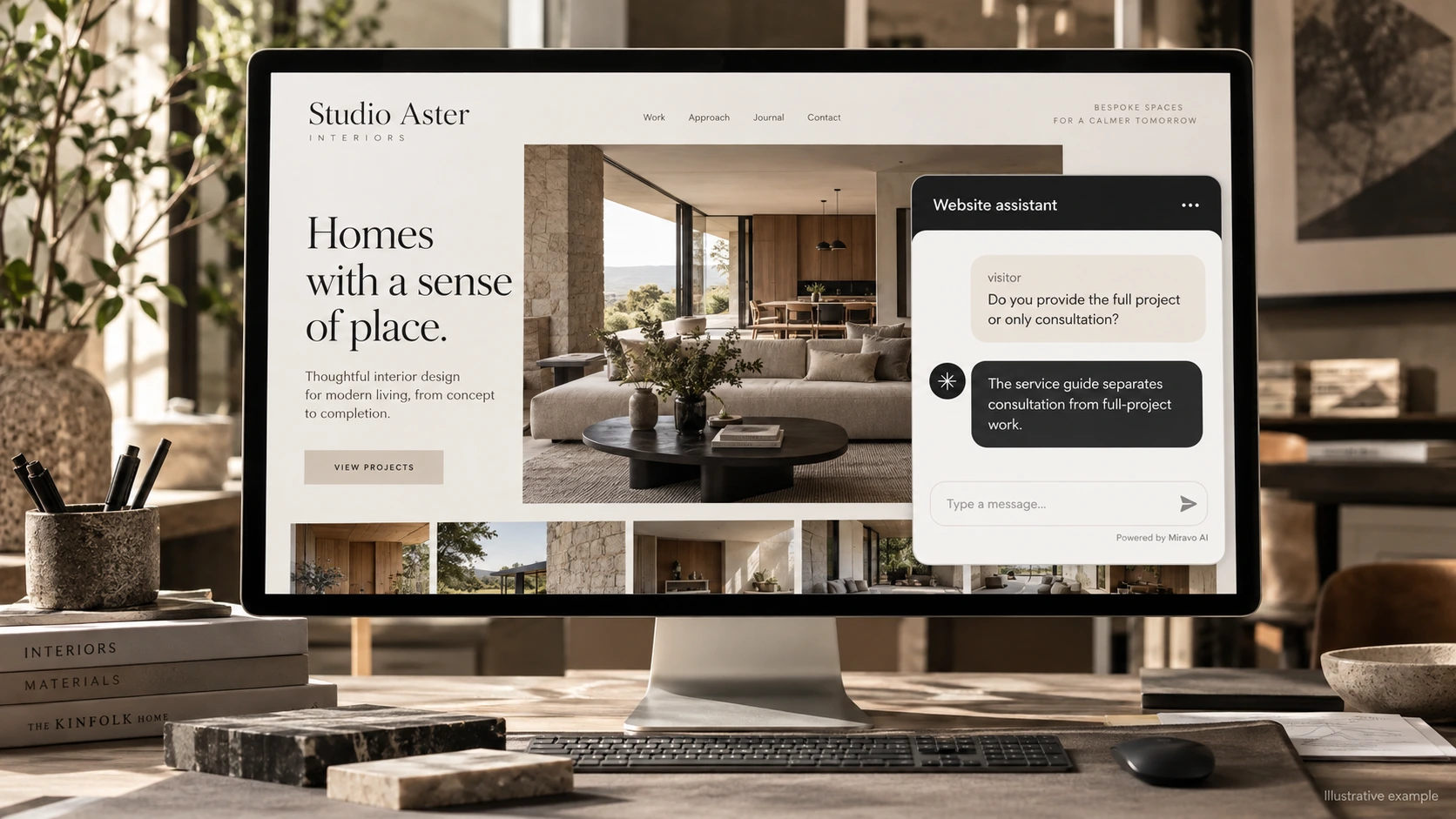
- Visitor
- Do you provide the full project or only consultation?
- Example assistant reply
- The service guide separates consultation from full-project work.
Prepare the brief
A prepared enquiry moves beyond “please send a price.”
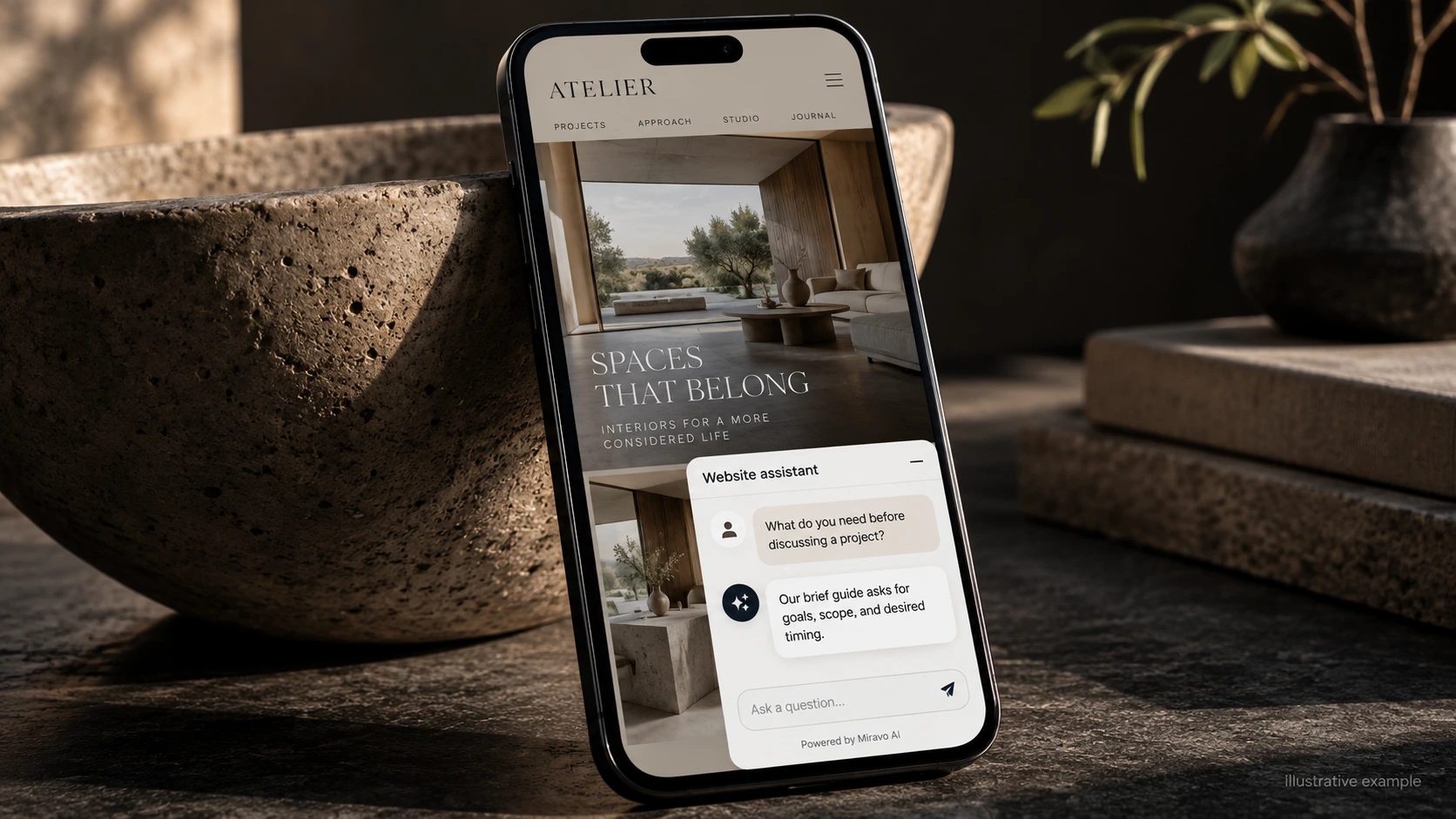
- Visitor
- What do you need before discussing a project?
- Example assistant reply
- Our brief guide asks for goals, scope, and desired timing.
Explain the next step
Do not turn a portfolio conversation into an unconfirmed reservation.
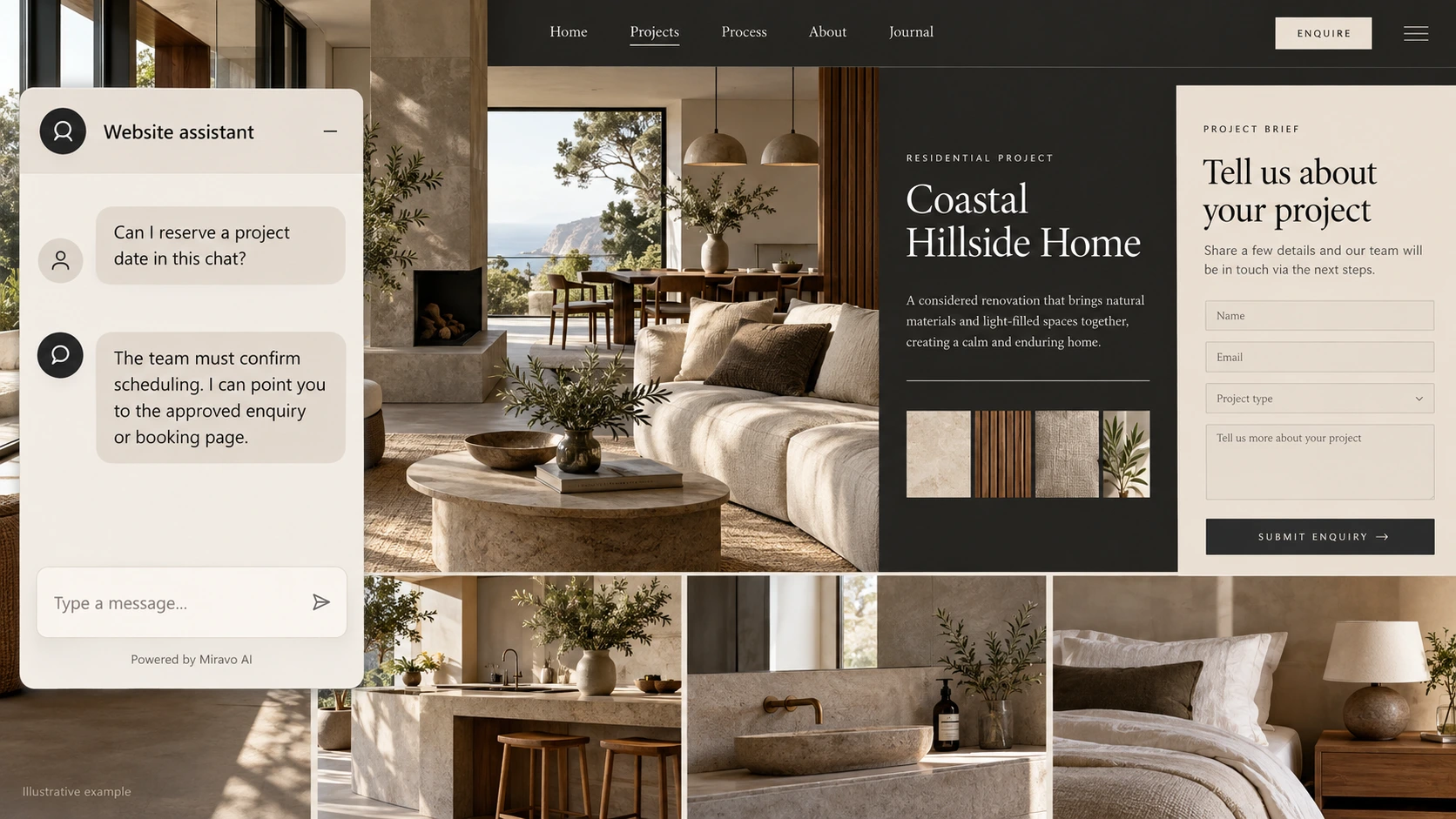
- Visitor
- Can I reserve a project date in this chat?
- Example assistant reply
- The team must confirm scheduling. I can point you to the approved enquiry or booking page.
Build a knowledge base that answers real buyer questions
| Source to prepare | Question it should answer | Editorial review |
|---|---|---|
| Service scope | Do you provide the full project or only consultation? | Separate consultation from full-project scope. |
| Project brief requirements | What do you need before discussing a project? | Explain the goals, dimensions, or timing needed in the initial brief. |
| Approved contact links | Can I reserve a project date in this chat? | Keep a requested project date distinct from team-confirmed availability. |
For source preparation, read how to train your chatbot on website content.
A review scenario before launch
Open the published portfolio on a narrow screen and check the launcher alongside the navigation. Ask whether a project date can be reserved with an incomplete brief. The response should explain the project enquiry requirements and leave date acceptance with the studio.
- Published script placement
- Narrow mobile viewport
- A date reservation request
Work through the pre-launch checklist before rolling out more pages.
How to judge whether the chatbot is helping
Track brief-ready enquiries and consultations confirmed by your team. Review the widget against your portfolio layout so it remains easy to navigate.
Questions about a chatbot for squarespace websites
Can it turn portfolio interest into enquiries?
It can explain the process and offer a contact route. Judge the result by brief-ready requests and consultations your team actually handles.