Weebly websites · 2 min read ·
A Weebly Chatbot That Gives Small Business Visitors a Clear Next Step
A small business Weebly site can answer more visitor questions without adding a long FAQ to every page. A chatbot can explain your published offer and invite a follow-up when the visitor needs the team.
Discuss your weebly websites website →What a useful chatbot changes for weebly websites
A small business Weebly site can offer a more approachable question route without putting every explanation on the homepage. Your assistant should help visitors understand service coverage and prepare an enquiry. Verify the site's available embed method and the published mobile layout before launch.
Use a small, well-maintained page set and keep follow-up manageable for the team.
Explain the business offer
A concise coverage answer helps a visitor decide whether to enquire.
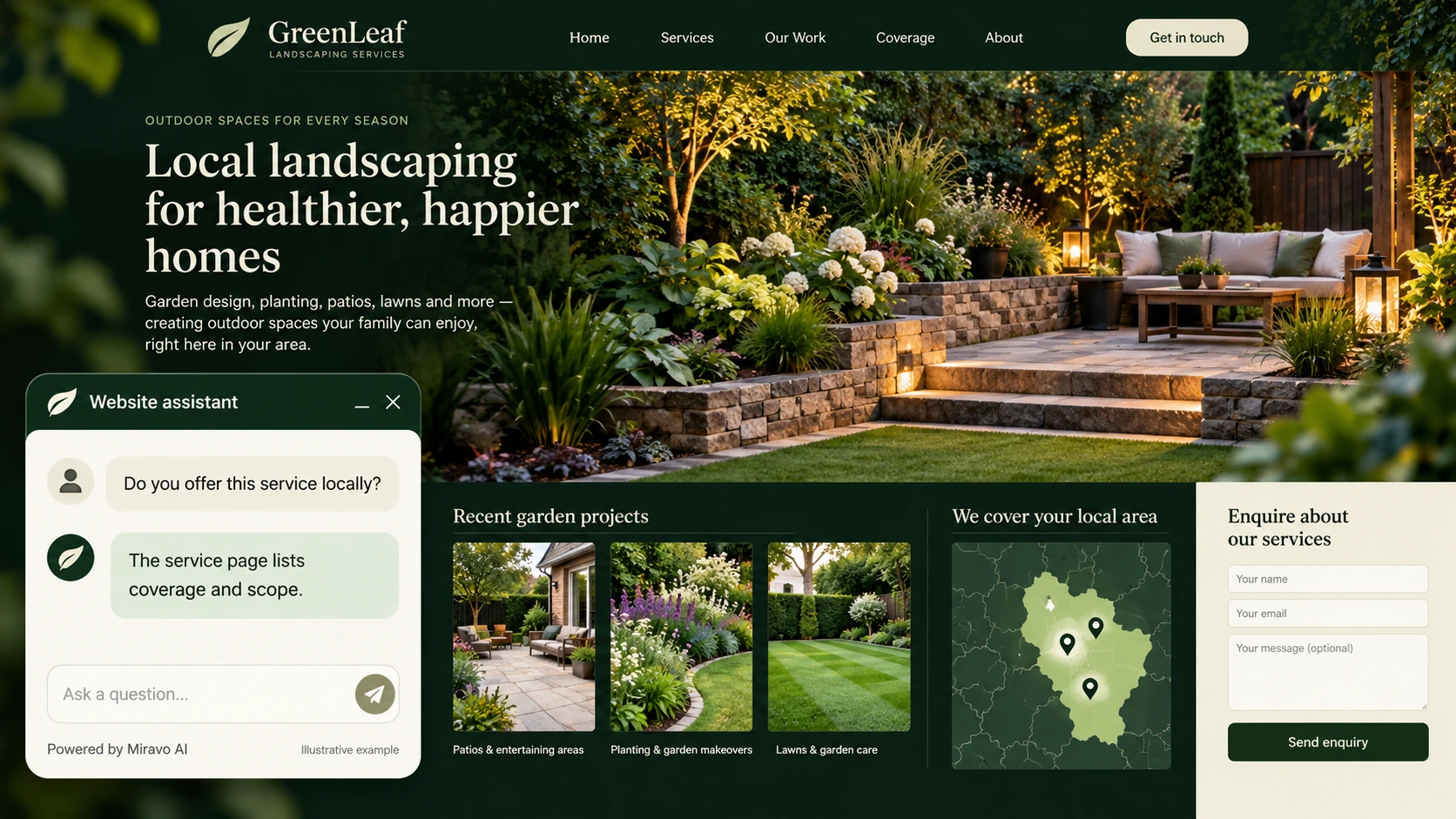
- Visitor
- Do you offer this service locally?
- Example assistant reply
- The service page lists coverage and scope.
Clarify an enquiry
A useful request makes a small team’s follow-up easier.
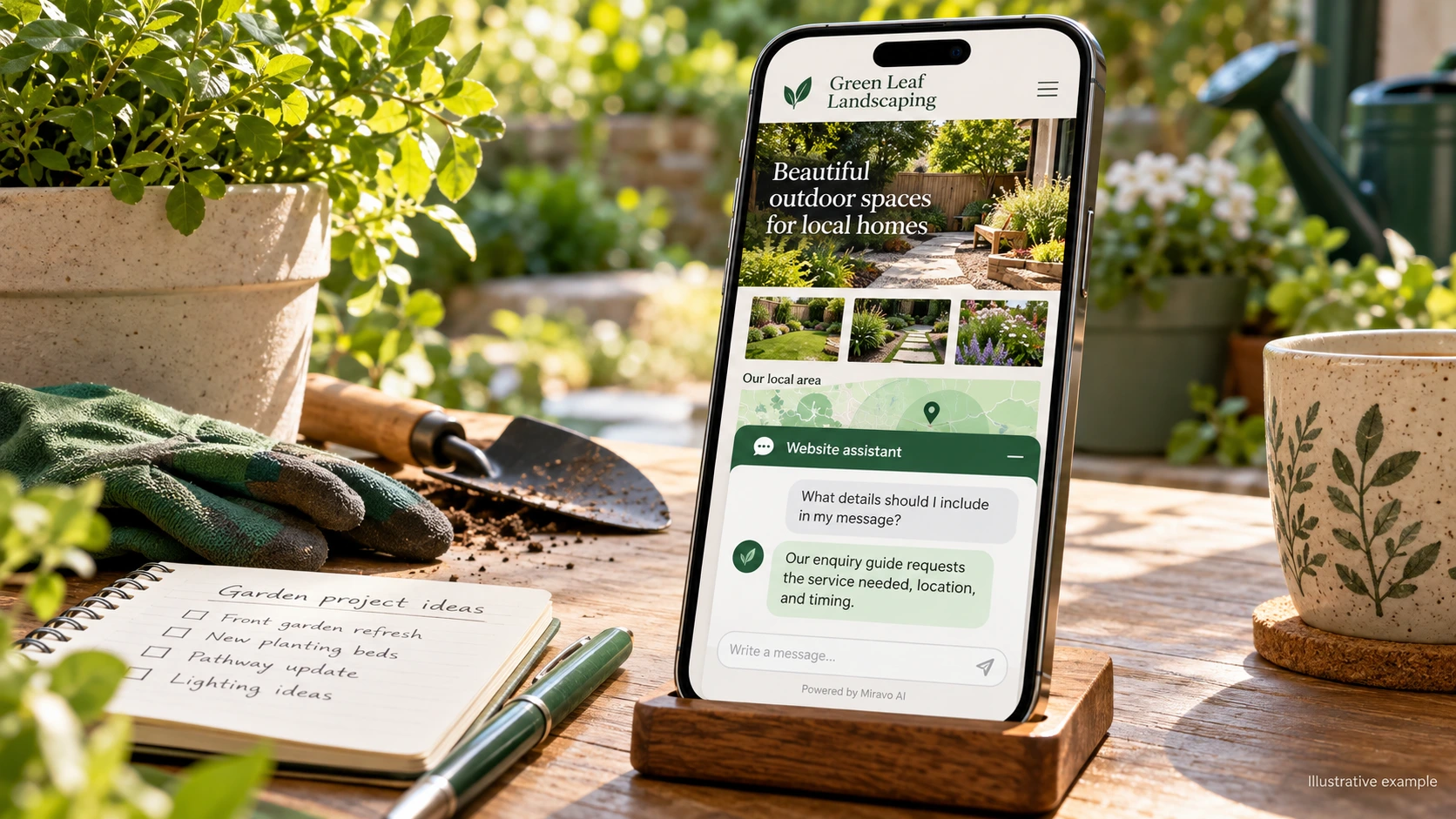
- Visitor
- What details should I include in my message?
- Example assistant reply
- Our enquiry guide requests the service needed, location, and timing.
Handle an exception
An honest exception route protects a small business from an unsupported promise.
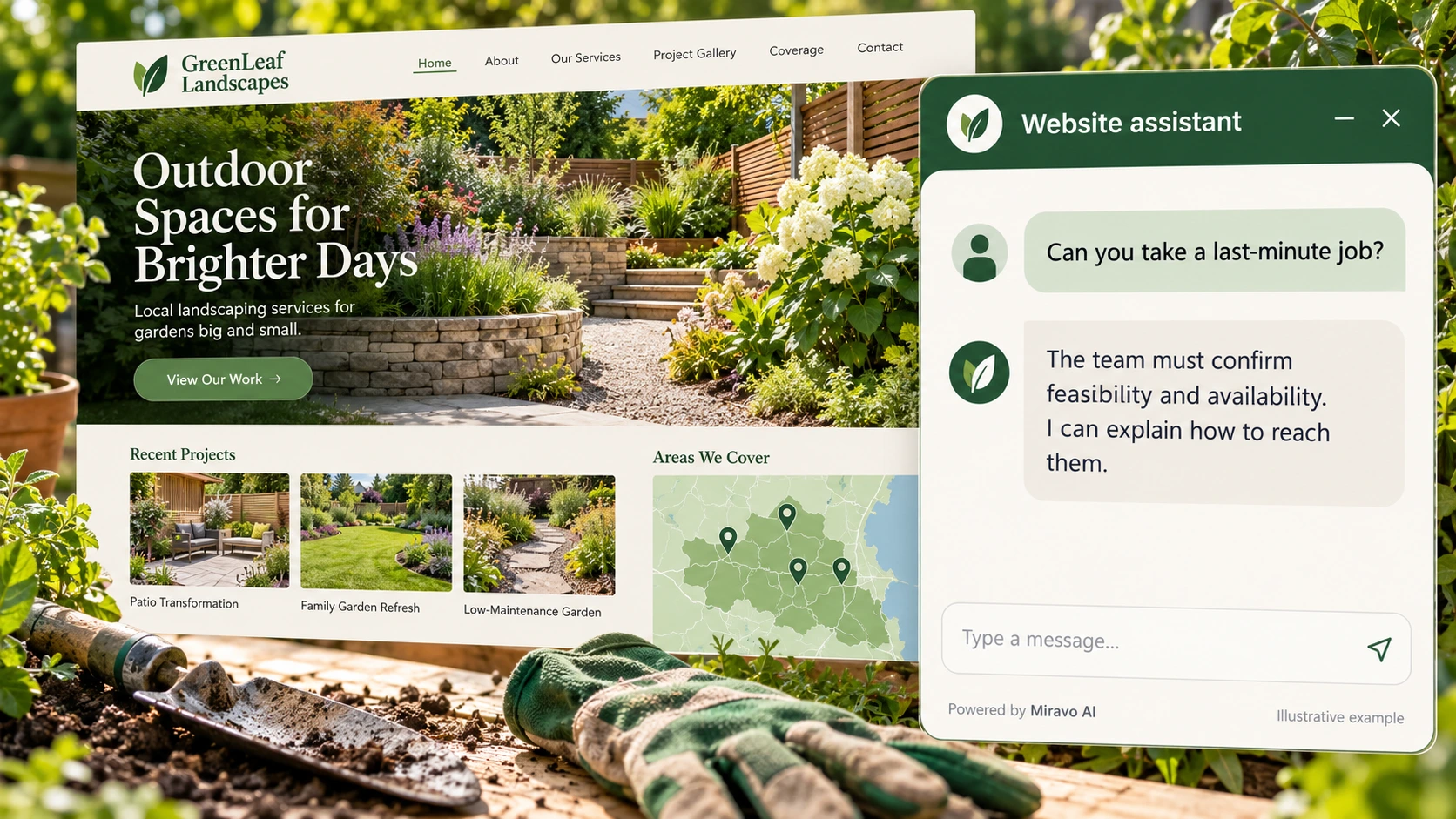
- Visitor
- Can you take a last-minute job?
- Example assistant reply
- The team must confirm feasibility and availability. I can explain how to reach them.
Build a knowledge base that answers real buyer questions
| Source to prepare | Question it should answer | Editorial review |
|---|---|---|
| Current service pages | Do you offer this service locally? | Explain local service scope from the current pages. |
| Coverage and enquiry guide | What details should I include in my message? | Prepare the location, work required, and timing for follow-up. |
| Published embed configuration | Can you take a last-minute job? | Keep last-minute feasibility with the team rather than an automatic promise. |
For source preparation, read how to train your chatbot on website content.
A review scenario before launch
Open the published main service page on mobile and test the launcher beside the navigation. Ask about an address near the coverage boundary and add an urgent deadline. The assistant should prepare location and timing for the business to review rather than promise last-minute availability.
- Published script visibility
- Mobile navigation overlap
- A last-minute availability promise
Work through the pre-launch checklist before rolling out more pages.
How to judge whether the chatbot is helping
Review qualified service enquiries and completed jobs in your business records. Check recurring content gaps before adding more pages to the assistant.
Questions about a chatbot for weebly websites
What is a sensible first deployment?
Choose the main service page and its recurring questions. Expand after replies are accurate and the team can handle the resulting enquiries consistently.