Wix websites · 3 min read ·
A Wix Website Chatbot That Makes Your Service Pages Easier to Use
A Wix website can present a polished business without giving visitors an easy place to ask a follow-up question. A chatbot can explain your published services and lead them toward a useful enquiry.
Discuss your wix websites website →What a useful chatbot changes for wix websites
A Wix business site can attract interest while leaving package details and enquiry requirements scattered across pages. Your assistant should make those facts easy to explore before a visitor contacts the team. Verify the available custom-code route on the actual site and test the published experience rather than relying on the editor alone.
Begin with one service package and its approved enquiry destination.
Clarify a service package
A specific scope answer helps a visitor qualify interest.
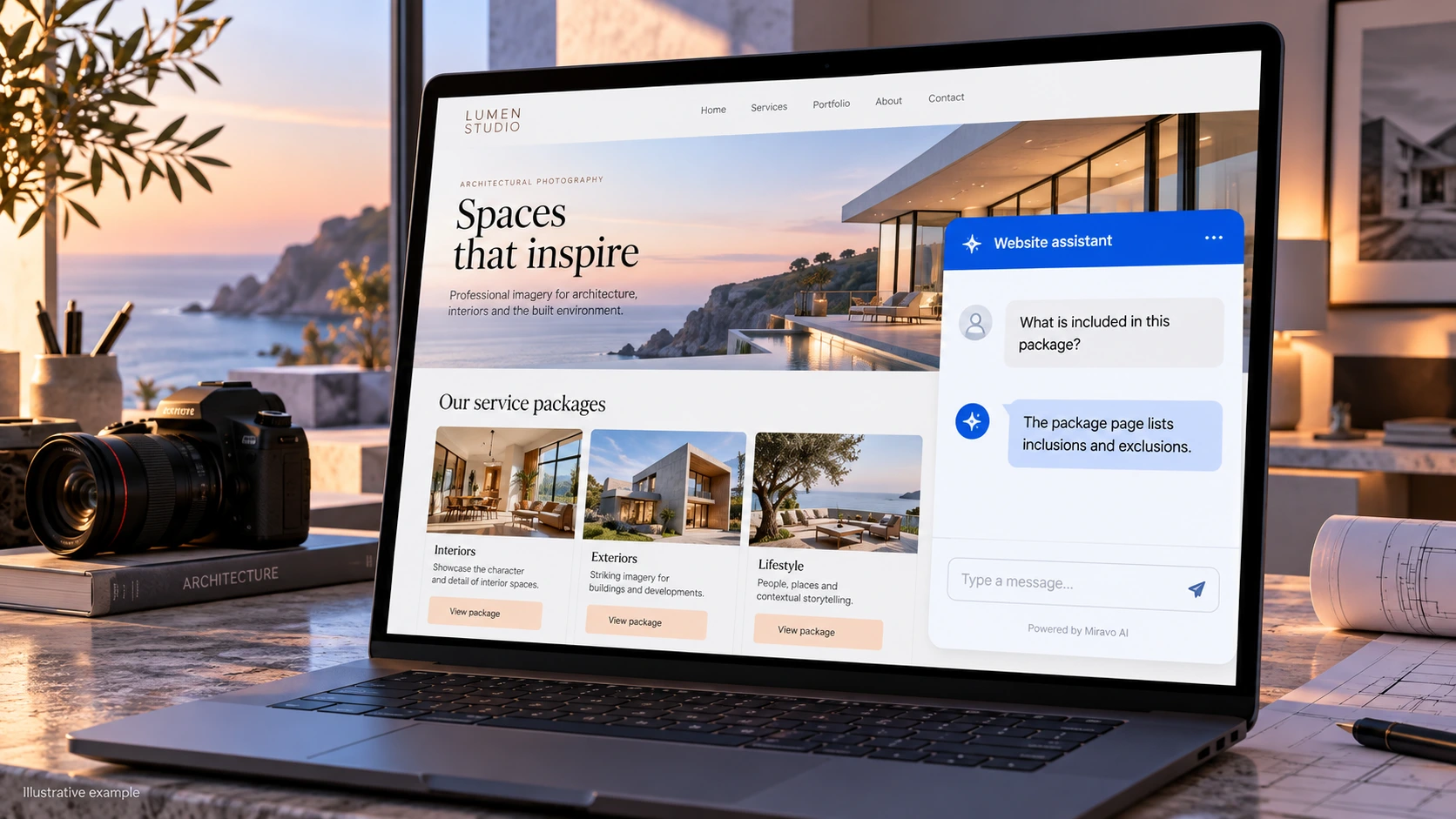
- Visitor
- What is included in this package?
- Example assistant reply
- The package page lists inclusions and exclusions.
Prepare an enquiry
Answer first, then invite a relevant follow-up.
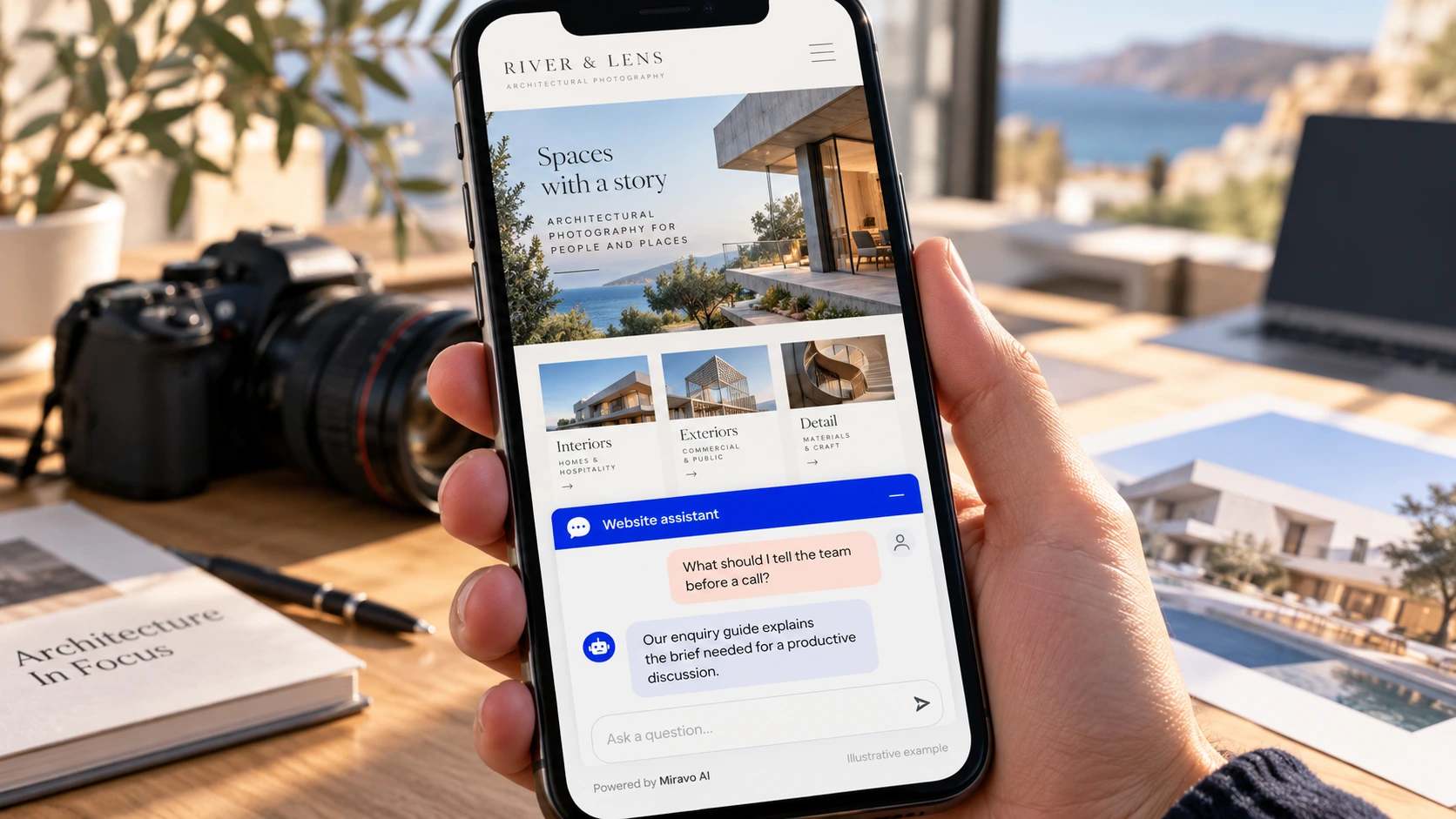
- Visitor
- What should I tell the team before a call?
- Example assistant reply
- Our enquiry guide explains the brief needed for a productive discussion.
Route a booking
A link to booking is different from access to the booking system.
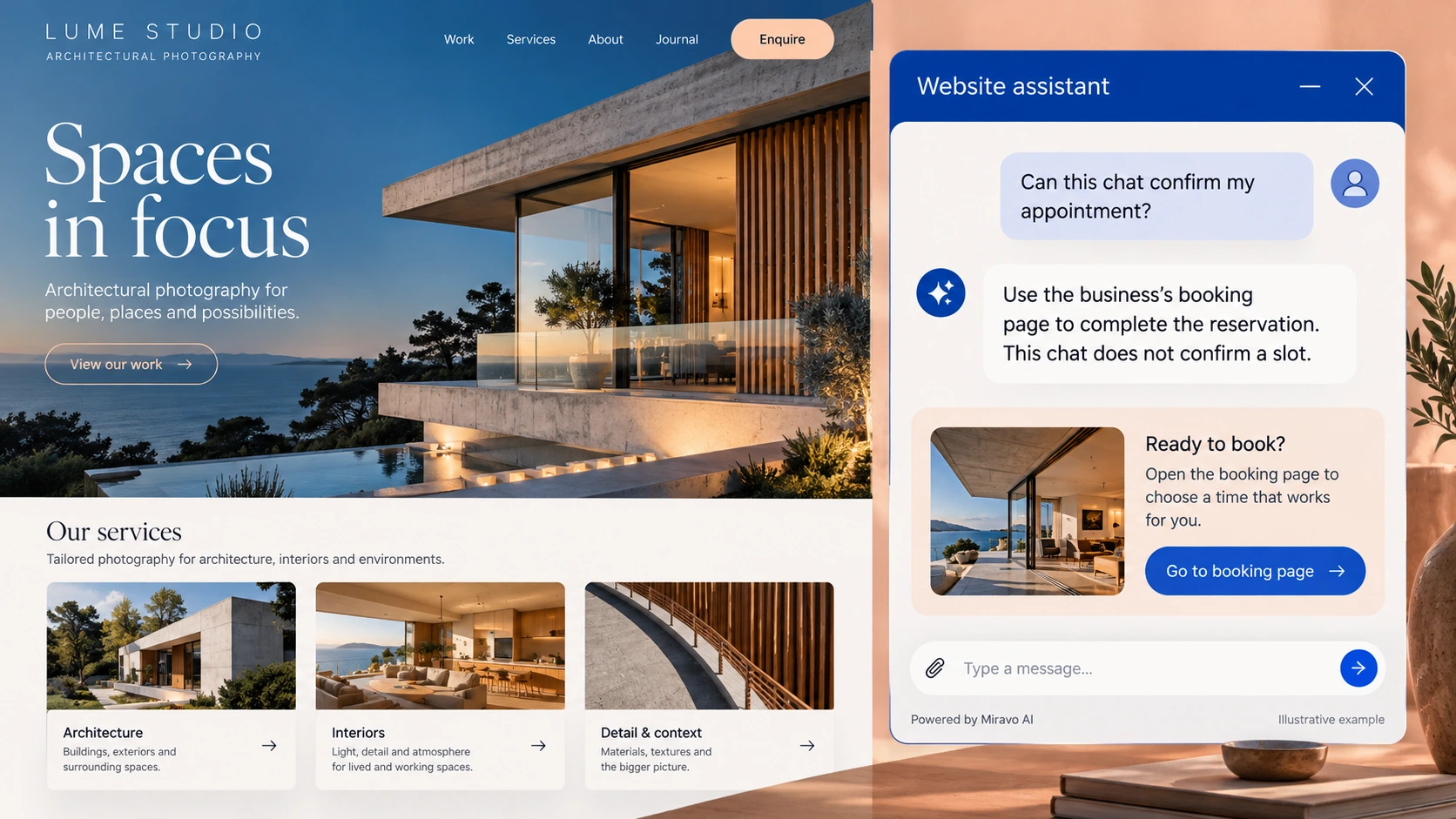
- Visitor
- Can this chat confirm my appointment?
- Example assistant reply
- Use the business’s booking page to complete the reservation. This chat does not confirm a slot.
Build a knowledge base that answers real buyer questions
| Source to prepare | Question it should answer | Editorial review |
|---|---|---|
| Published service packages | What is included in this package? | Explain inclusions and exclusions from the package page. |
| Approved enquiry route | What should I tell the team before a call? | Prepare the brief needed for a useful service discussion. |
| Site custom-code settings | Can this chat confirm my appointment? | Direct appointments to the existing booking page for confirmation. |
For source preparation, read how to train your chatbot on website content.
A review scenario before launch
Test the published service page as a visitor, including a narrow mobile screen where chat may compete with navigation. Ask about a package and request a booking. The answer should preserve package conditions and distinguish the booking link from an appointment confirmed through the business’s scheduling process.
- Custom code on published site
- Mobile overlay placement
- Unconfirmed booking
Work through the pre-launch checklist before rolling out more pages.
How to judge whether the chatbot is helping
Measure service-qualified enquiries and bookings confirmed in your existing system. Check the published Wix site rather than relying only on editor preview.
Questions about a chatbot for wix websites
Where should the first test happen?
Use the published Wix page where customers encounter the offer. Check the launcher, mobile layout, answers, and contact route in a fresh visitor session.