WordPress and WooCommerce sites · 3 min read ·
A WordPress and WooCommerce Chatbot That Helps Visitors Navigate Your Site
A WordPress website may combine service pages, editorial content, and a WooCommerce store. A chatbot can explain the approved parts of that content and help visitors reach the relevant next step.
Discuss your wordpress and woocommerce sites website →What a useful chatbot changes for wordpress and woocommerce sites
A WordPress site may combine editorial pages, services, and a WooCommerce store. Your assistant should distinguish those contexts so visitors receive the right explanation and destination. The site-wide chat can be consistent without treating every page as the same offer or assuming access to commerce records.
Choose an approved source set and verify published pages after any relevant cache refresh.
Explain a site offer
Clear source scope prevents different site sections from becoming one confusing offer.
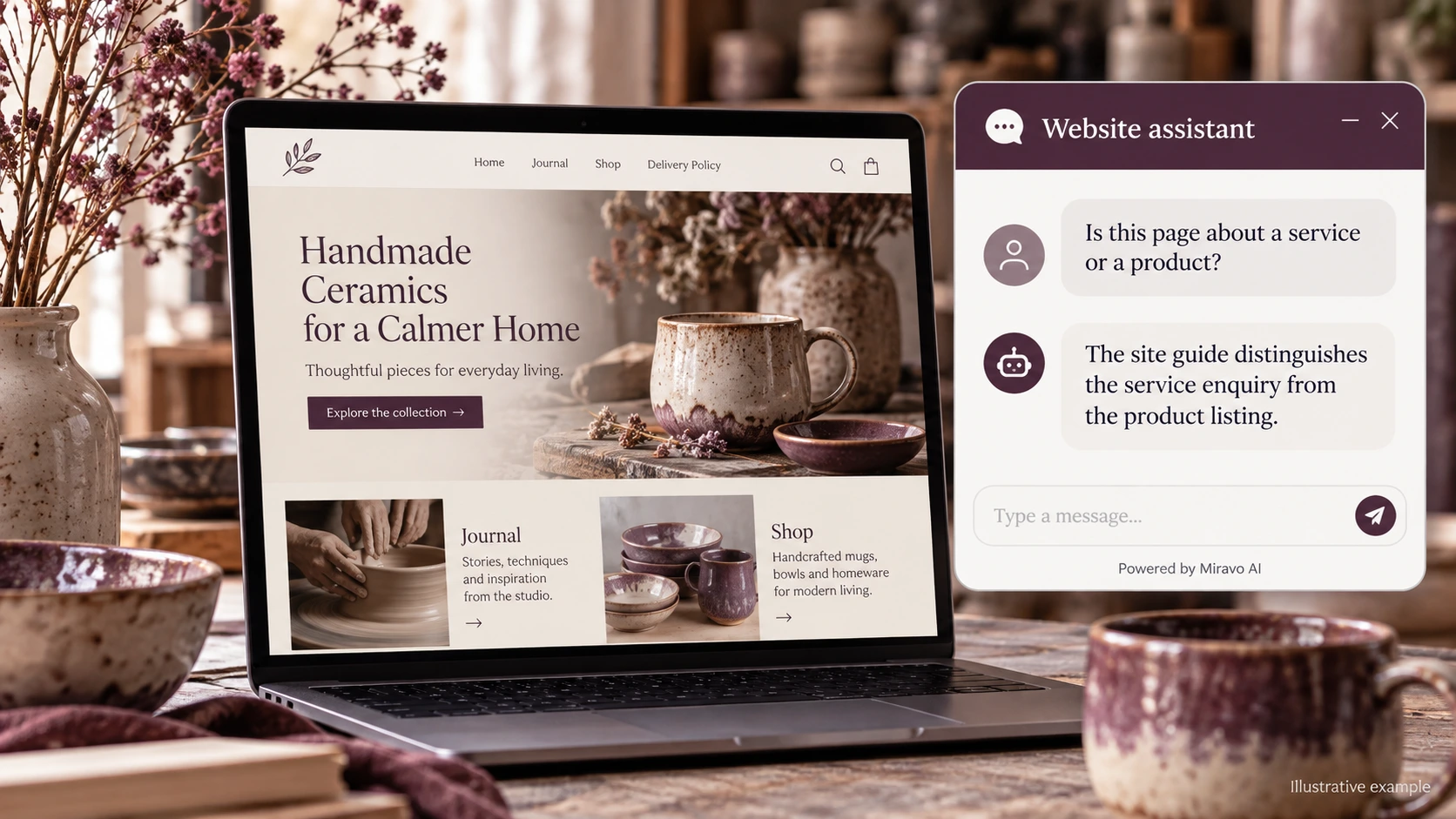
- Visitor
- Is this page about a service or a product?
- Example assistant reply
- The site guide distinguishes the service enquiry from the product listing.
Clarify store terms
A conversational answer should preserve the terms visible at purchase.
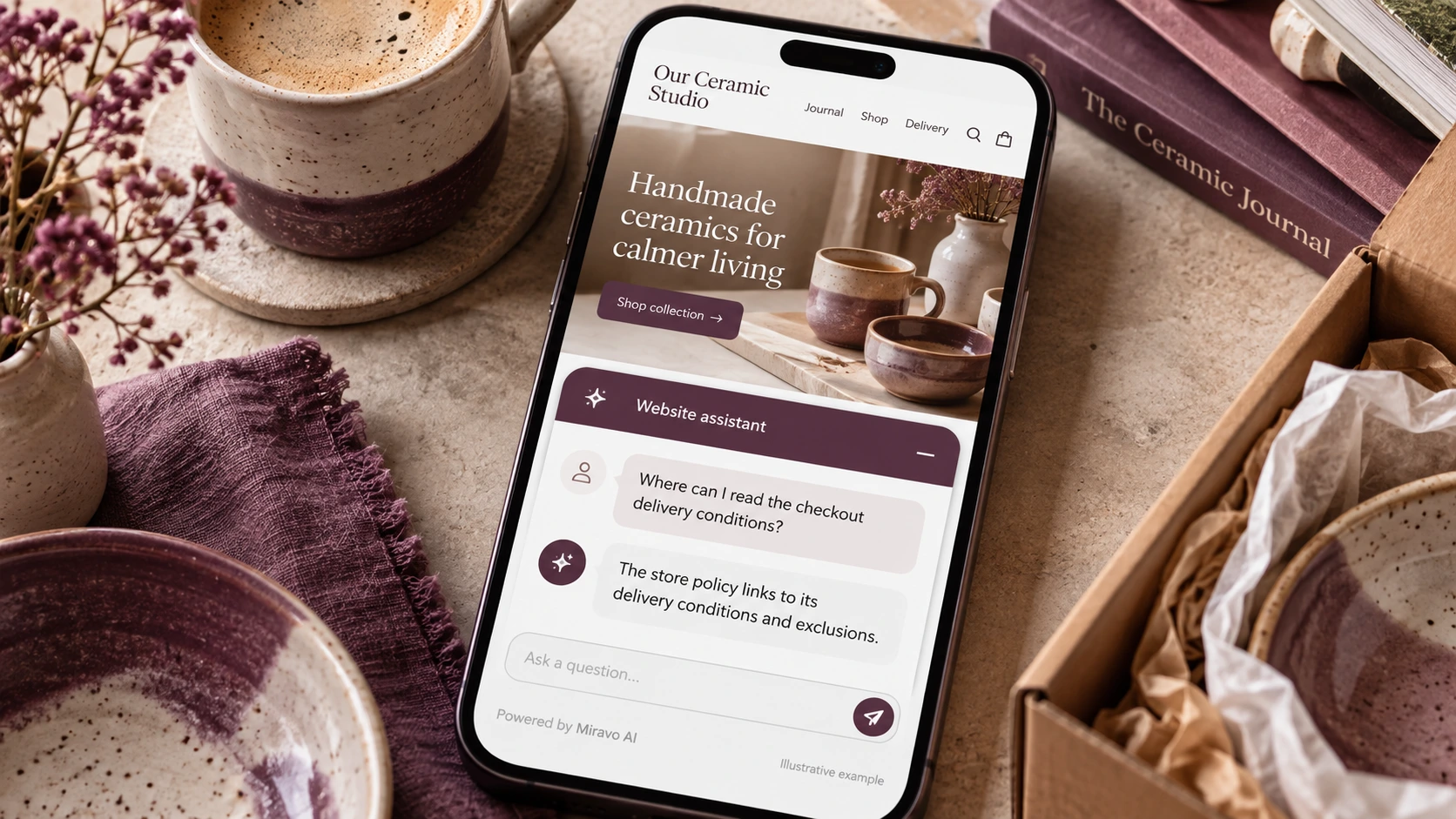
- Visitor
- Where can I read the checkout delivery conditions?
- Example assistant reply
- The store policy links to its delivery conditions and exclusions.
Route an order change
Keep store administration in the appropriate workflow.
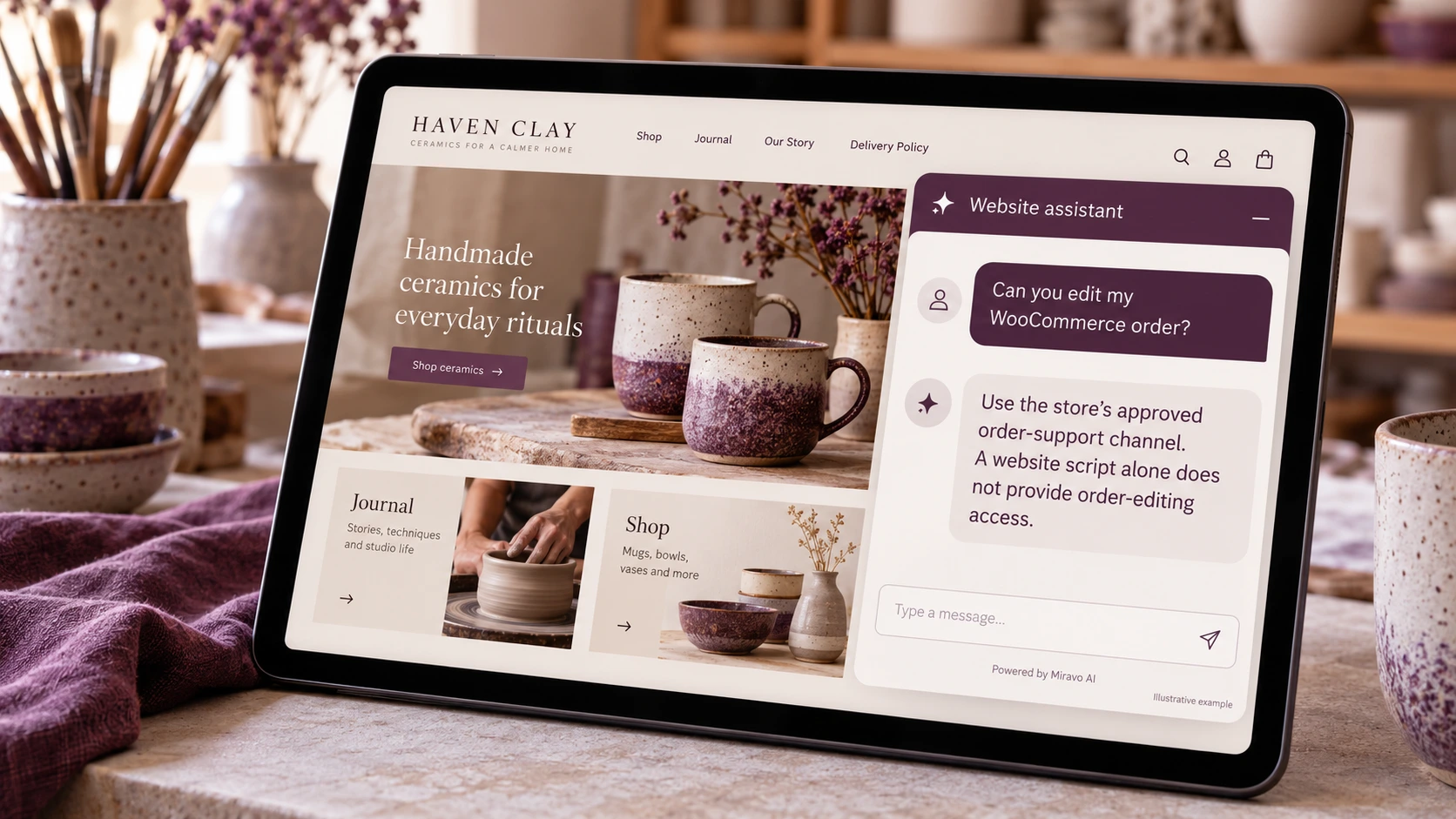
- Visitor
- Can you edit my WooCommerce order?
- Example assistant reply
- Use the store’s approved order-support channel. A website script alone does not provide order-editing access.
Build a knowledge base that answers real buyer questions
| Source to prepare | Question it should answer | Editorial review |
|---|---|---|
| Approved site pages | Is this page about a service or a product? | Distinguish a service enquiry from a store product purchase. |
| WooCommerce policy content | Where can I read the checkout delivery conditions? | Preserve the delivery conditions used by the WooCommerce store. |
| Site script-insertion method | Can you edit my WooCommerce order? | Send order changes through the approved store support route. |
For source preparation, read how to train your chatbot on website content.
A review scenario before launch
Verify the published page after clearing the site’s normal cache and compare it with the editor preview. Check mobile product and cart pages for overlapping controls. Ask to edit an order and confirm that the reply uses the WooCommerce store’s approved support route.
- Cached page after installation
- Mobile widget placement
- Order-editing request
Work through the pre-launch checklist before rolling out more pages.
How to judge whether the chatbot is helping
Review enquiry routing and store-policy questions separately. Check the installed site after cache refresh before using store outcomes to evaluate the pilot.
Questions about a chatbot for wordpress and woocommerce sites
Should we include every WordPress page?
Start with pages relevant to the chosen journey. Exclude outdated or conflicting content, and expand after the initial answers are dependable.